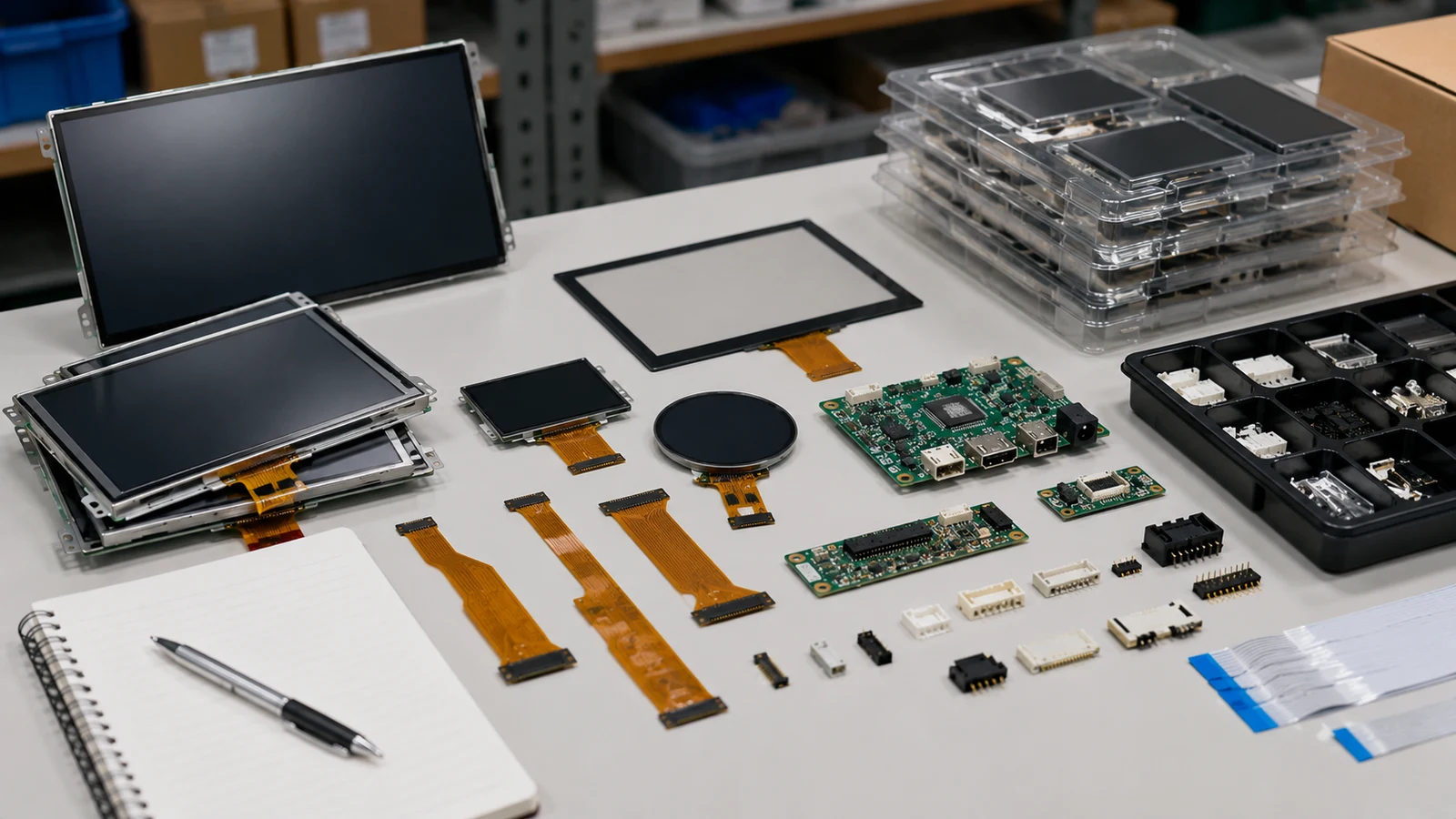
Applications · Display & embedded systems
Displays for the world you build.
From industrial control to connected everyday products. Display and embedded solutions shaped around the people and environments they serve.
Find your applicationStart with the application
The environment
shapes the solution.
The right interface begins with where, how and by whom it will be used.
RJY connects display technology with embedded computing, touch and mechanical integration. Explore six application areas, then work with us to define the details for your product.
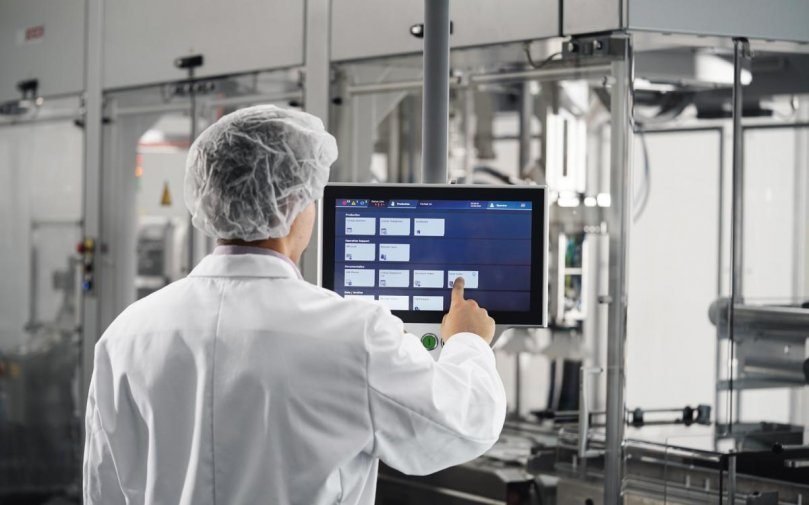
Explore our engineering services ↗Clarity at the point of control
Keep people, data
and machines connected.
Build operator interfaces for production equipment, automation terminals and industrial controls. Bring the display, embedded board and enclosure together around the working environment.
- Machine control panels
- Automation terminals
- Production monitoring
- Display & touch
- Consider brightness, surface treatments and glove operation for the operator’s environment.
- Embedded hardware
- Plan processing, industrial I/O and thermal management as part of one system.
- Mechanical fit
- Coordinate mounting, buttons, interfaces and the enclosure from the start.
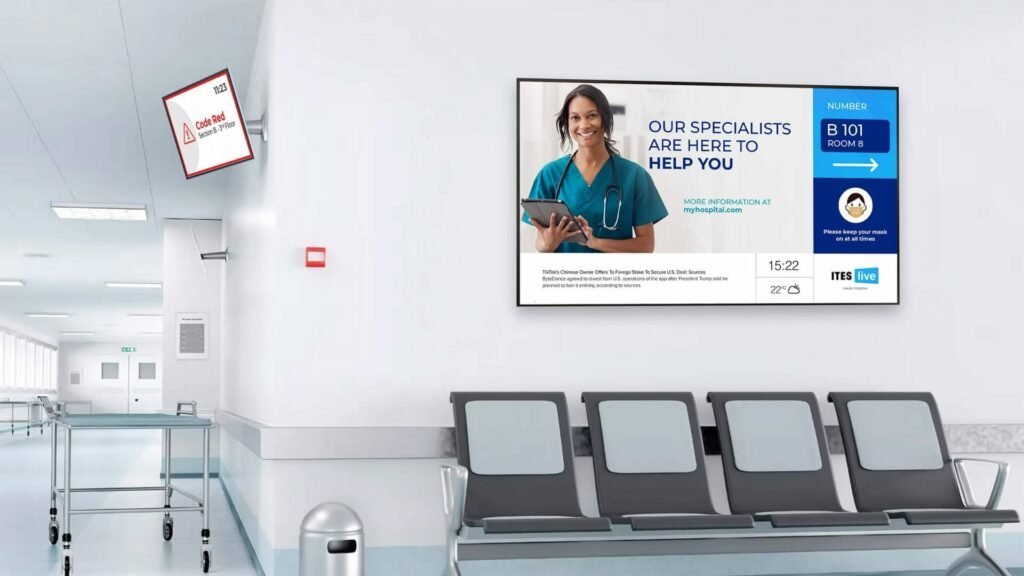
A considered interface for clinical use
Make complex information
easier to work with.
Display and embedded platforms for patient monitoring, diagnostic equipment and clinical terminals. Start with the intended workflow, then define the optical, touch and integration requirements.
- Patient monitoring
- Diagnostic interfaces
- Clinical equipment
- Visual performance
- Match resolution, contrast and viewing characteristics to the intended device.
- Daily interaction
- Discuss gloved touch, surface treatments and cleaning requirements.
- System integration
- Consider electrical interfaces, thermal design and the device’s validation needs together.
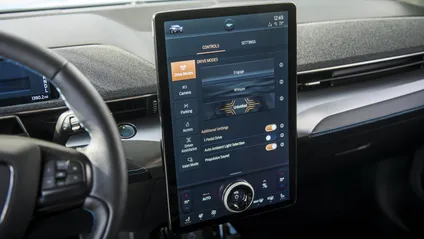
Information in motion
Bring the cockpit
into clear view.
Display and computing integration for instrument clusters, infotainment and vehicle control interfaces. Coordinate the screen, electronics and interior design around the vehicle environment.
- Digital instrument clusters
- Infotainment interfaces
- Vehicle control displays
- Optics & readability
- Review brightness, reflections and cover-glass design for changing cabin light.
- Connected electronics
- Plan processing and vehicle-network interfaces around the system architecture.
- Environmental fit
- Address temperature, vibration, mounting and thermal constraints in the design brief.
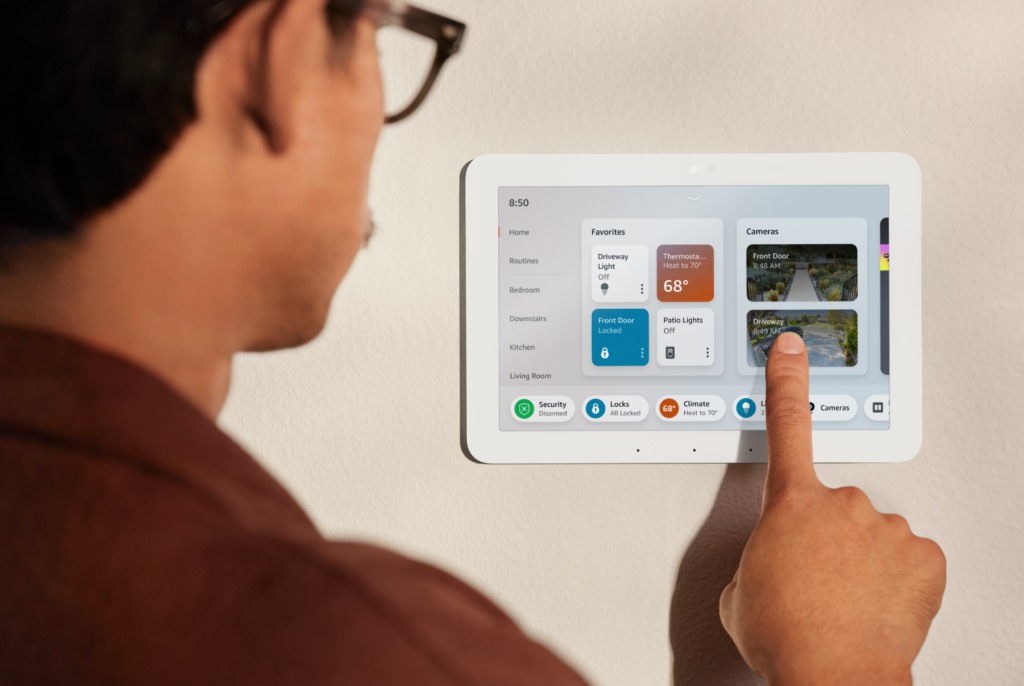
Intuitive control for everyday spaces
Make connected spaces
feel effortless.
Touch interfaces for home hubs, appliances, access control and modern offices. Balance responsive interaction with the product’s appearance, connectivity and installation constraints.
- Home automation hubs
- Meeting-room & desk booking
- Smart appliances & access control
- Form & finish
- Shape the display, bezel and enclosure around the room or appliance.
- Responsive interaction
- Bring touch, interface software and processing performance together.
- Connected controls
- Consider wireless communication, sensors and building-system interfaces.
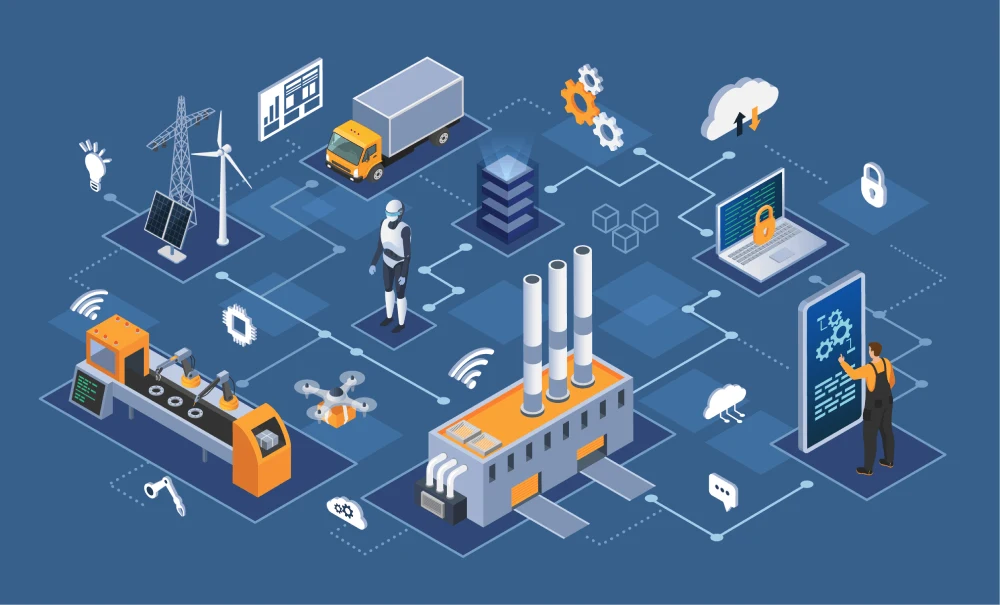
A useful interface at the edge
Connect the device.
Simplify the interaction.
Display and embedded foundations for kiosks, vending, lockers and energy terminals. Connect the user interface with sensors, networks and the physical functions of the device.
- Smart retail & vending
- Parcel lockers & kiosks
- Energy monitoring terminals
- Public-facing touch
- Review readability, protective glass and touch behavior in the installed environment.
- Device connectivity
- Plan serial interfaces, relays, antennas and sensor connections.
- Efficient operation
- Balance display power, processing requirements and the enclosure’s thermal behavior.
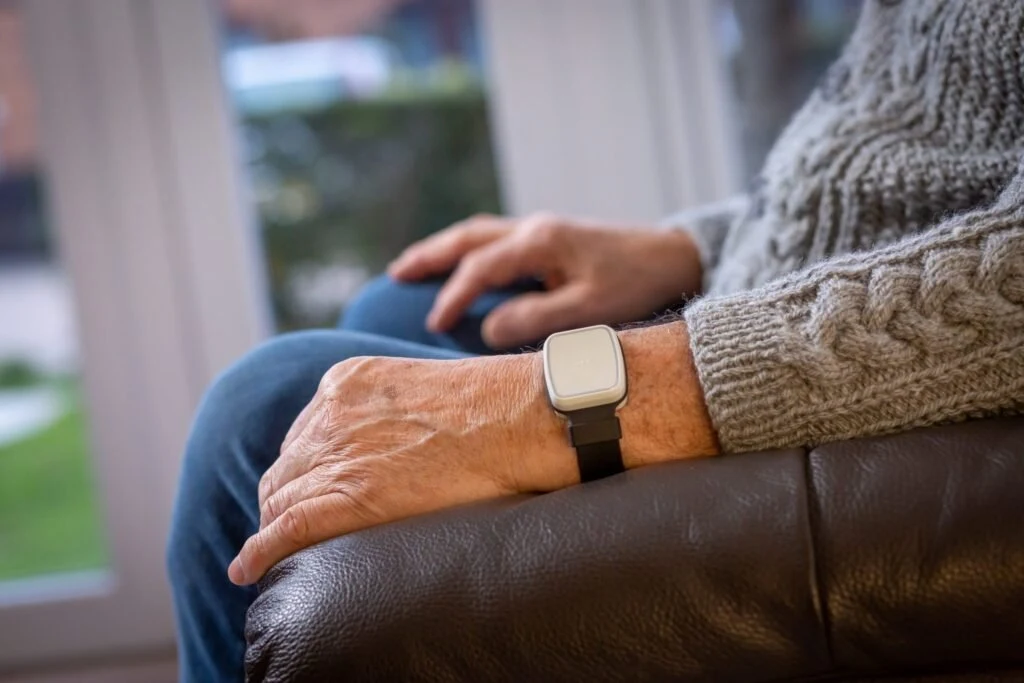
Small form. Carefully connected.
Design around people.
Make every millimeter count.
Compact displays and embedded hardware for personal devices, health trackers and connected badges. Treat the screen, power budget, sensing and enclosure as one integrated design.
- Fitness & health trackers
- Personal safety devices
- Connected badges & asset trackers
- Compact displays
- Consider screen shape, thickness, readability and the available interaction area.
- Power & sensing
- Coordinate low-power hardware, sensor integration and wireless connectivity.
- Comfortable integration
- Adapt the board outline, cover glass and touch behavior to the wearable form.
One connected platform
Different applications.
The same attention to detail.
Choose a starting point, then bring the display, electronics and user experience into one design.
From application to specification
A useful brief.
A clearer starting point.
Share what matters in your product’s working environment. Our team can help turn those requirements into a development scope.
Discuss your application- How will it be used?Users, viewing distance, touch interaction and operating workflow.
- Where will it operate?Light, temperature, moisture, cleaning and mechanical constraints.
- What must it connect to?Computing platform, sensors, interfaces, power and connectivity.
- What comes next?Prototype goals, expected production volume and project timeline.
Your application. Our next challenge.
Let’s find the right
starting point.
Bring your product idea and the environment it needs to work in. We’ll help connect the display and embedded details.
Start a conversation