Touch contacts can arrive correctly while every tap lands in the wrong place. After a display rotation, that symptom calls for a coordinate-path investigation: identify the space of each point, the order of its transforms, and the output to which the compositor maps it.
This article starts with a working absolute-touch event path. It examines sensor orientation, calibration, output association, and logical coordinates on Linux. The mathematical examples use a normalized teaching model; they are not raw libinput event values or configuration commands for every compositor.
Name the coordinate spaces before changing a matrix
A sensor reports positions in its own axis ranges. A driver may adjust those positions. An input library can apply calibration. The compositor then associates the device with an output or region and places the result within its logical layout. The application may introduce another local coordinate space.
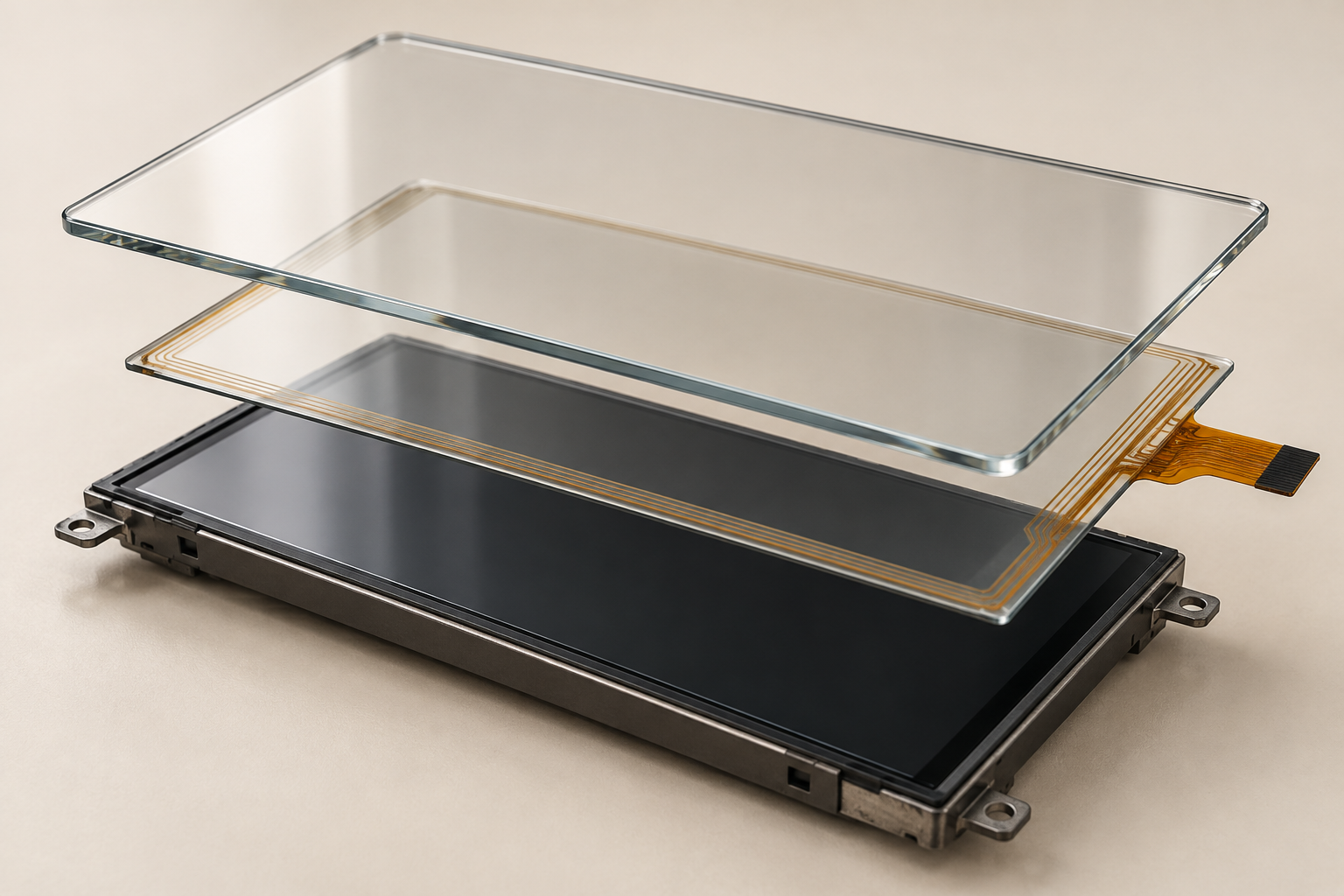
Record each boundary rather than calling every value a screen coordinate. For example, a touch near the sensor’s upper-left corner might reach the library correctly but map to the wrong monitor. That failure needs an output-association correction, not necessarily a sensor-axis correction.
The libinput absolute-axis documentation, read as version 1.32.0, specifies default absolute coordinates in millimeters. It applies calibration before delivering coordinates to the caller. Mapping into the desktop layout also requires the compositor’s output placement.[1] A callback value must therefore be interpreted through its API, not assumed to lie between zero and one.
Keep physical and logical orientation separate as well. Rotating the panel enclosure changes its relationship to the operator. Rotating an output changes the displayed coordinate system. Neither action alone specifies the correction that the touch path needs.
Use an explicit convention to analyze a rotation
For the teaching model below, place the origin at the top left. Let u increase to the right and v increase downward. Represent points as column vectors in a normalized unit square. Under this convention, define a clockwise quarter-turn coordinate map R:
R(u, v) = (1 - v, u)This definition describes the movement of coordinates in the model. It does not say that physically rotating a display clockwise requires applying this map clockwise as compensation. The required correction depends on the source orientation and the destination space.
| Input point | After R | Destination corner |
|---|---|---|
| (0, 0) | (1, 0) | Top right |
| (1, 0) | (1, 1) | Bottom right |
| (1, 1) | (0, 1) | Bottom left |
| (0, 1) | (0, 0) | Top left |
| (0.5, 0.5) | (0.5, 0.5) | Mittel- |
The center alone cannot reveal this rotation because it remains fixed. Four labeled corners establish the affine map in this model. The asymmetric interior point used below gives a simple numerical check of transform order. Record the expected points before changing coefficients.
For reference, the libinput calibration API represents an affine transform with six values forming the first two rows of a homogeneous 3 x 3 matrix. Its documented clockwise quarter-turn has rows (0, -1, 1) and (1, 0, 0); the homogeneous last row is (0, 0, 1), and translation is normalized to the device range. Check support and returned status for the actual device.[2] Those facts do not establish which component should own the correction in a particular system.
Transform order changes the result
Define a horizontal reflection F in the same teaching space:

F(u, v) = (1 - u, v)Now use the asymmetric point q = (0.2, 0.3). Reflecting first gives (0.8, 0.3), and applying R afterward gives (0.7, 0.8). Rotating first gives (0.7, 0.2), and reflecting afterward gives (0.3, 0.2).
| Operation order | Result for q |
|---|---|
| R after F: R(F(q)) | (0.7, 0.8) |
| F after R: F(R(q)) | (0.3, 0.2) |
In column-vector notation, the rightmost matrix acts first. Saying that a system has both rotation and reflection is therefore incomplete: their order is part of the configuration contract. Copying a correct matrix into a different stage can produce a different final result.
The Linux v6.12 common touchscreen binding defines inversion properties and specifies axis swapping after inversion. Its coordinate-size properties specify the maximum reported coordinate plus one, not automatically the LCD pixel dimensions.[3] These binding definitions matter only when the relevant driver and device path consume them. They are not a universal USB HID correction mechanism.
When several layers can transform coordinates, list their current settings first. A driver inversion followed by a library reflection might cancel, while a compositor rotation changes the remaining composition. Adding another correction without that inventory can hide one error behind another.
Separate orientation correction from output association
A correctly oriented touch device can still control the wrong output. Calibration changes coordinate interpretation; output association chooses where those coordinates belong. On a system with multiple displays, solve these as separate questions.
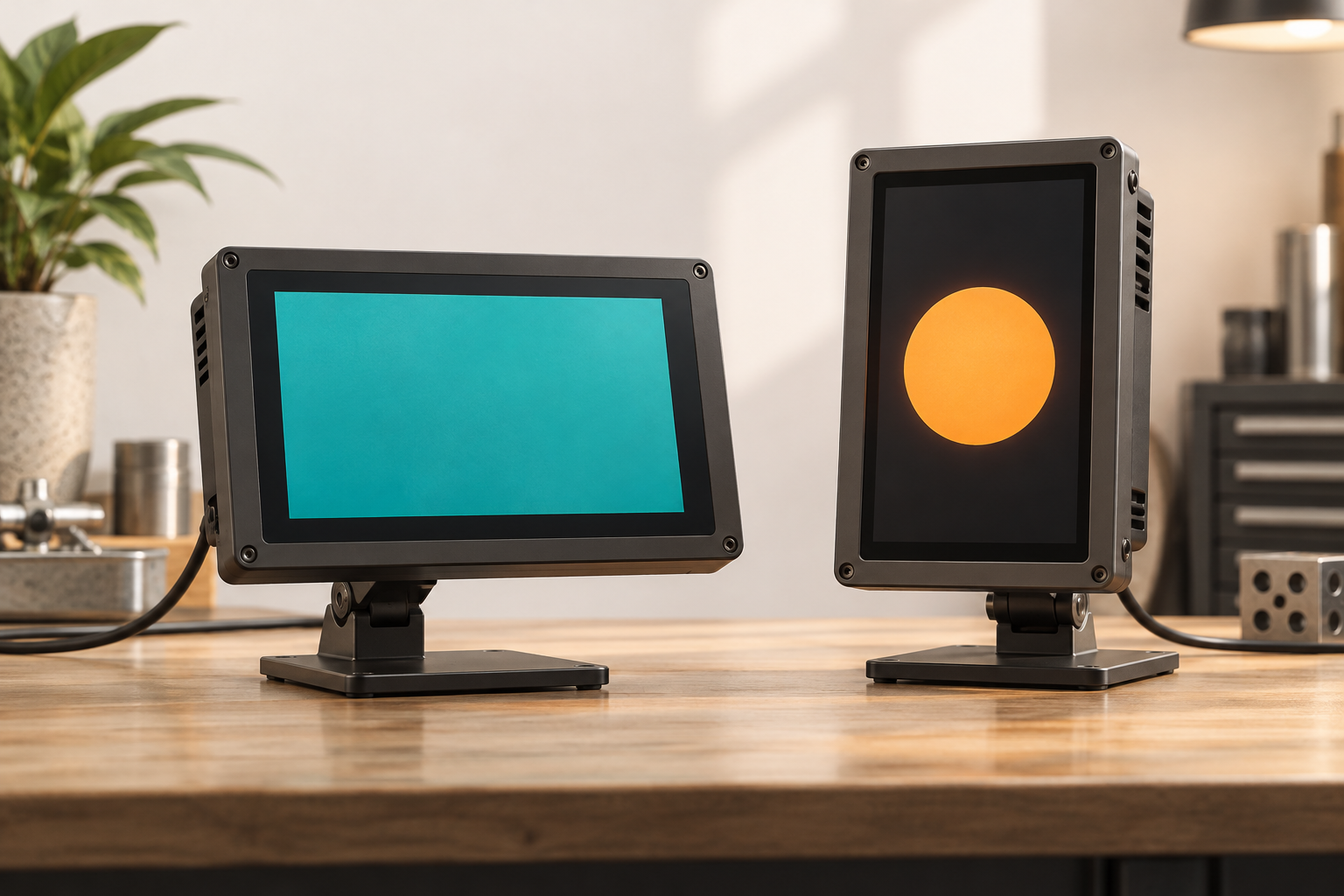
Sway 1.11 provides map_to_output for output association, map_to_region for a global-layout region, and calibration_matrix for six affine coefficients.[4] These are Sway interfaces. Another Wayland compositor, or another installed version, can expose different configuration. Do not treat an X11 xinput command as a general control for native Wayland input.
Write down the selected output, its logical extent, its layout offset, and any scale or output transform. Then identify which space the compositor expects at each boundary. Applying the desktop offset at both the library-adapter layer and the compositor would be as wrong as omitting it.
As a separate continuous-coordinate example, let a point within an output be (0.7, 0.2). With a logical extent of 600 x 1000 and a layout offset of (1920, 0), simple scaling and translation give the global point (2340, 200). This is arithmetic for the stated model, not a compositor configuration or a pixel-index rule.
Discrete endpoints need the target API’s convention. A normalized endpoint of one may represent an edge in a continuous space; it does not authorize indexing pixel W in an array whose last column is W – 1. Keep logical extents and pixel indices distinct.
Do not normalize unknown units by assumption
A normalized model is useful because it makes orientation independent of a particular resolution. To connect it to real events, however, the input range must be known. In a toy raw range from 100 to 2100, a value of 1000 normalizes to 0.45 after subtracting the minimum and dividing by the range span.
That example does not describe default libinput units. Nor does it establish how a specific driver reports its maximum, applies clipping, or handles an axis swap. Record those details from the actual interface before calculating a conversion.
A constant offset, a scale mismatch, and an orientation error can look similar near the center. Compare several points and their units rather than fitting a correction from one tap. Clipping at an edge can also conceal the true transformed value, so inspect the point before and after the suspected boundary where possible.
Verify one responsible layer at a time
The following is a proposed integration procedure. Save the current configuration and record the four corners, center, and an asymmetric interior point. Include the physical target, measured coordinate, coordinate space, and expected destination. Keep the display layout fixed during each comparison.
| Observed pattern | Next distinction to check |
|---|---|
| Positions rotate consistently around the center | Source orientation versus the transform convention |
| Left and right exchange | Reflection and its order relative to rotation |
| Orientation is right but another monitor receives input | Output association and global-layout placement |
| Error grows with distance from one edge | Range, scale, and coordinate-unit conversion |
| Edges clip while interior points move unexpectedly | Intermediate transform output before clipping |
These patterns are clues rather than unique diagnoses. Choose the layer responsible for the identified correction, change it there, and repeat the same point records. Avoid simultaneously changing driver properties, calibration, and compositor mapping; that removes the evidence needed to explain the result.
You can check the teaching model by applying R four times: every point should return to its start. Compare R(F(q)) with F(R(q)) at the stated interior point to check order. These are reproducible arithmetic checks, not libinput, compositor, or touchscreen hardware validation.
If contacts are missing rather than misplaced, use the separate Linux USB touchscreen troubleshooting guide. For broader assembly choices, see the Anleitung zu TFT-LCD-Modulen mit Touchscreen. Neither replaces a documented transform chain for this problem.
Send point records with the integration request
For project-specific review, kontaktieren Sie RJY Display with the controller and module identity, kernel and compositor versions, orientation convention, output layout and scale, and the layer that owns each transform. Include before-and-after point records and the relevant driver documentation. This supports a scoped integration discussion without promising a universal matrix, driver fix, or compatibility result.
Referenzen
- libinput: Absolute axes, version 1.32.0 as read October 22, 2026.
- libinput: Calibration matrix API.
- Linux v6.12: Common touchscreen binding.
- Sway 1.11: Input manual.