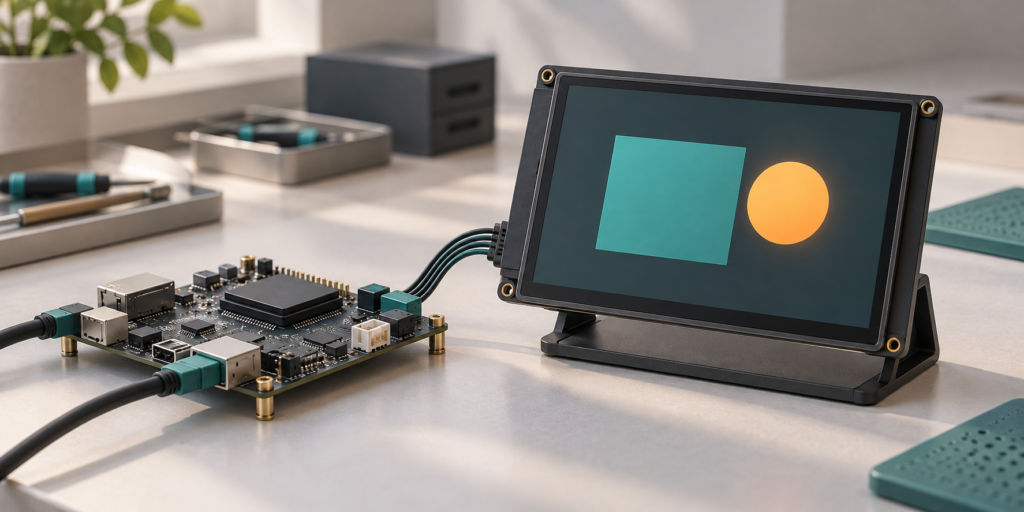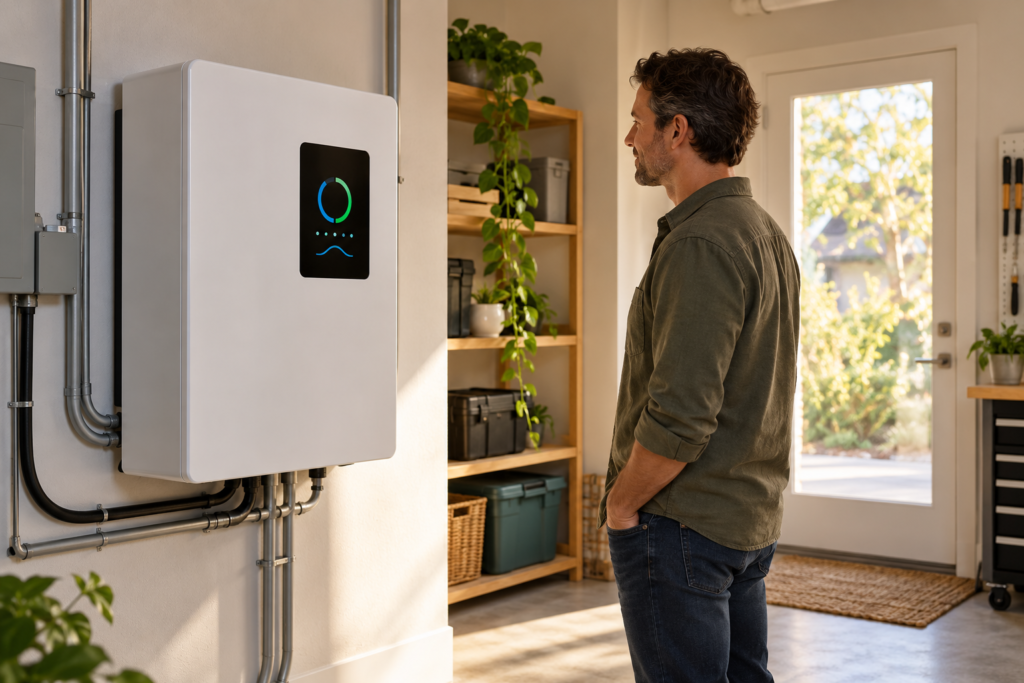
A clear display can help people understand what a home inverter is doing, recognize a warning, and choose the right next step. It can show whether the system is supplying backup power, how much battery capacity remains, or why the inverter has stopped. The value depends on accurate information, readable presentation, and a control system that behaves safely even if the screen fails.
For inverter manufacturers, the display is part of the product’s human-machine interface (HMI). Its job is to make system information and permitted controls understandable to a homeowner. The inverter’s power controller, protective circuitry, and battery management system, where present, remain responsible for their respective functions.
Why a home inverter needs a clear interface
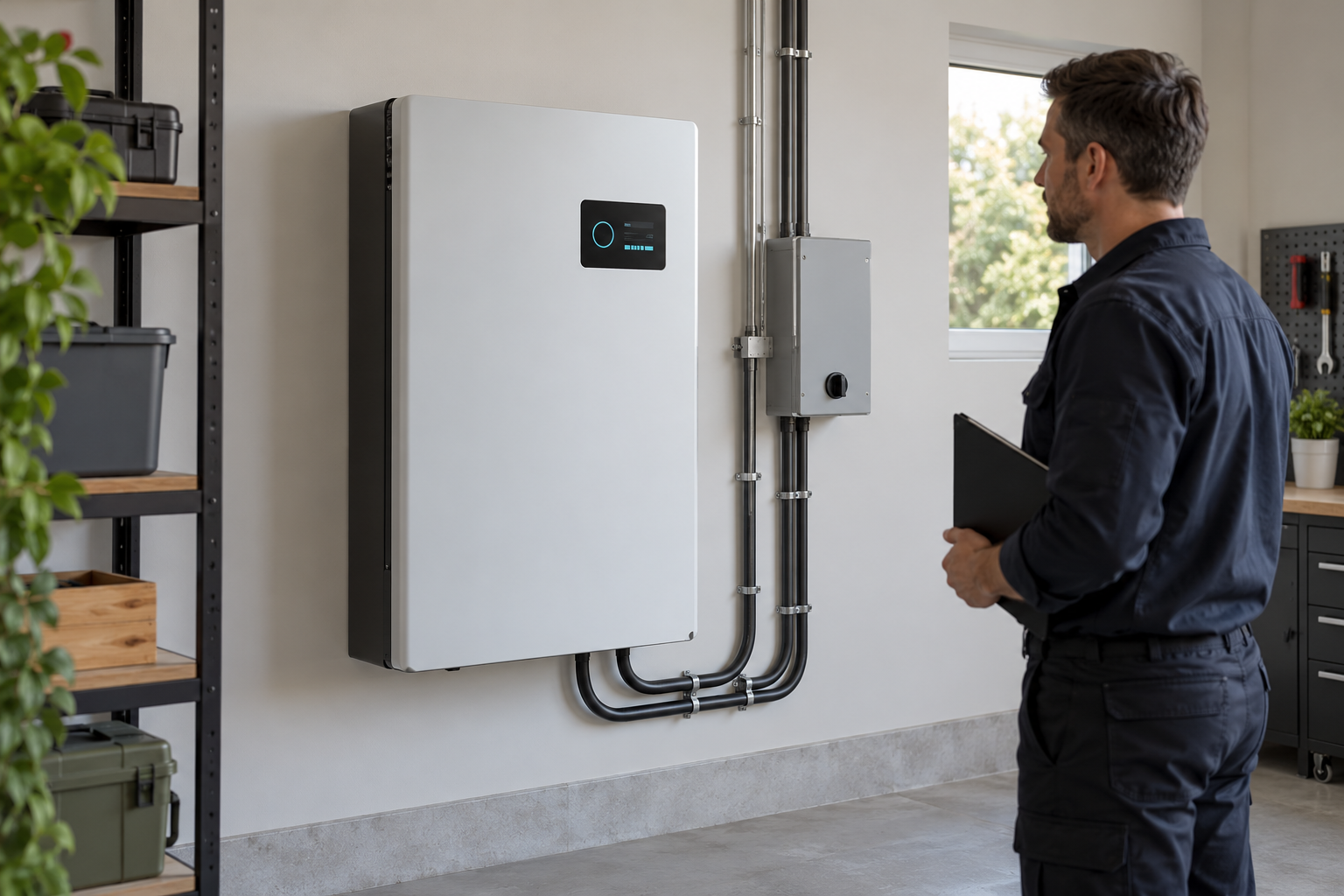
A household inverter may support backup power, solar generation, battery storage, or a combination. Features and operating modes vary. A homeowner may need to distinguish normal grid operation from battery backup or understand why an output has stopped during an outage. A screen can present this information locally without requiring a phone or internet connection, if the system is designed to keep the display powered.
For an overview of inverter types and buying considerations, see this whole-house power inverter guide. Once the system type is chosen, the manufacturer can design the display around the information that users and service teams actually need.
Show the system state at a glance
The main screen should answer basic questions without requiring the user to navigate through several menus. Depending on the system and available measurements, it can show:
- The current operating state, such as grid supply, backup operation, standby, or fault.
- Battery state of charge when a valid measurement is available, with a clear indication if it is unavailable or estimated.
- Power going to the load and, where relevant, whether the battery is charging or discharging.
- Grid and solar status only where the product supports those functions.
Use labels and direction indicators consistently. An energy-flow graphic can help, but it should not imply that a source is connected or a load is energized unless the system has confirmed that state. If communication is lost or a value is stale, mark the data as unavailable instead of leaving an old value looking current.
As an example of how a particular product presents system information, Victron Energy describes battery, load, and AC information in its EasySolar-II GX display documentation. The available measurements and behavior depend on the equipment.
Make warnings easier to understand
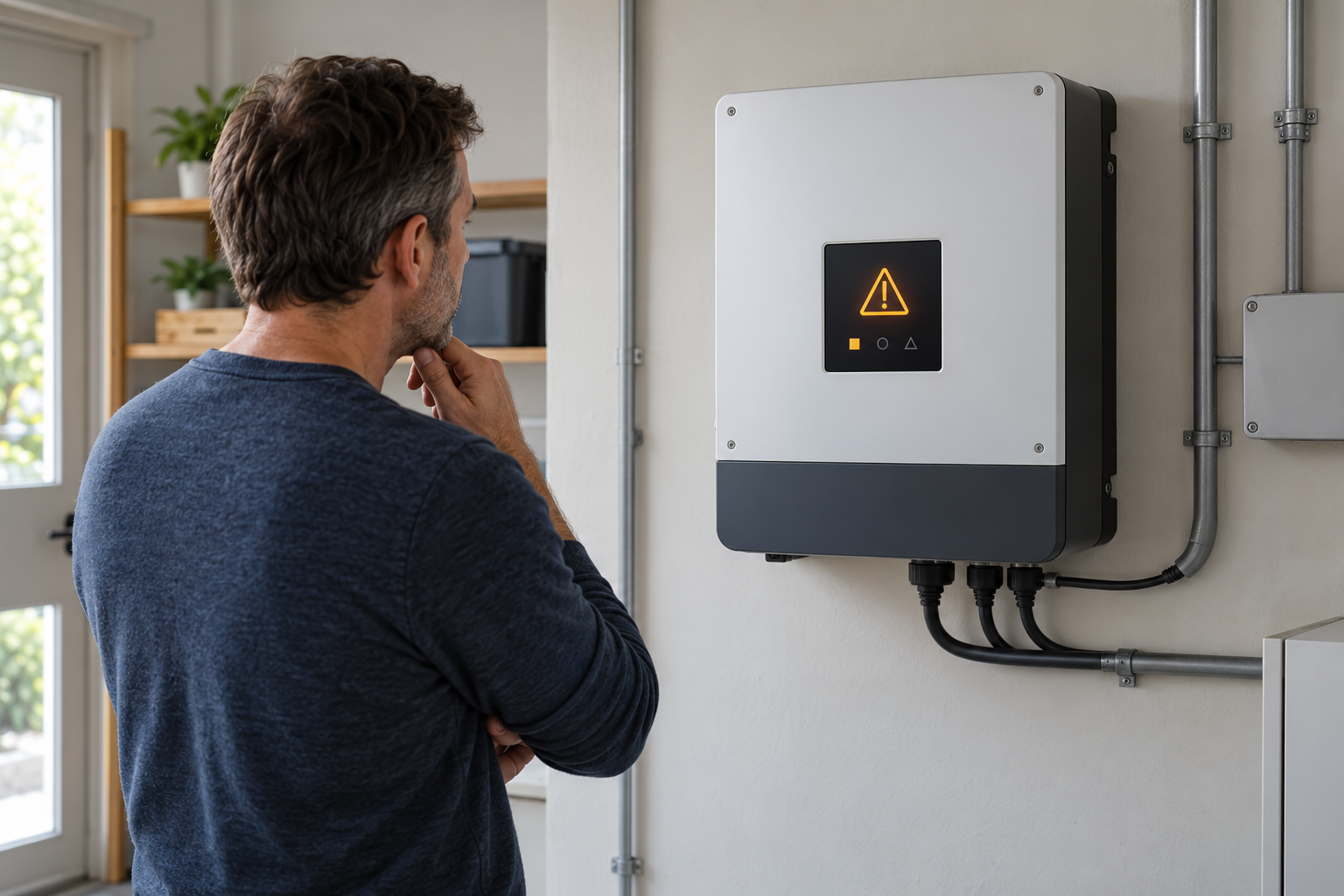
An inverter may report a low battery, overload, high temperature, or loss of communication. A display can make a reported condition easier to interpret than an unexplained code alone. The wording should distinguish a warning from a shutdown and give a next step that matches the product manual, such as reducing nonessential load or contacting an installer.
For example, a low-battery warning may give a household time to reduce demand before the system shuts down, but only if the warning is generated early enough, reaches the user, and the user can act. Do not promise a fixed warning time: it depends on the battery, load, configuration, and condition. Victron Energy’s SUN Inverter manual distinguishes warnings and alarms for several monitored conditions in that product.
Use text or recognizable symbols in addition to color. If an alarm has been acknowledged, the interface should still show an active condition until the responsible controller reports it cleared. An acknowledgment confirms that a person has seen a message; it does not correct a fault or authorize a restart. When equipment needs electrical inspection or repair, direct the user to a qualified installer or electrician. SolarEdge’s owner guidance gives the same service boundary for its equipment.
Support safer operation without replacing protection
A display can improve awareness, but it does not itself protect the inverter against overcurrent, unsafe battery conditions, overheating, or grid faults. Detection, protective action, and safe-state behavior belong to the equipment’s validated power-control, battery-management, and protection architecture. Their operation must not depend on a successful screen update.
When the interface offers a setting or restart command, the power controller should validate it against the product’s permitted operating conditions. The screen should report whether the command was accepted, rejected, or is still pending. Access to installer settings can be separated from everyday user controls according to the manufacturer’s risk assessment.
Plan for a disconnected, frozen, rebooting, or unpowered HMI. The system should follow its specified safe behavior, preserve required interlocks, and use any independent status indication required by the design. Screen instructions should not encourage homeowners to open electrical enclosures, bypass protection, or reset a recurring fault without the manufacturer’s guidance.
Make common tasks simple
A home interface may need to support checking battery level, viewing a recent alarm, selecting an authorized operating mode, or finding service information. Put frequently used information on the main screen, name modes in plain language, and keep advanced settings in a separate area.
Touchscreens can make navigation convenient, while physical buttons can be useful for a small set of actions or where users may wear gloves. The right choice depends on the enclosure, cost, environment, and user testing. A screen should confirm the result of an action rather than assuming that a button press changed the inverter state.
Provide readable text, sufficient contrast, and clear labels at the intended viewing distance. Avoid relying on color alone to communicate a warning. Test with the people who will use the product, including users with different levels of familiarity and vision.
Choose a display for the installation
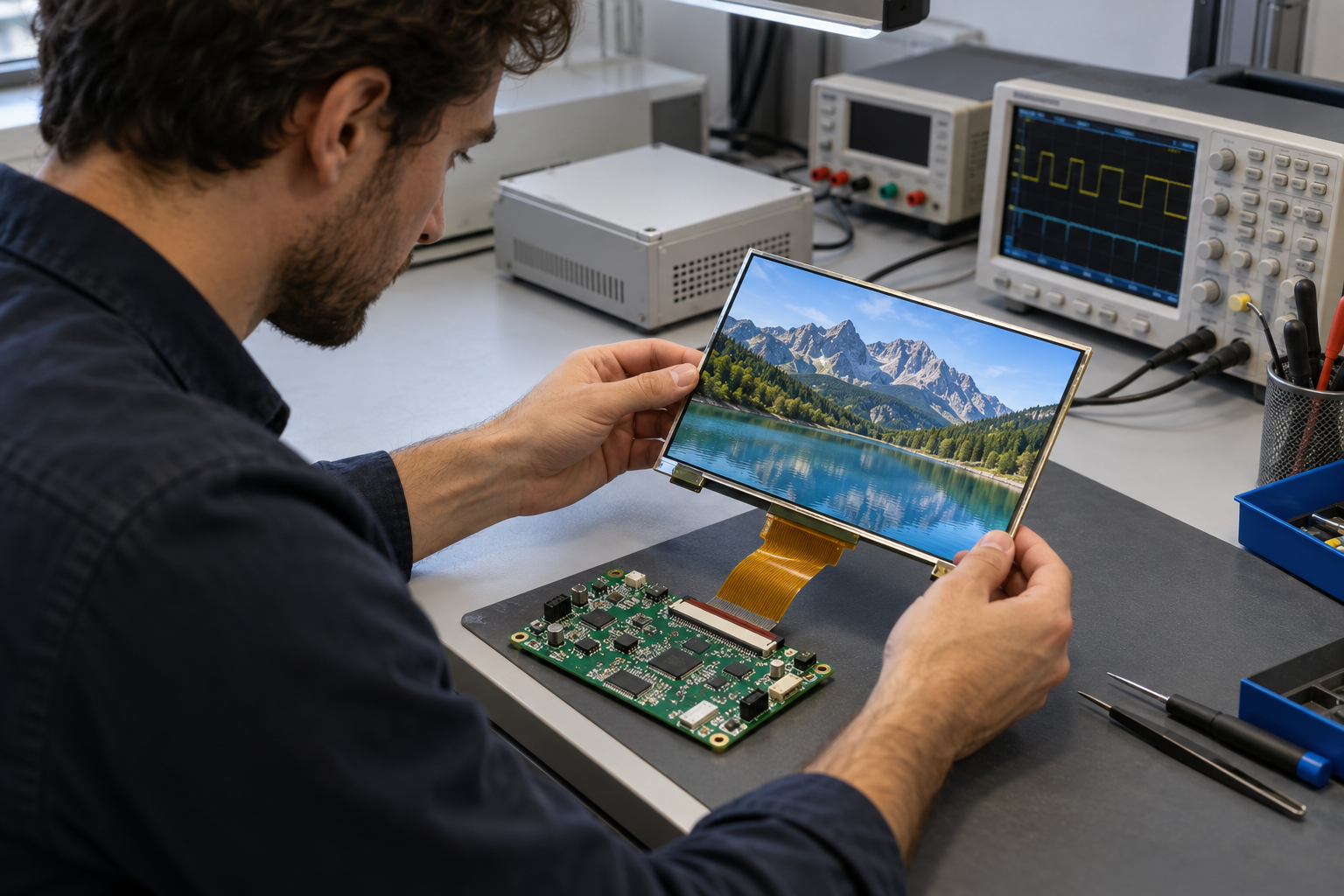
Readability. A bright utility room, a shaded garage, and an outdoor installation present different challenges. Evaluate the complete assembly under the expected ambient light and viewing angles. Brightness, contrast, cover reflections, and surface treatment all affect legibility; a brightness number alone does not guarantee sunlight readability.
Power and availability. Decide whether the interface must remain available during a grid outage, after an inverter shutdown, or during servicing. Its power source and startup behavior must match those requirements. Some products maintain monitoring after certain shutdowns; others do not. Never assume that an inactive screen means all electrical sources are isolated.
Mechanical and environmental fit. Check the enclosure opening, mounting, cover, touch behavior, cable routing, heat, moisture, and intended temperature range. Confirm ingress protection for the complete product through the manufacturer’s design and validation; a display module alone does not establish the enclosure rating.
Integration. Match the display and optional touch panel to the HMI host using the actual panel model, interface, pinout, timing, power, driver, and firmware requirements. A matching connector or screen size does not establish compatibility. RJY’s TFT LCD touch-module guide explains further selection considerations.
Validate the complete user experience
Test the finished product with representative users and the actual inverter controller. Include normal operation, backup transitions, alarms, unreadable or stale data, failed communication, screen reboot, loss of HMI power, and recovery. Verify that the screen reports what the controller has confirmed and that protective behavior remains effective when the interface is unavailable.
For residential energy-storage projects, the battery energy storage HMI guide provides related display integration context. Equipment teams can contactez RJY Display with the display size, viewing conditions, interface, touch, power, enclosure, and host requirements for a project-specific review.
Questions fréquemment posées
Can a display make a home inverter safer?
It can help users recognize operating states and act on warnings. It does not replace the inverter’s electrical protection, battery-management functions, or validated safe-state design.
Should a home inverter display work during a power outage?
That depends on the product requirements and available power. If local monitoring is needed during an outage, include the HMI power supply and startup behavior in the design and test them under the intended conditions.
Is a touchscreen always better than buttons?
No. Touch can support flexible menus, while physical buttons may suit simpler interactions or particular environments. Compare the options with representative users and the finished enclosure.
Does a blank display mean the inverter is electrically safe?
No. A blank screen does not confirm that the grid, battery, solar input, or output is isolated. Follow the equipment manufacturer’s procedures and use qualified service personnel where needed.