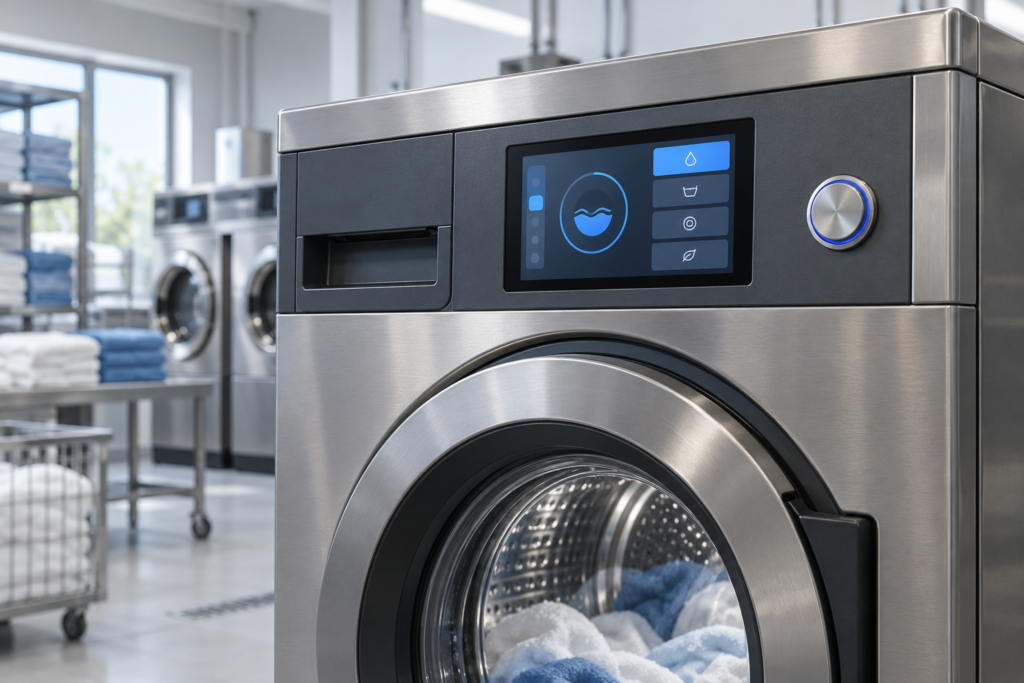
A commercial washer’s control panel must help users select a cycle, understand its progress, and respond when the machine cannot continue. The display also has to fit a crowded fascia and work with the appliance controller. Screen size and brightness are only part of that decision.
This guide examines a proposed 4.3-inch TFT LCD application for a commercial laundry machine. RJY Display’s RV043WQM-1000-40 is a candidate for evaluation. The guide does not describe a completed customer installation or an approved washing-machine control system.
Define the laundry workflow before choosing the screen
Start with the actions a user performs at the machine: choose a cycle, review the selected options, confirm the request, and check progress. Show the current phase and remaining time when the appliance controller supplies valid data. If the time is an estimate, make that clear in the interface.
Separate a user’s request from the machine’s confirmed state. A pressed Start button can show that the interface registered a tap; it must not imply that the door has locked, payment has cleared, or the drum has started. Those states need confirmation from the responsible subsystem.
Keep service settings separate from the public cycle-selection flow. Define what the screen shows when the machine is unavailable, communication stops, or a cycle is interrupted. The appliance team must decide how the machine responds to those conditions.
Evaluate a 4.3-inch module against the actual fascia
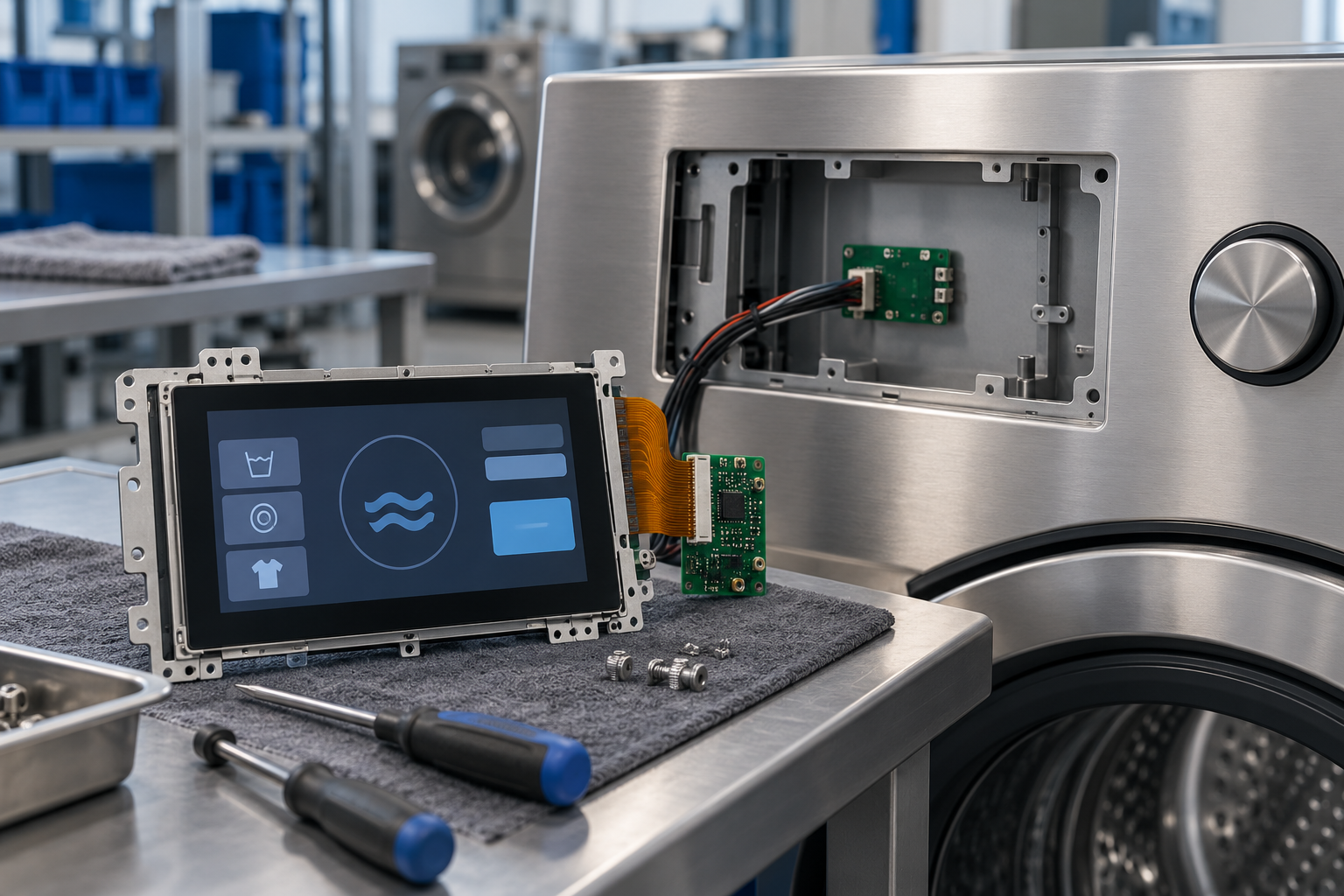
について RV043WQM-1000-40 product listing identifies a 4.3-inch TFT LCD with 480 × 272 pixels, an RGB interface, and optional capacitive touch.[1] Use these published features to start a fit review, then request the current controlled datasheet and assembly drawing.
| Published feature | What it helps evaluate | What remains to confirm |
|---|---|---|
| 4.3-inch screen format | A compact local interface for cycle selection and status | Readability at the installed height and the full assembly envelope |
| 480 × 272 pixels | A landscape layout with focused status and controls | Real text, translations, fault messages, and touch-target spacing |
| RGB in the specification field | A starting point for host-board review | Exact interface, timing, signal levels, connector definition, and initialization |
| オプションの静電容量式タッチ | A possible touch interface | Sensor, controller, cover glass, firmware, and intended operating conditions |
The listing also uses SPI/RGB wording and includes a broader interface claim in its descriptive text. Do not infer that each named interface is an interchangeable input on the ordered module. Confirm which signals carry pixel data and which, if any, configure the panel. Do not order a host board from the interface label alone.
Review the LCD, touch sensor, cover glass, bonding, support frame, and connector clearance as a complete assembly. A bare-panel thickness cannot establish the finished fascia depth. Check that mounting loads and fastening tolerances follow the approved drawing.
Make cycle selection readable on a compact display
Test the screen layout at its intended physical size before approving resolution. Present a limited set of cycle choices per screen, with a clear selected state. Keep the selected program and any price supplied by the payment system visible before confirmation. Do not rely on color alone to distinguish an available action from a locked or unavailable state.
Test the longest supported program names and fault messages in each target language. If they require very small text or repeated scrolling, simplify the workflow or evaluate a larger display. A compact panel may suit a local washer interface while a shared payment kiosk needs more space.
Define separate layouts for selection, active cycle, interruption, and service. During a cycle, prioritize information the user can act on. Avoid showing controls that the machine will reject without explaining why they are unavailable.
Specify wet-hand and cleaning conditions separately
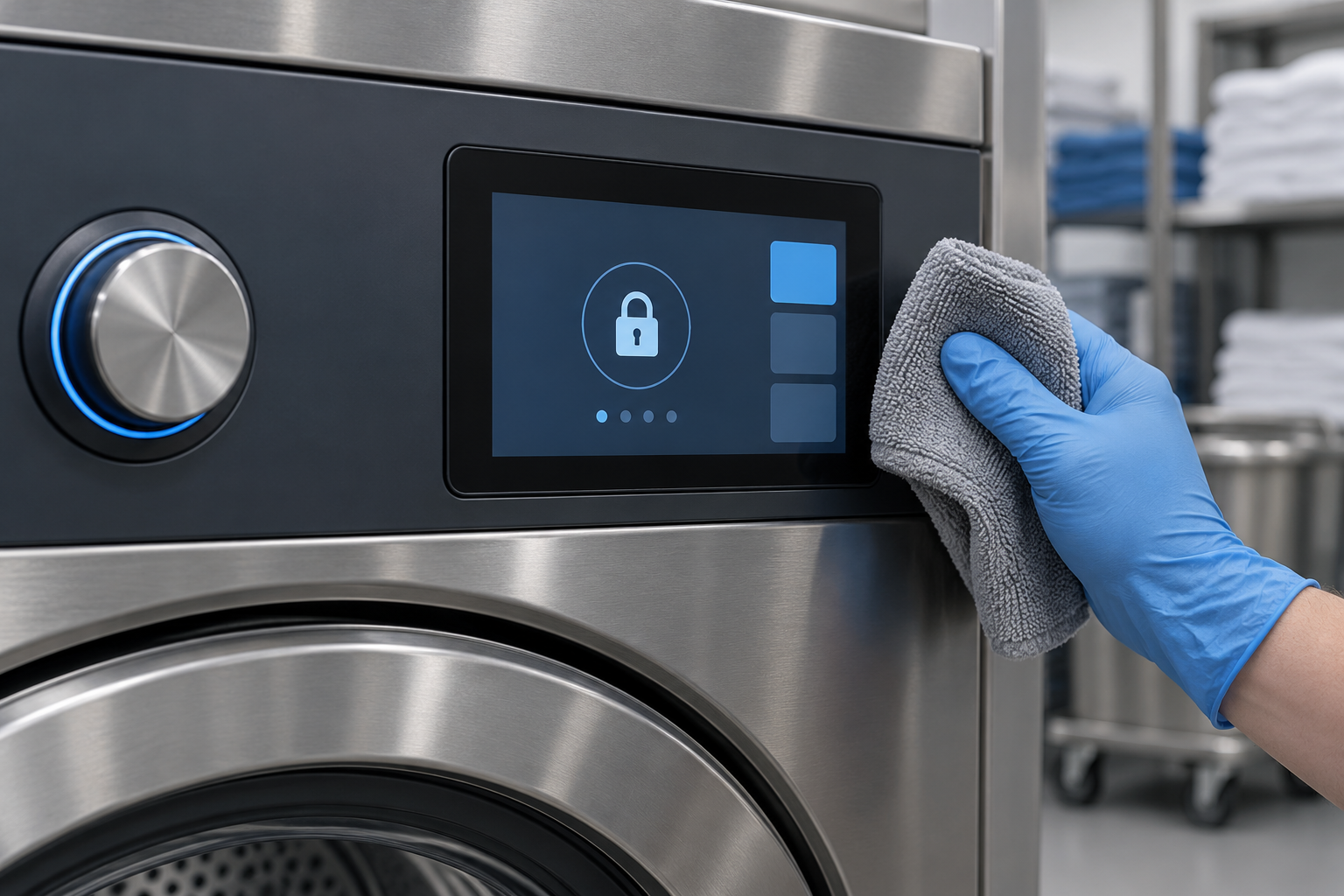
Laundry users may approach the panel with damp hands, while staff may wipe the surface between uses. Treat these as specific test conditions. Optional capacitive touch does not establish wet-hand operation, glove support, or resistance to cleaning chemicals.
List the expected conditions: a damp fingertip, droplets on the cover, a specified glove if required, and the approved cleaning method. Test intended taps, missed taps, and unwanted inputs using the final sensor, controller firmware, cover, bezel, and grounding arrangement. Agree on acceptable behavior before evaluating samples.
Define how staff prevent a cleaning cloth from changing settings. A temporary cleaning lock may help where the machine workflow permits it. The application should show when that mode is active and how authorized staff can leave it.
Touch behavior and water ingress are separate questions. Review seals, seams, cable exits, and the enclosure for the exposure expected at the installation. Confirm any protection rating for the complete tested assembly and its stated conditions.
Connect the HMI to the machine controller
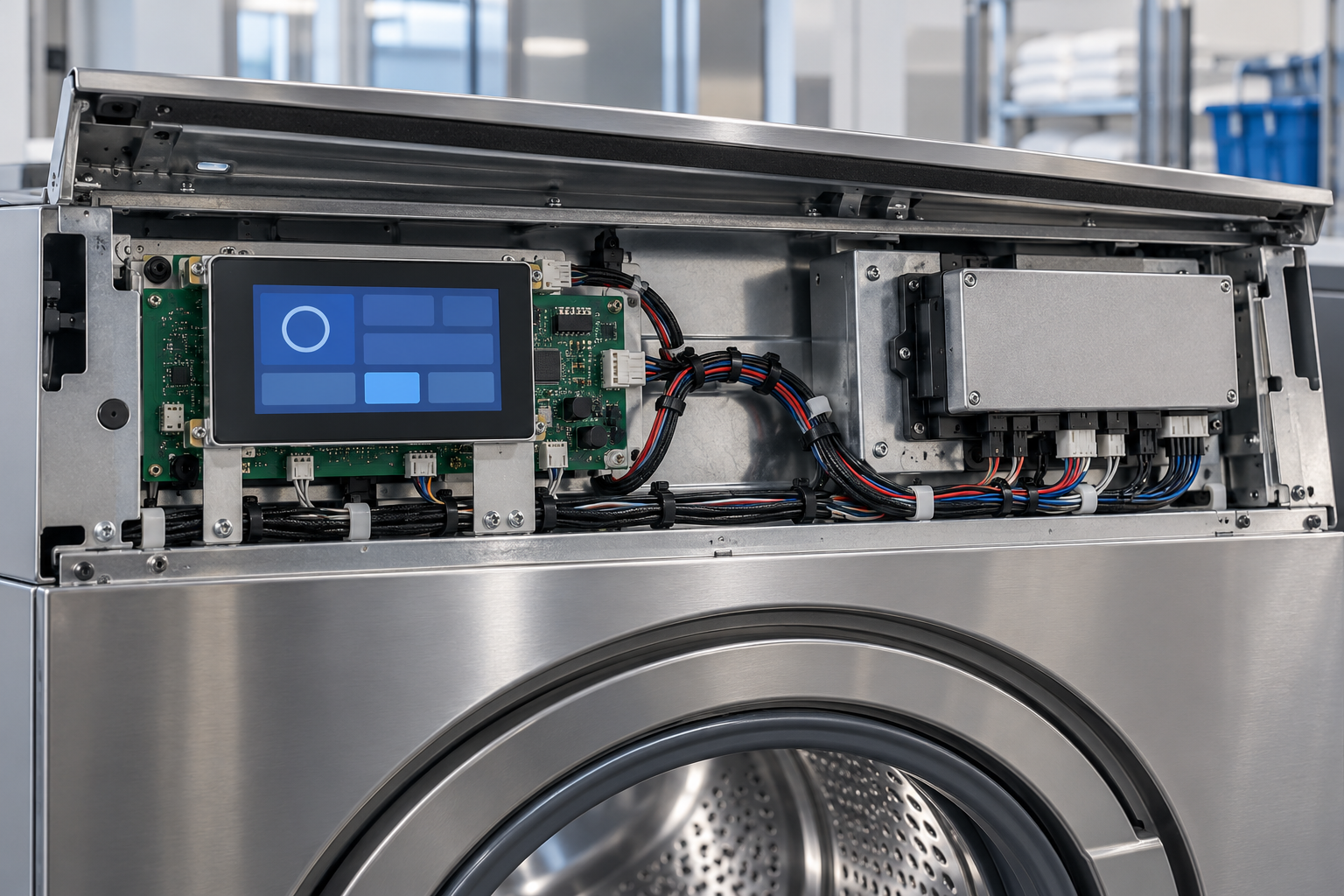
Plan two distinct connections: the path that drives pixels to the panel and the path that exchanges commands and status with the appliance controller. An RGB display interface does not define a machine communication protocol.
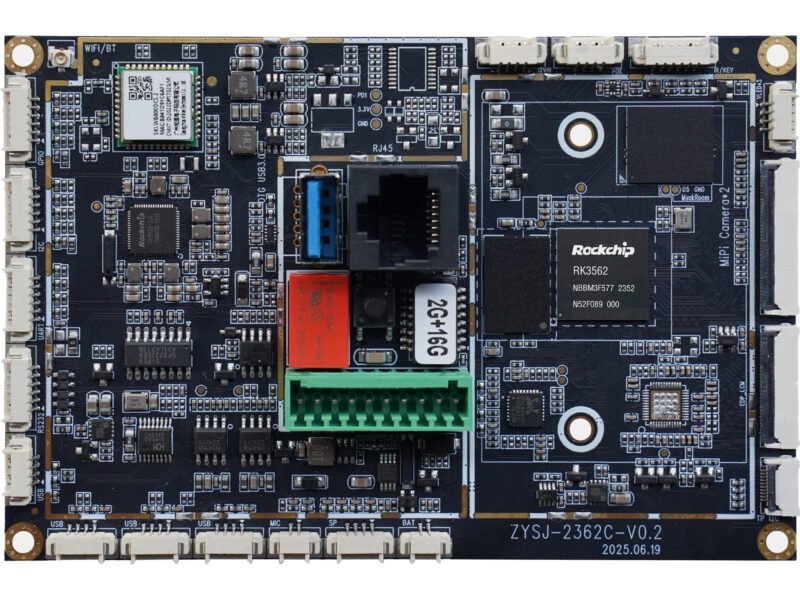
For the display path, verify the exact panel revision, host-board output, native timing, power sequence, backlight circuit, and software driver. If the host provides HDMI, request an active controller solution configured for the actual panel. A passive cable cannot establish that conversion. Check the touch connection and driver separately.
For machine communication, define command acknowledgement, state ownership, data validity, and timeout behavior. For example, the HMI can send a cycle-start request, then wait for the controller to report the result. If communication stops, the screen should identify unavailable status instead of continuing to present stale progress as current.
The appliance control design must handle door interlocks, drive control, and other protective functions as required by the machine specification. This article makes no safety-control qualification claim for the display or its host board.
Check light, heat, vibration, and service access
Evaluate readability through the finished front surface under the intended room lighting. Check reflections from overhead fixtures and windows at realistic viewing positions. Choose backlight settings from those tests and the thermal budget; a high advertised luminance does not establish the best setting for every laundry room.
Review the heat produced by the display, controller board, and nearby machine components in the installed fascia. Define the temperatures and humidity conditions that the complete assembly must meet. Do not transfer a panel’s published temperature range into a finished-machine rating.
Inspect cable routing and mechanical support against the expected vibration profile. Check connector retention, strain relief, clearances, and the display’s approved support areas. Keep the FPC away from moving parts and unapproved contact surfaces. Use the final mounting arrangement for qualification tests rather than relying on a loose bench assembly.
Plan replacement access before tooling the front panel. Record the panel revision, touch configuration, controller firmware, cable identity, and host software used for the approved sample. A replacement with the same size and resolution still needs a compatibility review.
Use a sample acceptance checklist for the full wash cycle
- Before starting: Verify program selection, translations, confirmation, and any payment-system feedback included in the project.
- During operation: Check progress, permitted changes, controller acknowledgements, and unavailable controls across the required cycle states.
- Under the expected touch conditions: Evaluate damp fingers, specified gloves, droplets, and cleaning behavior against agreed criteria.
- During faults and recovery: Test unavailable status, communication loss, power interruption, and restoration with the appliance team.
- In the final fascia: Check readability, temperature, mounting support, cable retention, and service access under the defined conditions.
Keep results tied to the tested hardware, software, and enclosure revision. These are proposed acceptance tasks, not claims that RJY has tested this module in a commercial washer.
Prepare a laundry HMI brief for RJY
Share the machine type, user workflow, target languages, fascia drawings, mounting method, and viewing conditions. Include the panel model, requested datasheet revision, exact host board, display output, touch connection, software platform, backlight needs, and machine communication requirements.
Describe damp-hand and cleaning conditions, vibration requirements, operating environment, sample quantity, expected annual demand, and project timing. State which functions the existing appliance controller already handles and which parts of the HMI need development.
RJYの engineering and customization services provide a starting point for discussing adaptations to existing modules, including touch, cover glass, FPC, controller board, software, and enclosure coordination.[2] 以下を使用すること project inquiry form to request a configuration review before selecting samples.
Common questions
Does optional capacitive touch mean the display works with wet hands?
No. Confirm the selected touch assembly and test it under the defined moisture and cleaning conditions.
Can the TFT module replace the washing-machine controller?
The display module provides the visual interface. Machine control, communication, protective functions, and application software require their own design and verification.
Is 480 × 272 enough for a commercial laundry interface?
It can be evaluated for a focused cycle-selection and status layout. Use actual text, translations, and operator tasks to decide whether the available screen area is sufficient.
参考文献
- RJY Display: RV043WQM-1000-40 product listing. Request controlled interface and assembly documents before integration.
- RJY Display: engineering and customization services.