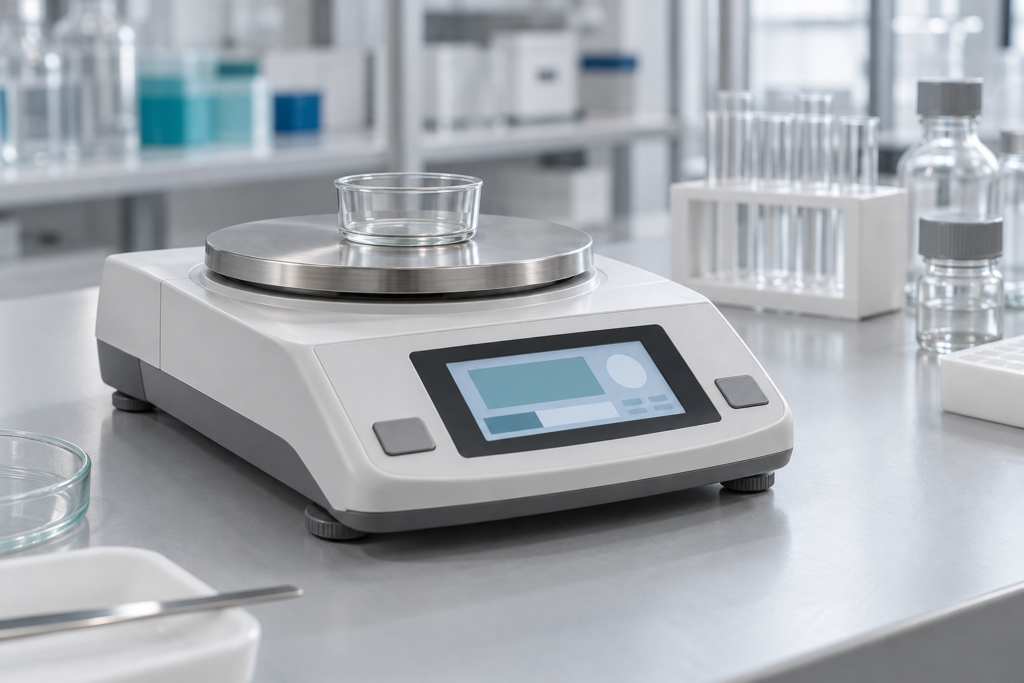
A laboratory balance display must do more than show a large number. The operator needs to see the weight, unit, stability state, and tare status without guessing which value is current. For an OEM, choosing a TFT LCD display for laboratory balances starts with the weighing workflow and controller, then moves to screen size and touch.
This guide describes display selection for a new bench balance design. The integration recommendations are tasks for the OEM to validate. RJY has not established a tested balance assembly or replacement-screen match in this guide.
Build the main screen around the weighing task
Start with the longest weight string the balance can report. Include the sign, decimal point, all digits, and unit. Reserve fixed space for stability and net-weight status so that a changing message does not shift the reading. Keep the main value separate from commands: an operator reaching for Tare should still see the unit and current state.
Use text or a distinct symbol alongside color for important status changes. Check the screen from seated and standing positions, through the proposed cover and enclosure opening. Include the draft shield or weighing vessel in the mockup when it could block the view or change the operator’s reach.
The METTLER TOLEDO ME-T user manual provides an application example: a capacitive color TFT touchscreen works alongside separate operating keys, including Tare and Zero.[1] This shows that touch navigation and physical controls can coexist. It does not establish an RJY supplier relationship or module compatibility.
Define the weight and tare states before selecting hardware
The weighing controller should own the measurement value, stability decision, unit conversion, tare result, and fault state. The display application should present those results. A number that appears unchanged on the screen is not sufficient evidence that the balance has declared it stable. In the ME-T example, the screen uses an instability symbol and a change in the value’s appearance to show the weighing state.[1] Define the states for the OEM’s own firmware rather than copying another balance’s behavior.
Distinguish a tare request from a completed tare
Consider a container placed on the pan. The display shows its weight and the state reported by the host. When the operator presses Tare, the interface sends a request and shows that the request is pending. Retain the host-reported reading with the pending state visible. Show the new net value and net status only after the weighing controller confirms the operation. A rejected request or timeout needs a clear response rather than an assumed zero.
Define what happens if the operator presses Tare again while a request is pending. Keep the result predictable by handling repeated commands in the host and UI specification. Include the case where the operator removes the container after taring: the layout must have room for the signed value supplied by the host.
Keep values, units, and status consistent
Update the value and unit together from a confirmed host state. Avoid a frame that pairs an old value with a new unit. If communication fails, identify the reading as unavailable or stale according to the product specification; do not leave it looking live. Give overload and host faults their own clear states.
These are proposed design rules. The balance firmware must decide when tare, zero, unit changes, and result capture are allowed. Confirm those rules before drawing the final buttons or choosing a panel.
Turn the workflow into display selection checks
| Selection item | Balance requirement | Evidence to request or test |
|---|---|---|
| Size and pixel resolution | Read weight, unit, and status together | Full-size layout with longest values and fault messages |
| Viewing and reflection | Read across the bench | Sample in the intended enclosure under actual bench lighting |
| Touch and keys | Operate tare and menus with intended gloves | Controller details and trials with the specified gloves and cover |
| Host interface | Drive the selected panel | Current timing, pin assignment, voltage, and connector drawing |
| Mechanical fit | Fit the fascia without loading glass or the display cable | Outline drawing, cable route, mounting method, and tolerances |
| Fault display | Distinguish overload, host faults, and lost data | Defined states and fault tests on the integrated prototype |
Pixel resolution does not define the balance’s weighing readability. Render the actual font and check decimal points, minus signs, and similar digits. Confirm the processor’s graphics support and memory needs before freezing the panel choice. Test longer translations and service messages before reducing the weight digits to make space.
Evaluate a compact RJY module against the layout
RJY’s 4.3-inch TFT LCD product article identifies the RJY043XUAY-600-40 with a nominal 4.3-inch size, 480 x 272 pixel format, RGB input, and standard and capacitive-touch configurations. These historical details can support an initial layout and interface discussion.[2]
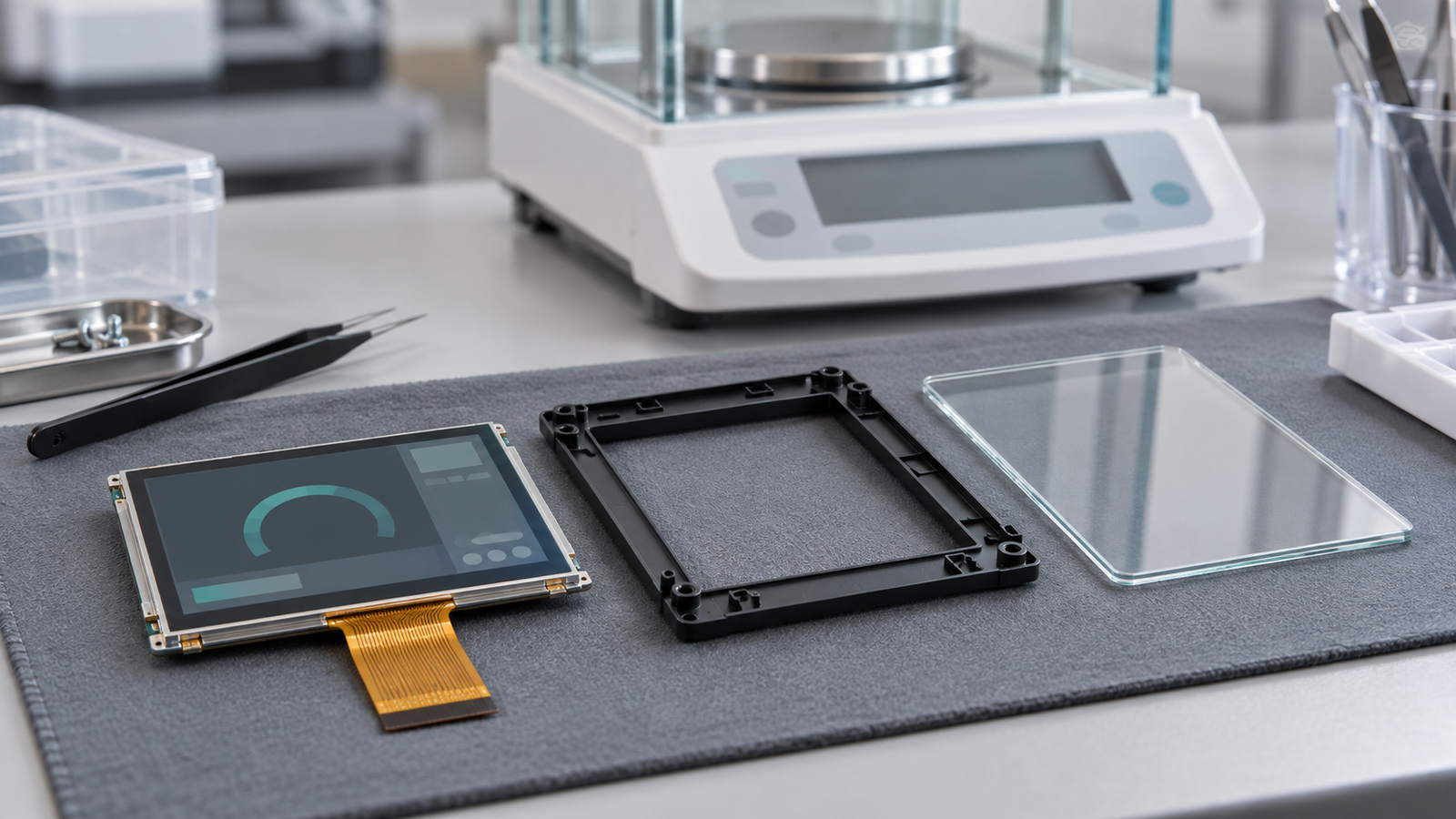
Obtain the current datasheet, drawing revision, and exact order configuration before design approval. Confirm dimensions, optical performance, touch controller, and electrical requirements against those documents. The article alone does not qualify the module for a laboratory balance. For customization based on an existing module, ask RJY to review the cover, touch assembly, FPC, backlight, and controller-board options for the project. Confirm which changes are feasible; this is not a promise of a new panel size or an arbitrary configuration.
A 480 x 272 layout is worth evaluating when the main screen needs one prominent weight value, a unit, status indicators, and a few controls. Check that a pending tare message remains visible without hiding the reading. Compare another module or revise the navigation if this information will not fit at a usable size.
Connect the display to the actual host design
An RGB panel receives display data from a suitable graphics processor or display controller. This graphics function may share a processor with the weighing application or run on a separate board. The panel itself does not interpret weight packets or execute tare commands. The OEM must provide the measurement-to-UI software path. A matching connector or resolution does not prove an electrical match.
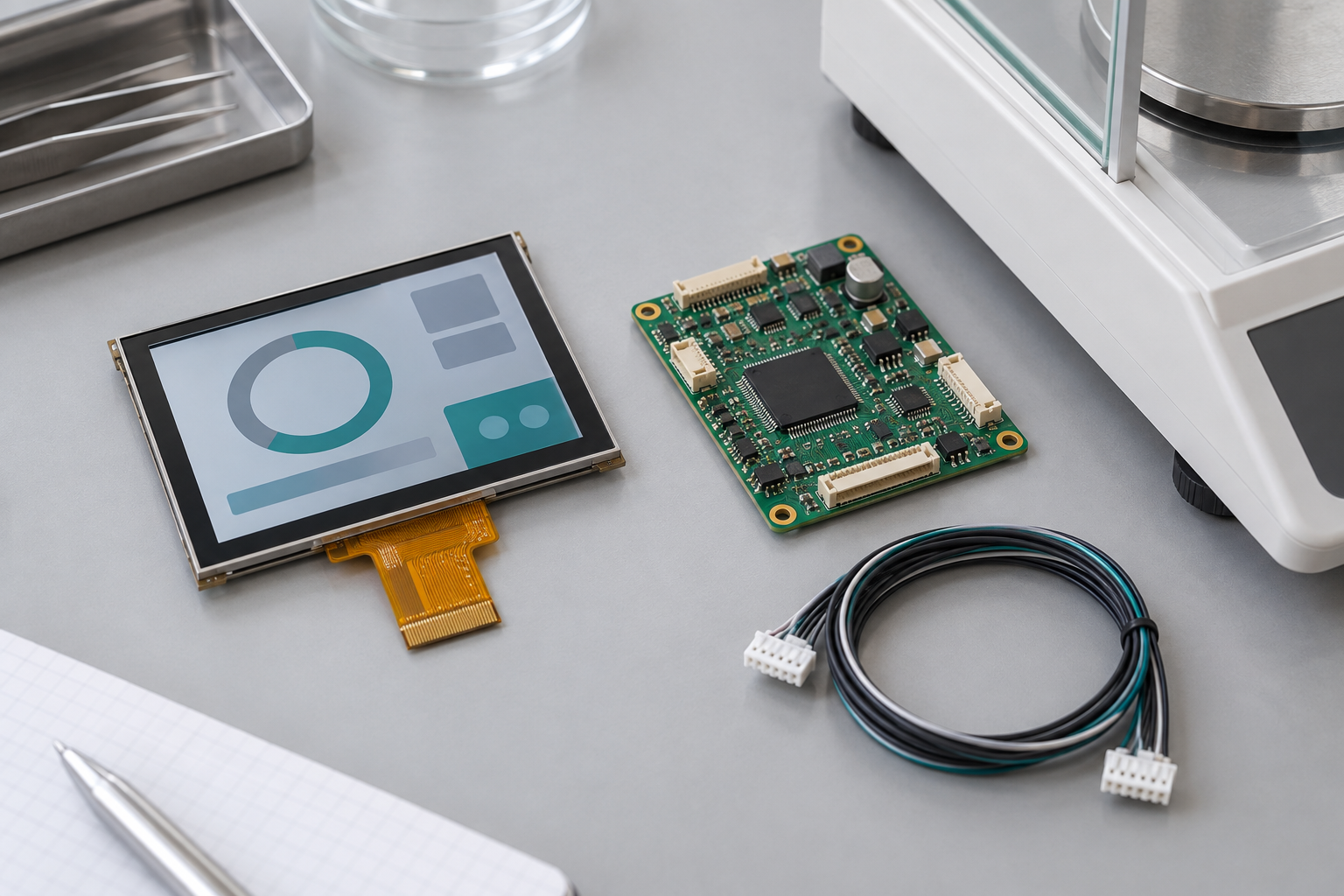
For a controller-board review, provide the panel model, datasheet, pin assignment, backlight requirements, touch details, host input requirements, and firmware or operating-system needs. Touch adds its own controller connection and driver work; the RGB interface does not define it. RJY’s TFT LCD module with touchscreen guide explains the broader selection process.
Review the cover, bezel, flexible printed circuit (FPC) route, and mounting forces together. Support the touch assembly so normal presses do not flex the cover or strain the glass and cable. Check this in the proposed bench enclosure. Specify cleaning agents and exposure conditions so the proposed materials can be checked. Test touch with the intended gloves and surface conditions. Do not treat a capacitive-touch option as proof of glove performance.
Validate the weighing workflow on the assembled prototype
Record expected screen states before testing. Run startup, container placement, unstable-to-stable transitions, accepted and rejected tare requests, container removal, unit changes, overload, and communication loss. Verify that every displayed state follows the host result and that old data cannot appear current after a reset.
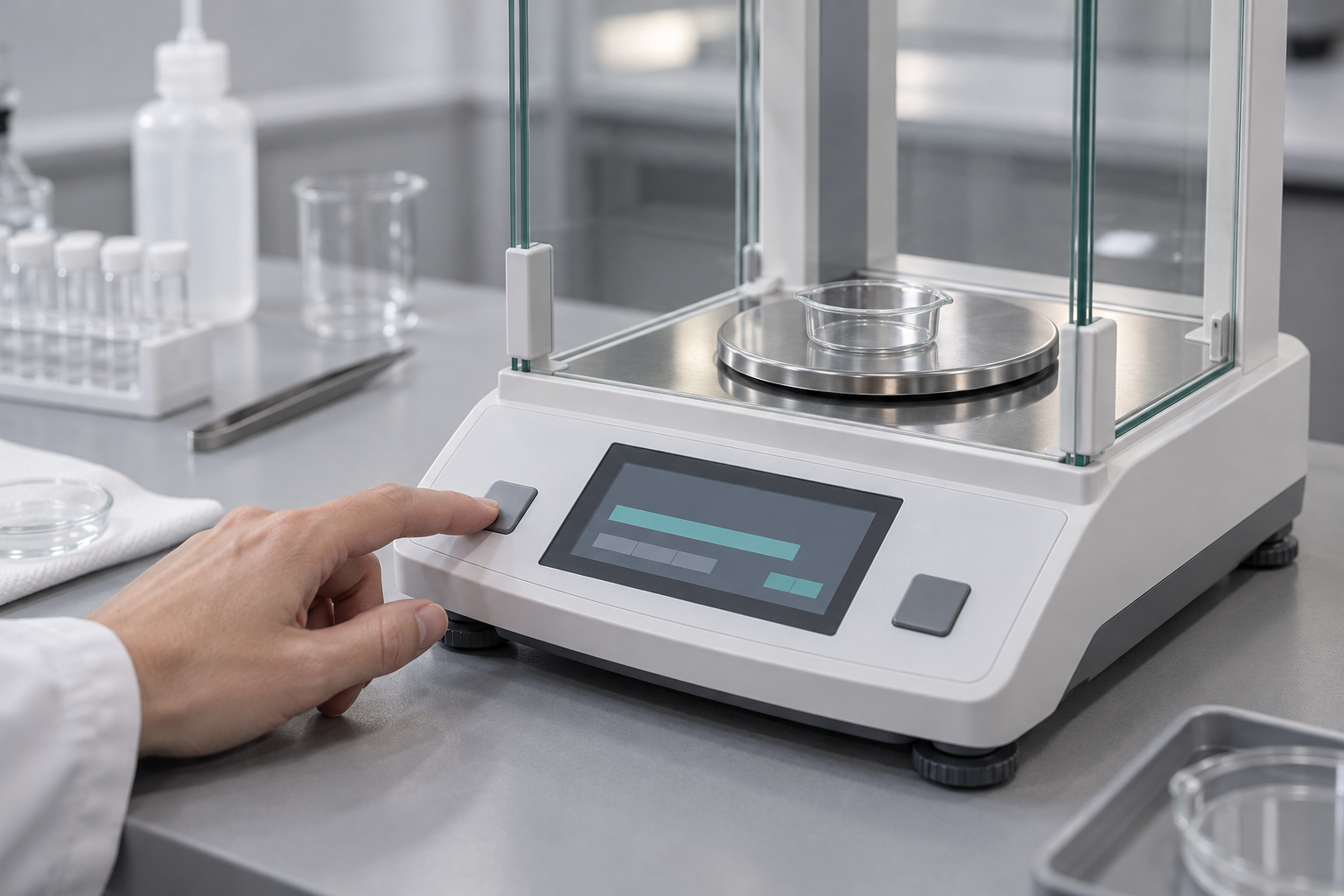
Repeat the workflow with the balance at its intended bench position. Check whether a hand covers the reading during touch and whether a physical key offers a clearer frequent action. Run graphics updates and backlight changes while checking measurement behavior in the actual electrical and thermal design. Keep the test results with the display configuration and revision.
Frequently asked questions
Does a TFT LCD improve weighing accuracy?
The display presents host results. Accuracy depends on the complete weighing system and its validation. A clearer layout can help the operator interpret results, but it does not establish better measurement performance.
Should Tare use touch or a physical key?
Choose through workflow trials that compare reach, glove use, cleaning, and accidental activation. Either input should follow the same host-confirmed command process.
Can this module replace an existing balance screen?
No replacement match has been established here. Compare electrical timing, pin assignment, mechanics, backlight, touch, and firmware before assessing a replacement.
Prepare an RFQ around the integration requirements
Send RJY Display the screen layout, longest weight string, required states, available enclosure space, host processor, display interface, and proposed panel model. Include touch and glove needs, cover concept, environment, cleaning conditions, controller-board or firmware needs, expected annual quantity, sample quantity, and target schedule.
Contact RJY Display with these inputs to discuss a module candidate and the validation work for your balance design.
References
- METTLER TOLEDO, ME-T Precision and Analytical Balances User Manual. See the overview of operating keys, weighing, taring, and switching weight units. This is an application example, not evidence of RJY compatibility or supply.
- RJY Display, 4.3-inch Touch LCD-TFT for High-Performance Applications. Historical module information; confirm the current datasheet and configuration before selection.