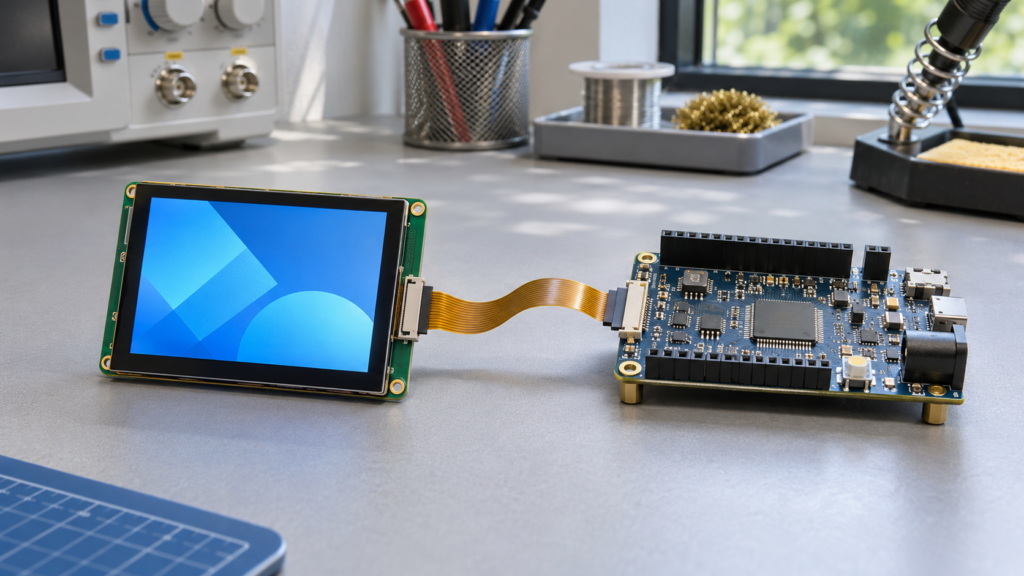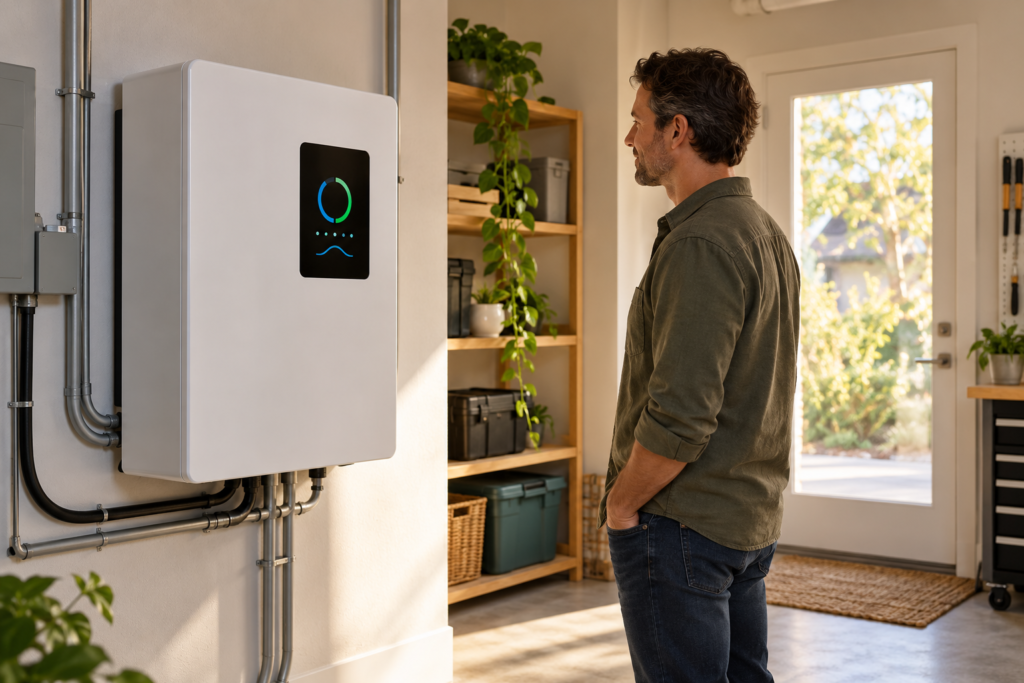
On an industrial sewing machine, the operator looks away from the seam only briefly. A TFT LCD display for industrial sewing machines must make the active stitch or pattern clear, show settings with their units, and distinguish a proposed change from a value the machine has accepted. These tasks should guide display selection before an OEM chooses a diagonal size or touch option.
This article describes requirements for a new sewing-machine panel. The layouts and validation steps are design recommendations, not a tested RJY machine assembly or a replacement match for an existing sewing machine.
Show the active stitch before the editing controls
Give the active stitch or pattern a fixed place on the main screen. Use a name or identifier that matches the controller’s records. A small pattern preview can help recognition, but it should not replace the identifier when several patterns look similar.
Keep edited settings visibly separate until the controller accepts them. For example, the operator may open a feed-pitch field and enter another value. The screen should label that value as an edit or pending request while retaining the confirmed active setting. If the controller rejects the change, explain the result and keep the active value clear.
Define when a change takes effect: immediately after acceptance, at a defined stopping point, or through another controller rule. A controller may accept a request before it applies the new setting. Keep the active setting visible until the controller reports that the change has taken effect. An Apply animation alone does not prove that the machine has changed its active settings.
Give feed pitch and speed distinct meanings
Label the parameter and its unit together
Use the terminology defined for the machine. If the controller reports feed pitch in millimeters, keep the unit beside the value and in the edit dialog. If another mode uses stitches per inch, label that mode explicitly. Do not switch labels without the corresponding host conversion and confirmation.
Set decimal places and allowed increments from the controller specification. Display pixel resolution does not establish mechanical adjustment resolution. Test the smallest and largest supported values in the chosen font, including decimal points, signs where relevant, and translated labels.
Separate a speed limit from actual speed
A configured speed limit and a live speed reading answer different questions. Label them separately and use the controller’s defined units. Do not present the limit as current machine speed. If the host does not supply actual speed, the interface should not invent it from a slider position or stored limit.
Choose the live-reading update behavior with operator trials. The number must remain readable while the fabric moves, and any missing or stale host data needs an explicit state. Keep these decisions in the UI specification rather than letting a graphics refresh rate define them.
Use a setting lock with a clear scope
The official JUKI DDL-900C page describes feed-pitch adjustment through a color LCD touch panel and a lock function intended to prevent accidental changes to set values.[1] This is an application example of parameter editing and setting protection. It does not identify an RJY supply relationship.
For an OEM design, state which fields the edit lock covers. Show a persistent locked state and a clear response when the operator touches a protected field. Define who can unlock editing and what happens after a restart. This setting lock does not establish a safety function or confirm that machine motion has stopped.
Define what each counter counts
A sewing-machine panel may need a stitch count, a completed-cycle count, or a bobbin-use estimate. Each requires a separate definition. State which controller event changes the value, whether it counts up or down, and what happens after interruption or power loss.
A cycle counter does not establish a count of acceptable finished pieces. Rework, interrupted seams, and multiple seams per item can produce different totals. Label the counter by the event it records unless a separate validated process supplies a good-piece count.
Specify reset permission and confirmation. Keep Reset away from frequent navigation targets, identify the counter being reset, and show the confirmed result from the host. Test whether a repeated touch could reset another value or submit the request twice.
Select the panel from the seated working position
| Design requirement | Selection question | Prototype check |
|---|---|---|
| Active setting visibility | Can the main screen show pattern, pitch, and lock state together? | Read the layout from the normal seated position |
| Brief operator glances | Are units and pending edits distinct at the chosen font size? | Identify active versus edited values without opening menus |
| Machine-head installation | Does the viewing direction suit the mounting angle? | Test contrast with the actual panel orientation and seat height |
| Task lighting | Does the cover reflect the sewing light toward the operator? | Move the task light through its expected adjustment range |
| Hands guiding fabric | Which actions need touch and which suit a physical key? | Check reach and unintended contact during representative work |
| Lint, oil, and cleaning | What exposure must the assembly tolerate? | Validate the proposed cover, seams, and cleaning procedure |
Lint, oil, and cleaning are requirements to specify, not resistance properties established by choosing a TFT LCD. Provide the actual agents, contact conditions, and cleaning frequency for material review. Confirm any enclosure protection target through the complete assembly design and its tests.

Evaluate RJY’s published 3.5-inch configuration
RJYs published 3.5-inch TFT LCD configuration describes a TN panel, 320 x 480 pixels, an ILI9488 driver, MCU or RGB parallel interface options, and a 12 o’clock viewing direction.[2] Use this information to begin a layout and host review; obtain the current datasheet and exact configuration before approval.
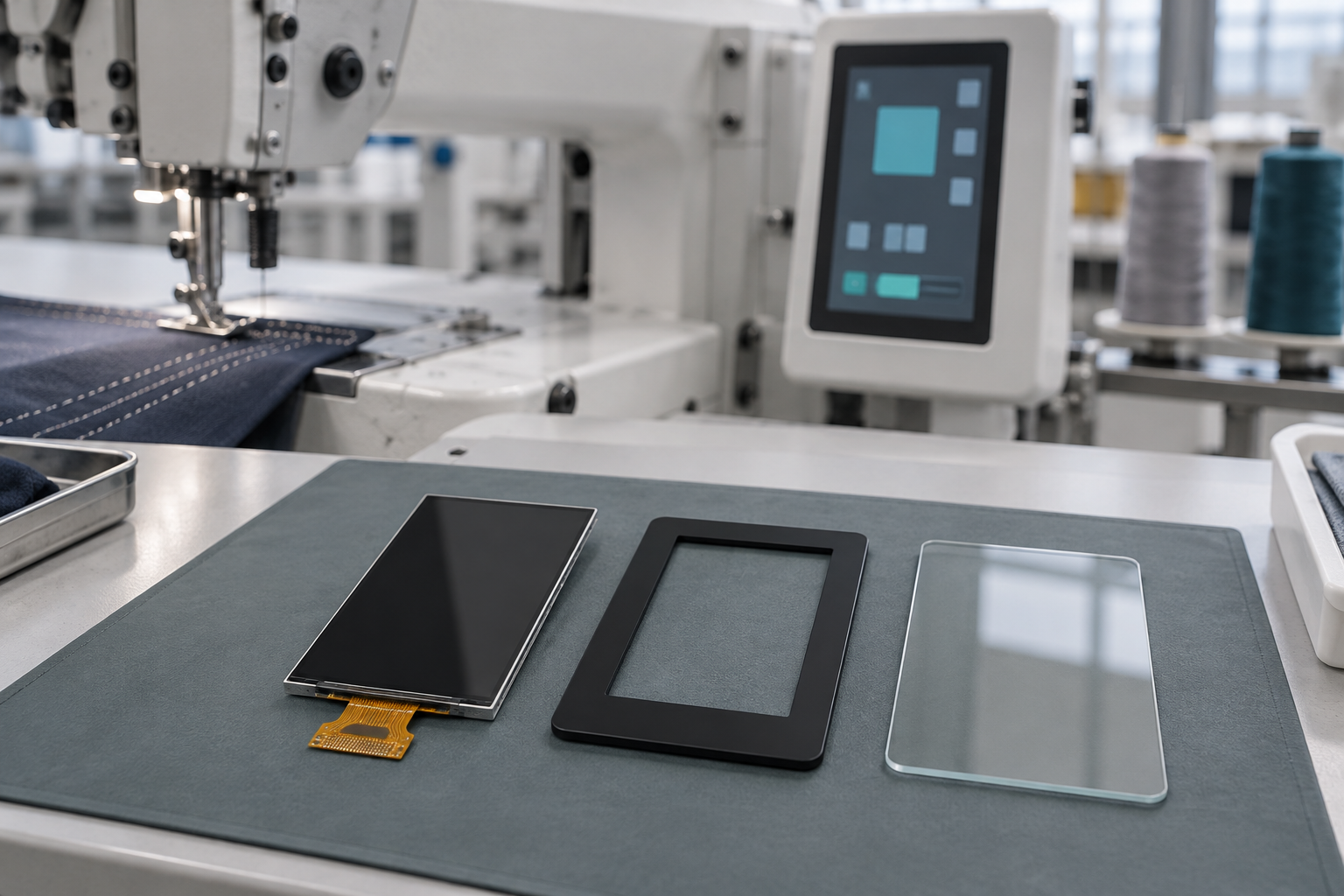
The 320 x 480 format invites a portrait layout with an active-pattern area above a small group of settings. Test whether that structure fits the available machine-head space. Rotating the artwork does not change the panel’s optical viewing characteristics. Check the actual mounting direction and angle from the operator’s seat.
Confirm the selected interface, pin assignment, voltage, and timing. Do not infer SPI availability from the ILI9488 name or assume that both published interface options are available in one order configuration. Also confirm the touch sensor, controller, cover stack, and driver requirements; the article title does not define a complete touch assembly. RJY’s Leitfaden für TFT-LCD-Module mit Touchscreen covers the broader selection process.
Review integration and customization around an existing module
The machine controller owns motion and operating rules. The display presents host states and submits operator requests. Define accepted, rejected, pending, and unavailable states for settings and counters so the UI cannot imply that a request has already changed machine operation.
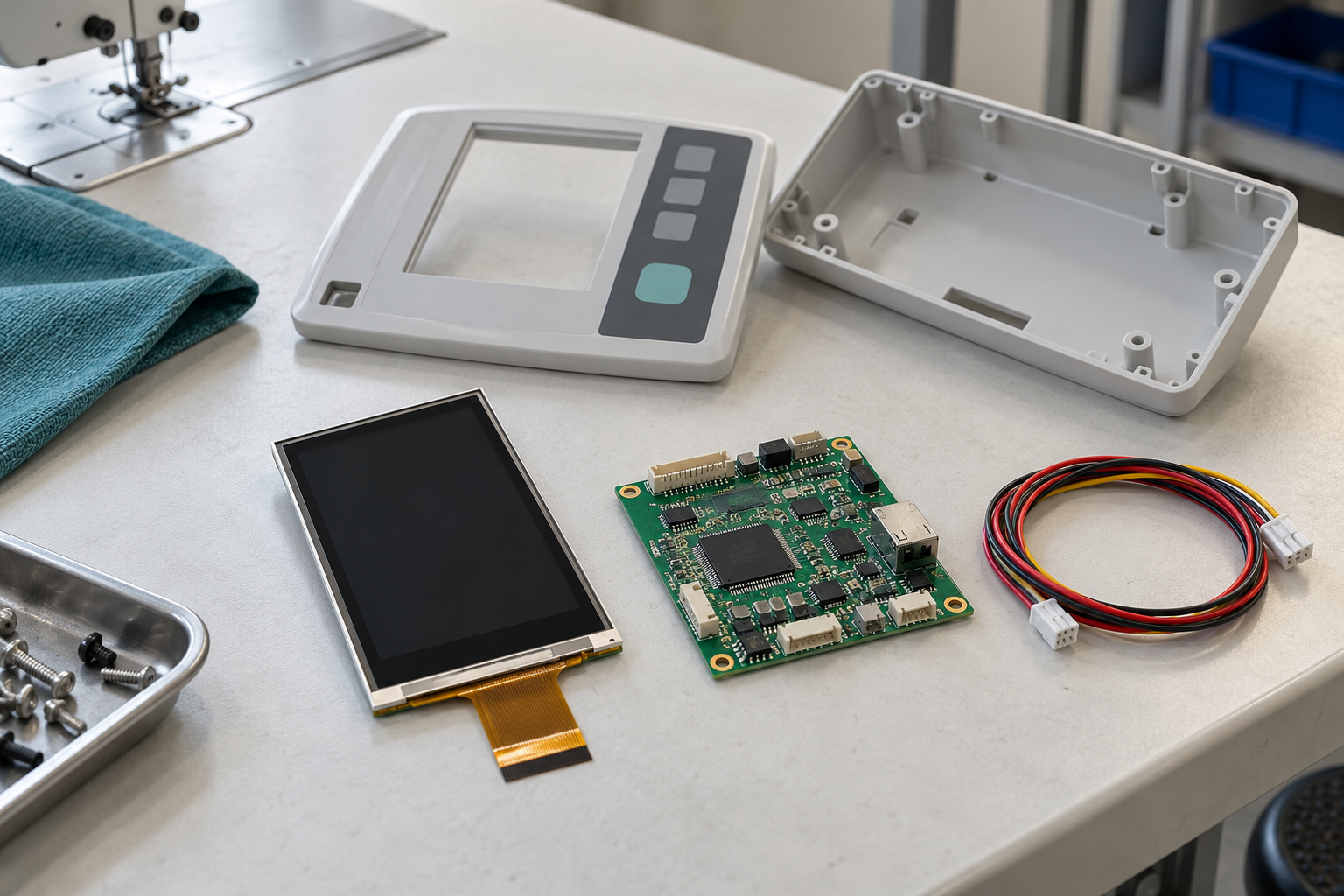
Ask RJY Display to review a project based on an existing module, including proposed cover glass, touch, backlight, flexible printed circuit (FPC), interface, controller board, firmware, and mechanical fit. Confirm the feasible scope for the project; these options do not imply a new panel size or an arbitrary configuration. Provide the exact panel data and host requirements before assessing a controller-board match or modification.
On the assembled prototype, test a change that the controller accepts but defers, a rejected value, a connection loss during an edit, and a restart with a locked screen. Test counter increments, reset rejection, repeated reset touches, and recovery after power loss. Compare the displayed active pattern, values, and counters with controller records. Also run graphics updates and backlight changes under representative machine electrical conditions. Check for display interruption and unintended touch input. Then repeat the viewing checks with the task light and panel in their intended positions.
Häufig gestellte Fragen
Can a compact display show both active and edited settings?
It can be evaluated with a full-size layout. Preserve the active value while editing and test the longest labels, values, and rejection messages before choosing the screen.
Does an edit lock make operation safe?
An edit lock protects the settings defined by the OEM. It does not establish a machine safety function.
Is the published RJY panel a replacement for a JUKI panel?
No replacement match is established here. Electrical, mechanical, touch, firmware, and optical requirements need a separate comparison.
Send an RFQ with the sewing workflow
Kontaktieren Sie RJY Display with screen examples, parameter names and units, active and pending states, counter definitions, and reset permissions. Include the host interface and datasheet, mounting angle, operator viewing position, touch or key needs, lint and oil exposure, cleaning conditions, controller or OS needs, annual and sample quantities, and schedule.
Referenzen
- JUKI, DDL-900C industrial sewing machine. Application example of touch-based feed-pitch adjustment and a setting lock. No RJY supply relationship or replacement match is established.
- RJY Display, 3.5-inch Touch LCD-TFT for High-Performance Applications. Published configuration information; confirm the current module, interface, touch assembly, and datasheet revision.