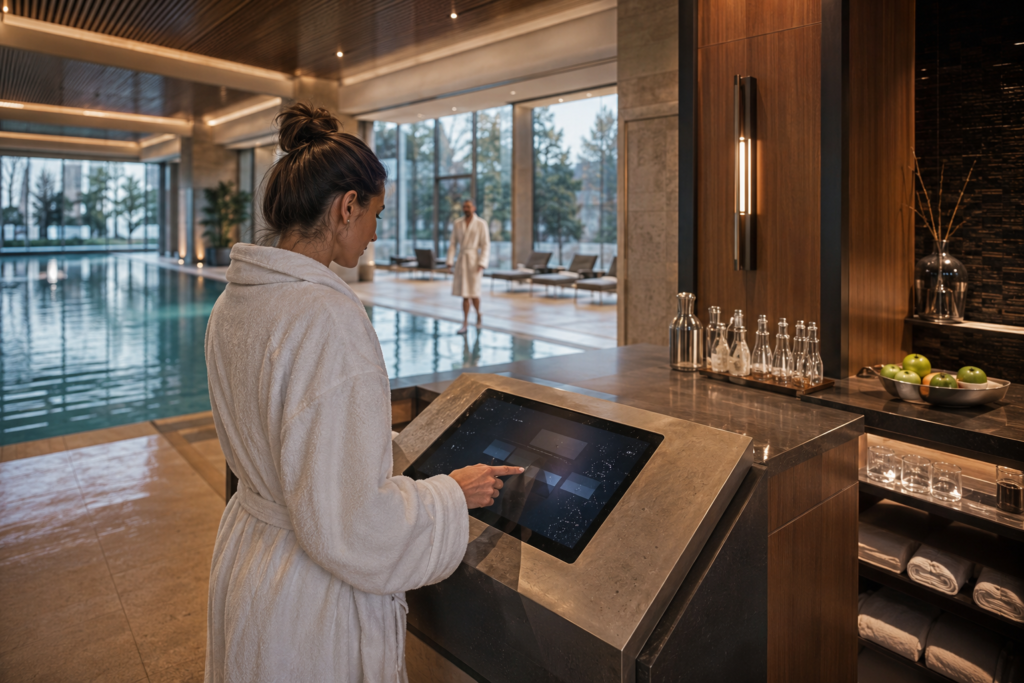
Premium swimming clubs increasingly treat poolside food, beverage and cabana service as part of the member experience. Whether a guest is ordering refreshments beside an indoor pool, requesting service from a private cabana or selecting items at a wellness lounge counter, the interaction needs to feel quick, calm and consistent with the club environment.
That creates a different design challenge from an ordinary restaurant self-ordering terminal. Hands may be wet, water droplets may remain on the front glass, humidity can be high, and the ordering device may sit close to a pool deck or wet-service counter. A wet-touch display can help equipment developers create a more practical poolside ordering interface—but only when the touch design, front-panel structure, enclosure and software are evaluated together.
The phrase “water-drop touch technology” is often used to describe this type of experience. In engineering terms, the goal is usually a projected-capacitive touch assembly with appropriate liquid-tolerance behavior, combined with a display and mechanical design suited to the actual installation environment.
Why Poolside Ordering Needs a Different Touchscreen Strategy
A swimming-club ordering terminal is expected to be easy to use in a setting where guests may have damp hands, wear robes, carry towels or approach from different angles. The interface must also fit an upscale hospitality environment rather than resemble a standard retail kiosk.
Typical product requirements may include:
- Simple food, beverage or service-request selection
- Large, easy-to-see touch areas for wet or hurried users
- Clear confirmation that an order or request has been received
- A flush, refined front-panel appearance that fits premium interiors
- Integration with a host system, service workflow or member-management platform
- A display assembly that can be reviewed for the real poolside environment
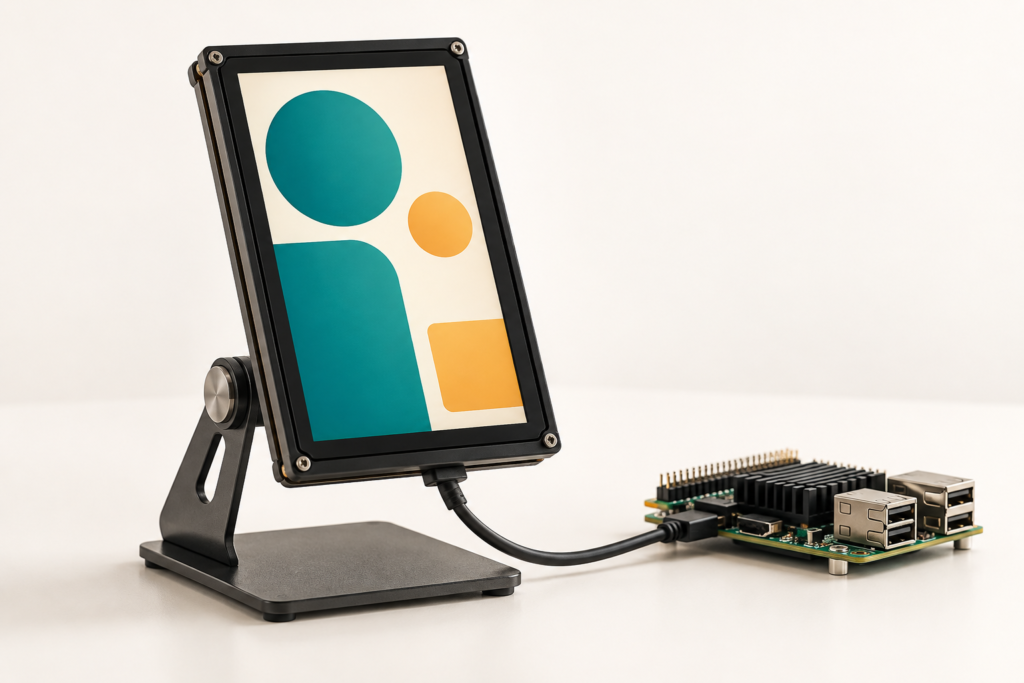
The display is only one part of this experience. The complete terminal may also require enclosure engineering, a host processor, networking, payment or membership identification functions, and food-service software. RJY Display’s role is to support the TFT LCD, touch, controller-board and display-related integration path rather than to represent every subsystem of the finished ordering platform.
What Water Droplets Change in a Capacitive Touch Interface
Projected-capacitive touch detects changes in capacitance. Liquid near the touch surface can affect those signals and may create false inputs or reduce usable touch behavior if the selected touch system is not designed and tuned for the condition. Infineon describes liquid tolerance as the ability of a touch interface to continue operating reliably around liquids, which is relevant to wet-zone HMI design.1
For a pool-club ordering screen, that means “touch works with water droplets” should never be treated as a generic module claim. The final result depends on the selected touch sensor, touch controller, cover-glass stack, grounding, display enclosure, firmware behavior and the amount and type of liquid exposure expected in use.
Liquid tolerance is not the same as waterproofing
A touch controller may be able to distinguish intended finger input from unwanted liquid effects under defined conditions. That does not automatically establish the ingress protection of the complete terminal. Water resistance for the finished device depends on the enclosure, seams, seals, cable exits, mounting method, connector protection and the installation location.
Wet fingers and droplets should be tested as real use cases
Development validation should reflect the actual guest journey: damp fingertips, droplets remaining on the cover glass, repeated cleaning, poolside lighting, service-staff use and the expected UI actions. A design that performs well in a dry desktop demonstration may need further adjustment when installed in a high-humidity hospitality setting.
Designing a Better Poolside Ordering Journey
A high-end club does not need a crowded screen. The best ordering interface reduces friction at a few important moments:
- Discover: Show clearly that ordering or service requests are available.
- Select: Present a limited, visually organized choice flow.
- Confirm: Give immediate feedback after a selection or request.
- Wait: Show a simple status state while the order is processed.
- Reset: Return to an available state without exposing the previous guest’s order details.
For wet-zone use, the UI should favor generous touch targets, short action paths and clear visual states over dense menu layouts. If the ordering flow needs long descriptions, numerous options, payment entry or multi-language content, the product team may use a larger display, a separate payment device or a mobile ordering path alongside the local touch terminal.
Where a Wet-Touch Display Can Fit in a Swimming Club
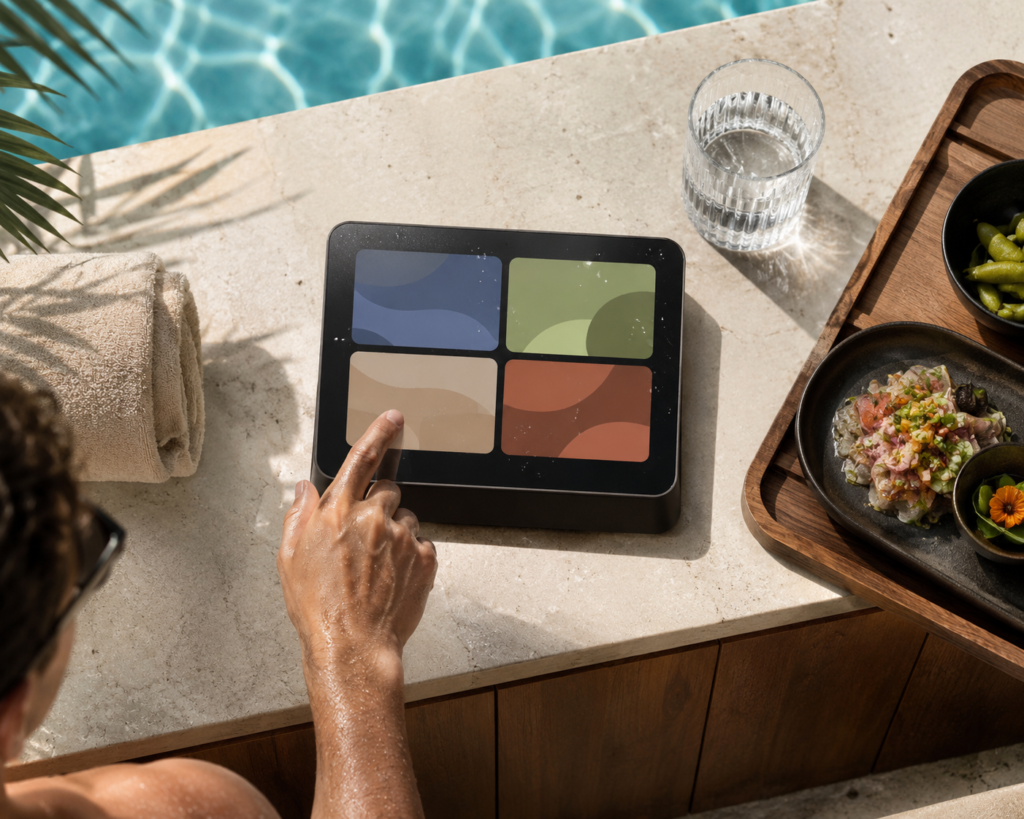
Poolside food and beverage counter
A touch display can support a compact ordering or service-request point near a pool bar or refreshment counter. The screen can present simple category choices, order confirmation or collection-status feedback while maintaining a polished front-panel appearance.
Cabana and sun-lounge service terminal
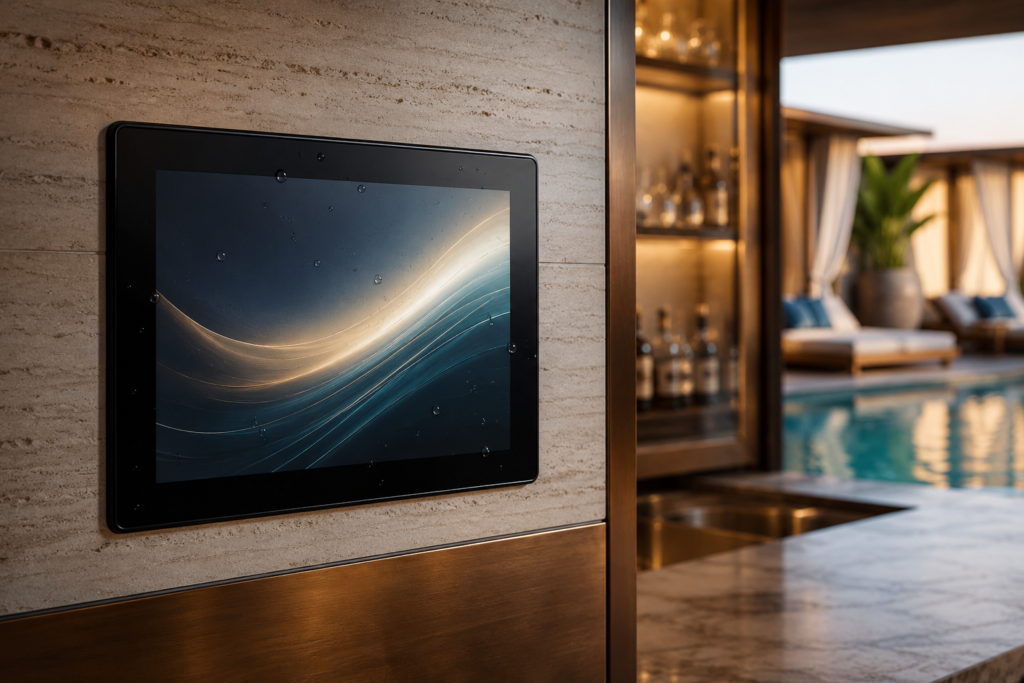
Private cabanas and premium lounge areas may use a wall-mounted or furniture-integrated display to support refreshments, towel requests or staff assistance. The display size, cover-glass shape and mounting position should be selected around the available space and intended interaction distance.
Wellness and spa refreshment station
Within a spa-adjacent relaxation area, a compact display can support a quieter service interaction. Here, the industrial design may prioritize a narrow bezel, discreet cover-glass print area and visual consistency with stone, wood or metal interior finishes.
Staff-facing service control point
Not every wet-zone display is public-facing. A touch HMI can also help staff view service status or manage limited workflow actions near a hospitality counter. The required user permissions and software behavior should be defined by the system developer.
Display and Touch Design Considerations for Wet Hospitality Environments
Start with the actual exposure zone
Define where the terminal will be installed before selecting the display assembly. Is it near a pool edge, under a covered cabana, behind a service counter or within a climate-controlled lounge? The expected splash exposure, humidity, cleaning method, mounting direction and maintenance access all affect the required front-panel and enclosure design.
Review cover glass, touch and enclosure as one assembly
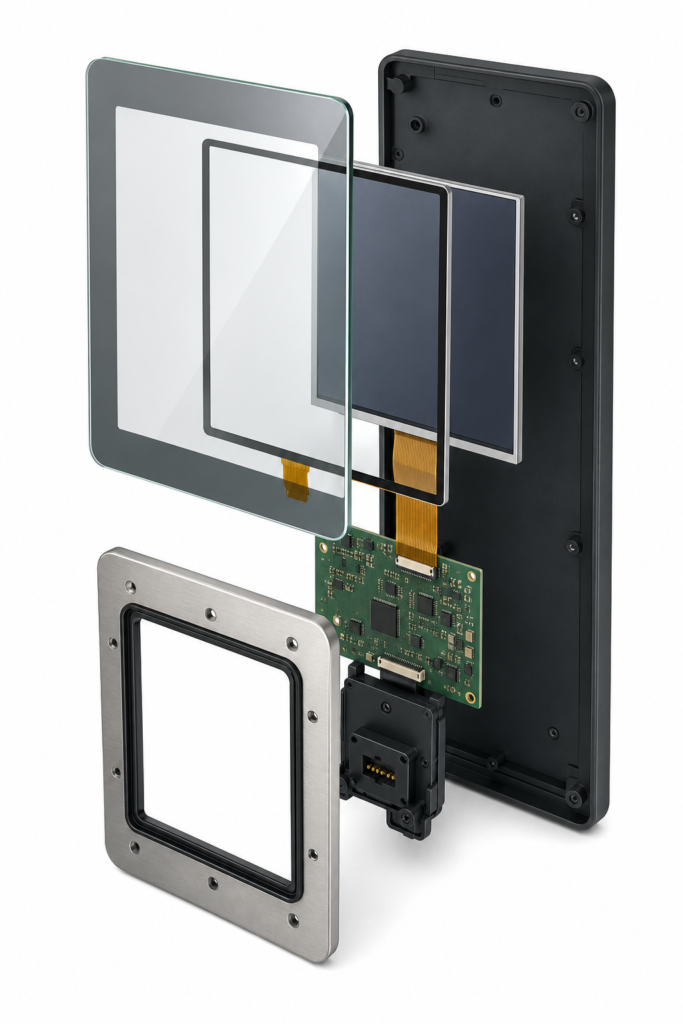
The cover glass is both a visual surface and part of the touch system. Its shape, printed border, edge treatment, mounting approach and relationship to the enclosure should be reviewed with the selected touch solution. RJY Display can support customization based on existing display modules, including cover glass, touchscreen, FPC, backlight, controller board, firmware and display-related mechanical coordination.
Choose the display around viewing conditions
Poolside areas can combine reflective water, changing daylight, indoor lighting and oblique viewing angles. Screen size, active area, orientation, display brightness target, UI contrast and enclosure recess should be evaluated together. A brightness value should not be selected in isolation from the physical installation and visual design.
Plan the host and controller-board path early
The LCD model, resolution, display interface, pin definition, backlight requirements, touch interface, operating system or firmware needs and application environment should be reviewed before a controller-board configuration is confirmed. Touch support is available depending on the LCD module, touch panel, controller-board configuration and project requirements.
For an early compatibility review, see the TFT LCD and Android controller-board matching guide and the HDMI-to-MIPI controller-board compatibility guide.
Customization Scope for a Poolside Ordering Terminal
A practical project usually begins with an existing TFT LCD module platform, then adapts the visible and integration-related parts of the assembly to the terminal concept. Depending on the selected module and project requirements, customization can include:
- Cover-glass dimensions, shape and printed front-panel area
- Touchscreen configuration and touch-controller matching
- Backlight and display-visibility requirements
- FPC direction, interface selection and cable-routing considerations
- Controller-board selection and firmware coordination
- Display-related enclosure, mounting and mechanical-structure coordination
Customization does not automatically mean development of a completely new LCD panel size. In many hospitality HMI projects, adapting an existing module with a tailored touch and cover-glass assembly is the more practical route.
What to Prepare for an Engineering Review
To evaluate a wet-touch ordering display project efficiently, prepare the following information where available:
- Application location and customer interaction flow
- Installation drawing, enclosure concept or reference design
- Expected water, humidity, cleaning and usage conditions
- Preferred display size, active area, orientation and viewing distance
- Touch requirements, including wet-finger and water-droplet scenarios
- Target display interface, host platform and controller-board needs
- Firmware or operating-system requirements
- Cover-glass and front-panel appearance requirements
- Sample quantity, estimated annual demand and project timeline
Build a Poolside Ordering Experience That Feels Effortless
A premium swimming club ordering system should feel discreet and intuitive, even when the environment is not dry. The right display solution combines clear visual communication with a touch and mechanical design that is validated for the intended setting.
If you are developing a poolside ordering terminal, cabana service device or wet-zone hospitality HMI, explore RJY custom display solutions or contact RJY with your display, touch, enclosure and controller-board requirements for an engineering review.
Customization projects typically start from an MOQ of around 500 units, depending on the product type and project requirements.
Frequently Asked Questions
Can a capacitive touchscreen work when water droplets are on the glass?
It may be possible when the selected touch sensor and controller are designed and tuned for the intended liquid conditions. Final behavior depends on the full touch stack, grounding, cover glass, firmware and real-world validation.
Does liquid-tolerance touch mean the full ordering terminal is waterproof?
No. Liquid tolerance describes touch behavior around water or moisture. Water resistance of the finished terminal depends on the complete enclosure, seals, cable exits, mounting and installation environment.
Can RJY customize the front glass for a poolside ordering display?
RJY can review cover-glass shape, print area, touch configuration and display-related mechanical coordination based on an existing display-module platform and the project requirements.
Can RJY provide a controller board for a hospitality touch display?
RJY can review a controller-board path after receiving the actual LCD model, resolution, interface, pin definition or datasheet, backlight details, touch interface, firmware or operating-system needs and operating environment.
Can RJY develop any new screen size for a swimming-club kiosk?
New-panel development requires a separate feasibility and volume discussion. For most projects, an existing display module combined with customized touch, cover glass, interface, controller-board and mechanical coordination is the more practical starting point.