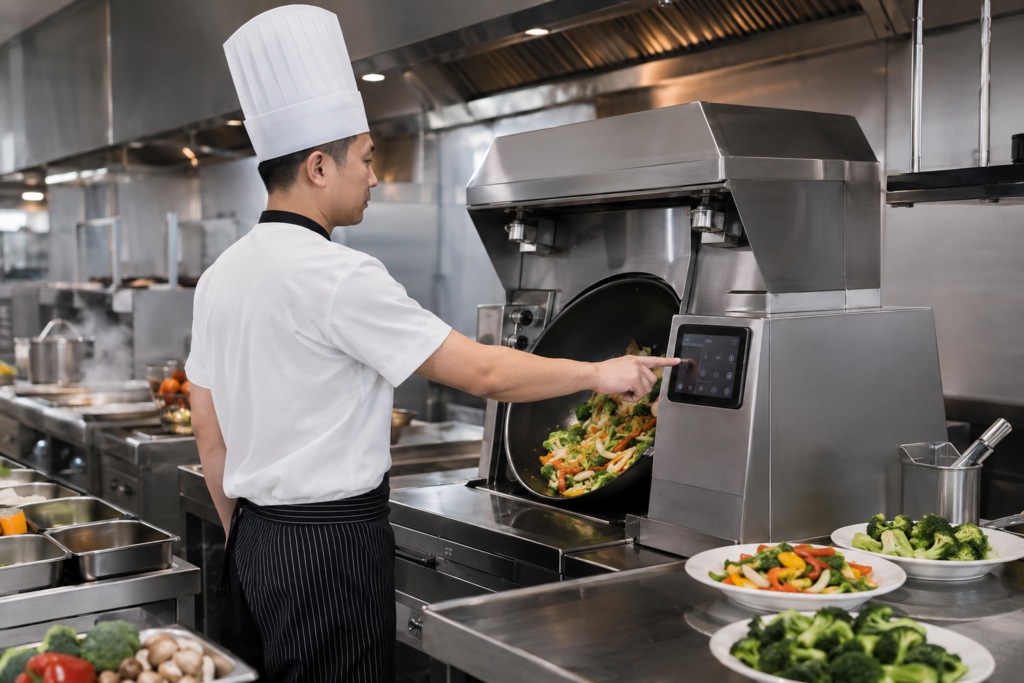
Automated stir-fry machines are becoming an increasingly practical equipment direction for quick-service restaurants, central kitchens, food courts and standardized meal-preparation concepts. Their value is not only in the cooking mechanism. The operator interface also determines how easily staff can select programs, confirm cooking status, respond to prompts and keep the station moving during busy service periods.
For this type of equipment, the control panel operates in a demanding environment. Staff may touch the screen repeatedly while handling ingredients, containers and utensils. Steam, oil vapor, flour dust, cleaning routines and constant shift changes can all affect how the front panel looks and feels in daily use.
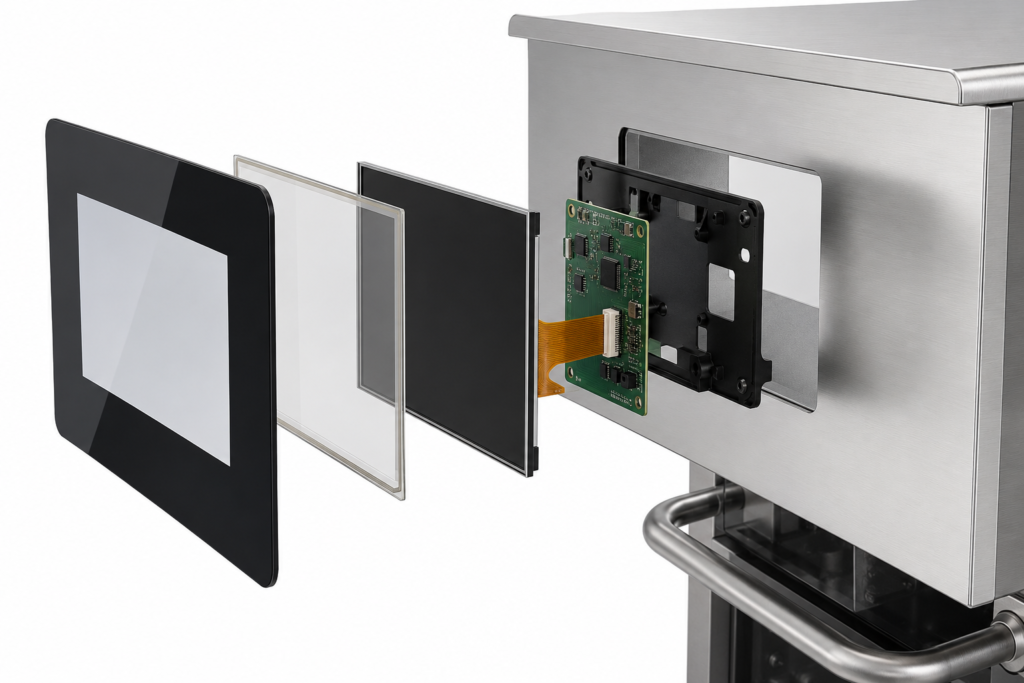
An anti-fingerprint touch panel can help an automated stir-fry machine maintain a cleaner-looking interface between cleaning cycles while supporting a more refined equipment design. However, it should be specified as part of a complete HMI assembly—including cover glass, touch sensor, TFT LCD, enclosure, controller board and software—not as an isolated cosmetic feature.
Why the Touchscreen Matters in an Automated Stir-Fry Workflow
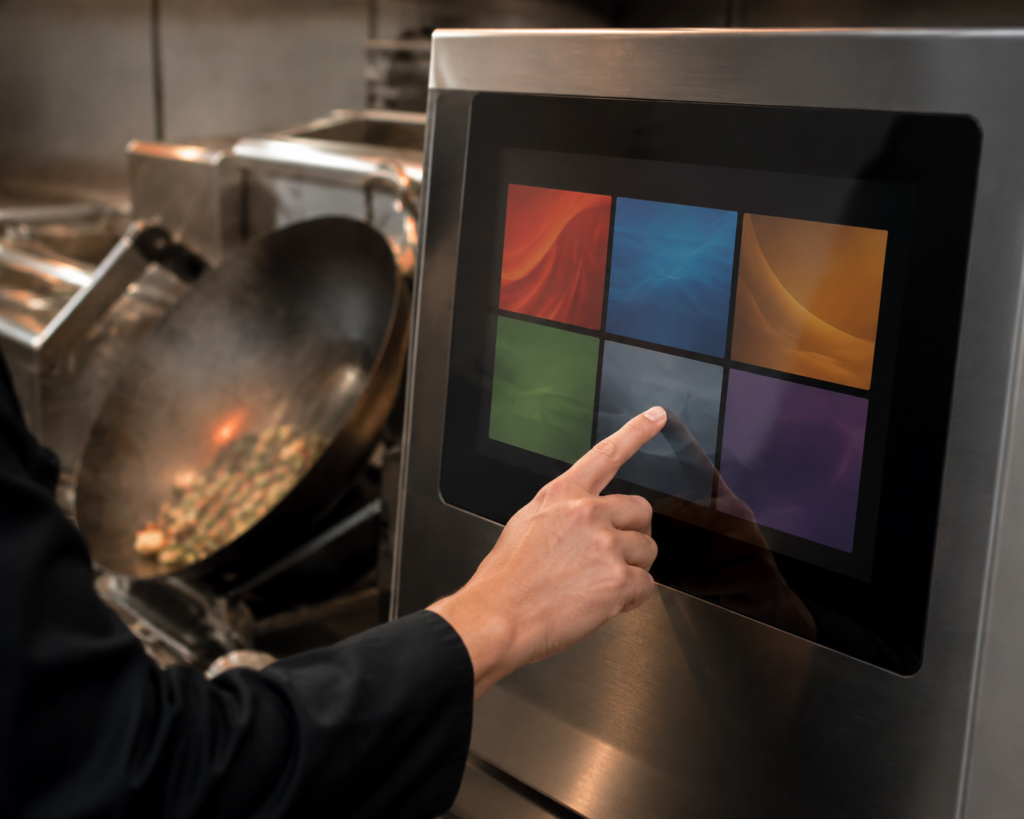
An automated stir-fry machine may handle part of the heating, timing or mechanical cooking sequence, but staff still need a clear way to control the process. The display interface can support recipe selection, batch setup, cooking-state feedback, cleaning prompts, service messages and maintenance access, depending on the equipment architecture.
In a quick-service kitchen, the interface should help reduce hesitation rather than add another step to the workflow. A well-planned touch HMI can support:
- Selection of predefined cooking programs or recipe groups
- Clear machine-ready, cooking, completed and attention-required states
- Simple operator confirmation steps
- Fast switching between common menu items or batch sizes
- Guided cleaning, refill or maintenance workflows
- A consistent visual interface across multiple equipment units
The goal is not to turn every cooking machine into a complex consumer tablet. The best kitchen HMI is usually direct, readable and easy to interpret at a glance.
What an Anti-Fingerprint Touch Panel Can Improve
Fingerprints are especially visible on dark glass-fronted equipment. In a busy kitchen, a panel can quickly appear streaked even when the touch function still works correctly. Anti-fingerprint surface treatments are commonly used to reduce the visible effect of fingerprints and make the surface easier to maintain visually.1
A cleaner-looking front panel during service
For an equipment manufacturer, the visible surface of the control panel is part of the product experience. A less visibly smudged touch surface can help the machine look more orderly during active service, particularly when the HMI is placed on the front of a stainless-steel cooking unit.
More consistent visual communication
When fingerprints, smears and reflections obscure the screen, even a well-designed user interface can feel less clear. Cover-glass selection, display brightness target, UI contrast, front-panel angle and lighting conditions should be reviewed together so the machine remains practical in its intended installation environment.
Better alignment with premium equipment design
Automated cooking equipment is often designed to present a standardized, modern and process-oriented kitchen operation. A flush display with a carefully planned cover glass can create a more integrated appearance than a separately mounted monitor or a dense mechanical-button layout.
Anti-fingerprint performance should not be confused with a claim of universal chemical resistance, scratch resistance or a specific cleaning-life result. The final surface material and treatment need to be selected and validated against the cleaning agents, usage frequency, operating conditions and equipment requirements of the project.
Designing the HMI Around Real Kitchen Operations
A touch panel for a cooking machine should reflect the operator journey rather than copy a generic menu interface. In many quick-service applications, the workflow can be organized around a small number of important actions:
- Prepare: Confirm the machine is available and ready for the next task.
- Select: Choose a cooking program, recipe group or production batch.
- Run: Display clear process feedback while the machine is active.
- Complete: Show a visible completion or collection state.
- Reset: Guide staff toward the next batch, cleaning action or maintenance step.
Large touch areas, restrained color use and short action paths are often more useful than dense information layouts. If an equipment system requires detailed recipe management, production reporting, remote monitoring or extensive configuration, those functions may be handled through a separate management platform rather than placed entirely on the local display.
Key Display and Touch Considerations for Stir-Fry Machines
Cover glass and touch must be selected together
The visible front glass is part of both the industrial design and the touch system. Its shape, printed border, edge treatment, mounting method and surface requirement should be evaluated with the selected touch sensor and controller. An anti-fingerprint specification should be confirmed for the final cover-glass material and intended cleaning routine, rather than assumed from a generic display module.
Consider the installation position
The display may be installed on the front of the cooking machine, on an angled console, beside a wok chamber or at a staff-facing control position. Mounting position affects viewing angle, reflections, operator reach, cable routing, heat exposure and enclosure coordination. These factors should be considered before the final display size and active area are selected.
Plan for the actual kitchen environment
Commercial kitchens may involve heat, steam, oil vapor, cleaning procedures and repeated daily use. The display assembly and surrounding enclosure should be evaluated against the specific equipment environment. The finished machine’s environmental protection depends on the complete mechanical design, not on the LCD module or touch panel alone.
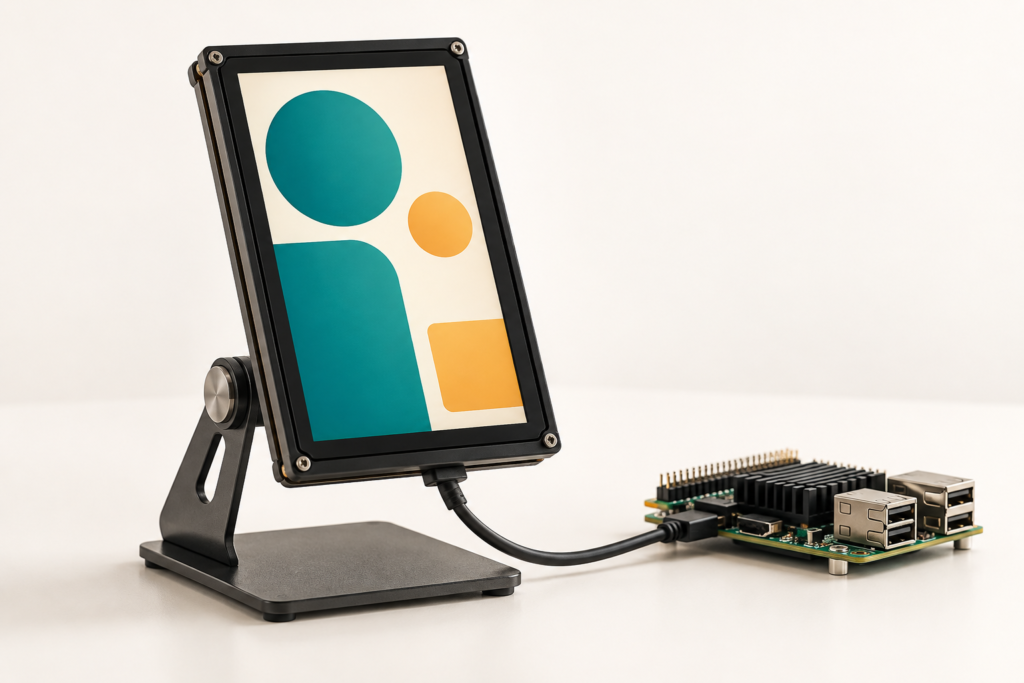
Confirm controller-board compatibility through engineering review
A controller board should not be chosen from the display size or connector appearance alone. The review should include the selected LCD model, resolution, interface, pin definition or datasheet, backlight requirements, touch interface, firmware or operating-system needs, host architecture and installation environment.
RJY can review the display and controller-board path before sampling. See the TFT LCD and Android controller-board matching guide and the HDMI-to-MIPI controller-board compatibility guide for the information needed to begin a technical review.
Customization Options for a Cooking Machine Touch Display
For most equipment projects, the practical starting point is an existing TFT LCD module platform combined with customization around the front-panel and integration requirements. Depending on the project scope, RJY can review:
- Cover-glass dimensions, shape and printed front-panel area
- Touchscreen configuration and touch-controller matching
- Display brightness and visibility requirements
- FPC direction, display interface and cable-routing needs
- Controller-board selection and firmware coordination
- Display-related mounting, housing and mechanical-structure coordination
Customization is generally based on existing display modules. It should not be assumed to mean development of a completely new LCD panel size from scratch. For many automated stir-fry machines, adapting an established module with a tailored touch and cover-glass assembly is the more efficient project route.
What to Prepare Before Starting a Project
A clear initial brief makes the display and HMI review more efficient. Please prepare the following information where available:
- Cooking-machine concept and intended operator workflow
- Reference design, enclosure drawing or front-panel opening dimensions
- Preferred display size, orientation and active area
- Expected screen content, touch actions and UI complexity
- Required cover-glass appearance and anti-fingerprint design objective
- Cleaning method, environmental conditions and installation location
- Host platform, display interface and controller-board requirements
- Firmware or operating-system requirements
- Sample quantity, estimated annual demand and project timeline
Build a Cooking Machine Interface That Keeps the Workflow Moving
As food-service automation becomes more common, the control interface becomes part of the equipment’s operational value. A well-integrated anti-fingerprint touch panel can help automated stir-fry machine developers create a cleaner-looking, clearer and more consistent operator experience—provided the glass, touch, display, controller board and enclosure are reviewed as one system.
If you are developing an automated stir-fry machine, cooking robot or commercial kitchen HMI, explore RJY custom display solutions or contact RJY with your display, touch, front-glass and controller-board requirements for an engineering review.
Customization projects typically start from an MOQ of around 500 units, depending on the product type and project requirements.
Frequently Asked Questions
What is an anti-fingerprint touch panel?
An anti-fingerprint touch panel generally refers to a touch-display front surface designed to reduce the visible appearance of fingerprints and smudges. The final effect depends on the selected cover-glass material, surface treatment, cleaning routine and use environment.
Can an anti-fingerprint surface be used on a commercial kitchen touchscreen?
It can be evaluated for a commercial kitchen project, but the final cover-glass and surface requirement should be confirmed against the intended cleaning agents, operating conditions, touch design and equipment structure.
Can RJY customize the cover glass for a stir-fry machine display?
RJY can review cover-glass size, shape, print area, touchscreen configuration and display-related mechanical coordination based on an existing display-module platform and project requirements.
Can RJY provide a controller board for a cooking-machine display?
RJY can review a controller-board path after receiving the LCD model, resolution, interface, pin definition or datasheet, backlight details, touch interface, firmware or operating-system needs and application environment.
Can RJY develop any screen size from scratch for kitchen equipment?
New-panel development requires a separate feasibility and volume discussion. For most projects, an existing display module combined with customized touch, cover glass, interface, controller-board and mechanical coordination is the more practical starting point.