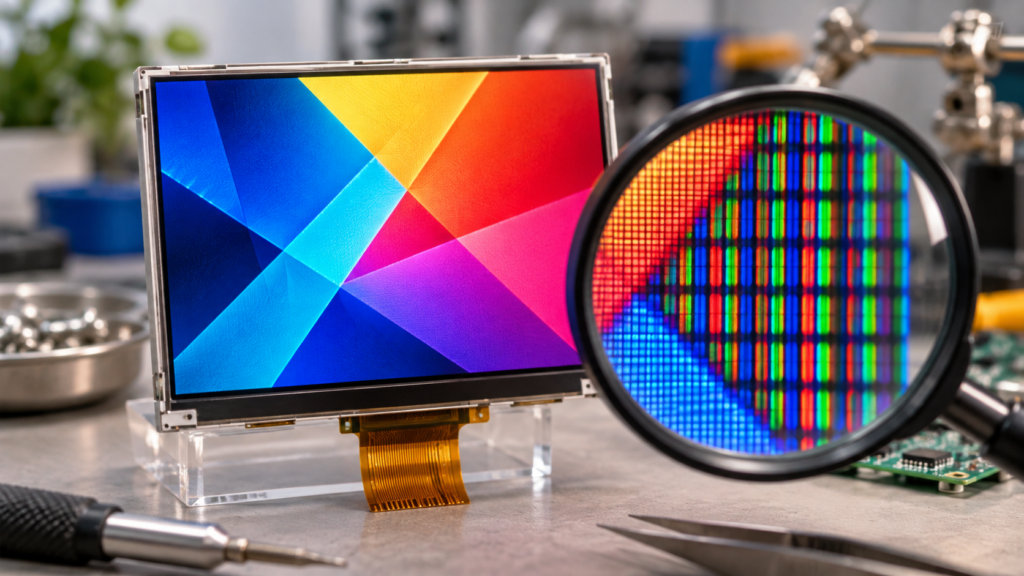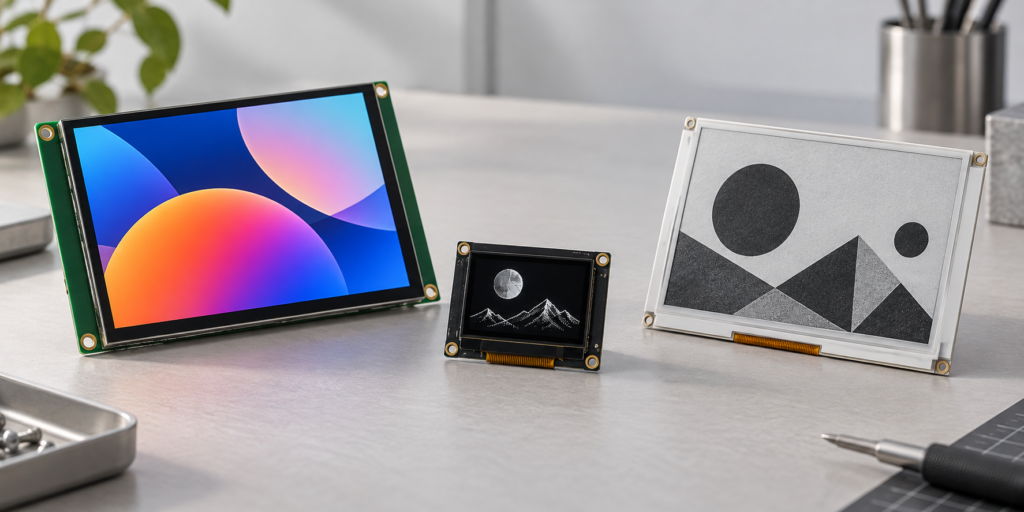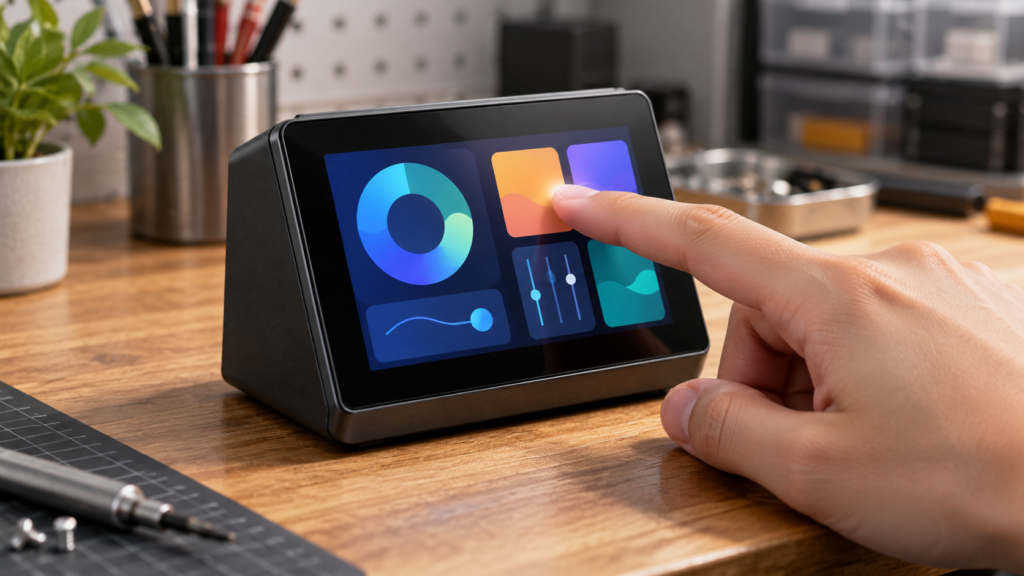
In-cell touch technology integrates touch-sensing elements into an LCD’s cell structure. Instead of placing a completely separate touch sensor over the display, the panel incorporates sensing electrodes into its own construction. A controller detects changes associated with a finger or another supported input and reports touch coordinates to the host.
This integration can reduce the number of separate layers in a touch-display assembly. It does not remove the need to verify the cover glass, touch interface, firmware and performance in the final product. For an OEM, the key question is whether a particular in-cell module meets the application’s optical, electrical and touch requirements.
How does in-cell touch work?
An LCD controls light through a liquid-crystal cell. An in-cell touch design adds sensing electrodes within that cell structure. In some implementations, display electrodes also serve a touch-sensing role at different times. The touch controller measures changes in capacitance when a finger approaches or touches the surface and uses those measurements to estimate a location.
The exact electrode layout and sensing method vary. A published self-capacitive implementation, for example, uses a segmented LCD common electrode as a touch electrode. Other designs use different arrangements. Do not assume that every in-cell panel shares the same electrodes, scan timing or controller architecture.[1]
Display driving and touch sensing must be coordinated. The display’s electrical activity and the product’s other electronics can affect touch measurements, so the panel and controller design must account for noise and timing. Touch performance should be tested with the actual host, power supply, cover and enclosure.
What is the difference between in-cell and a separate touch panel?
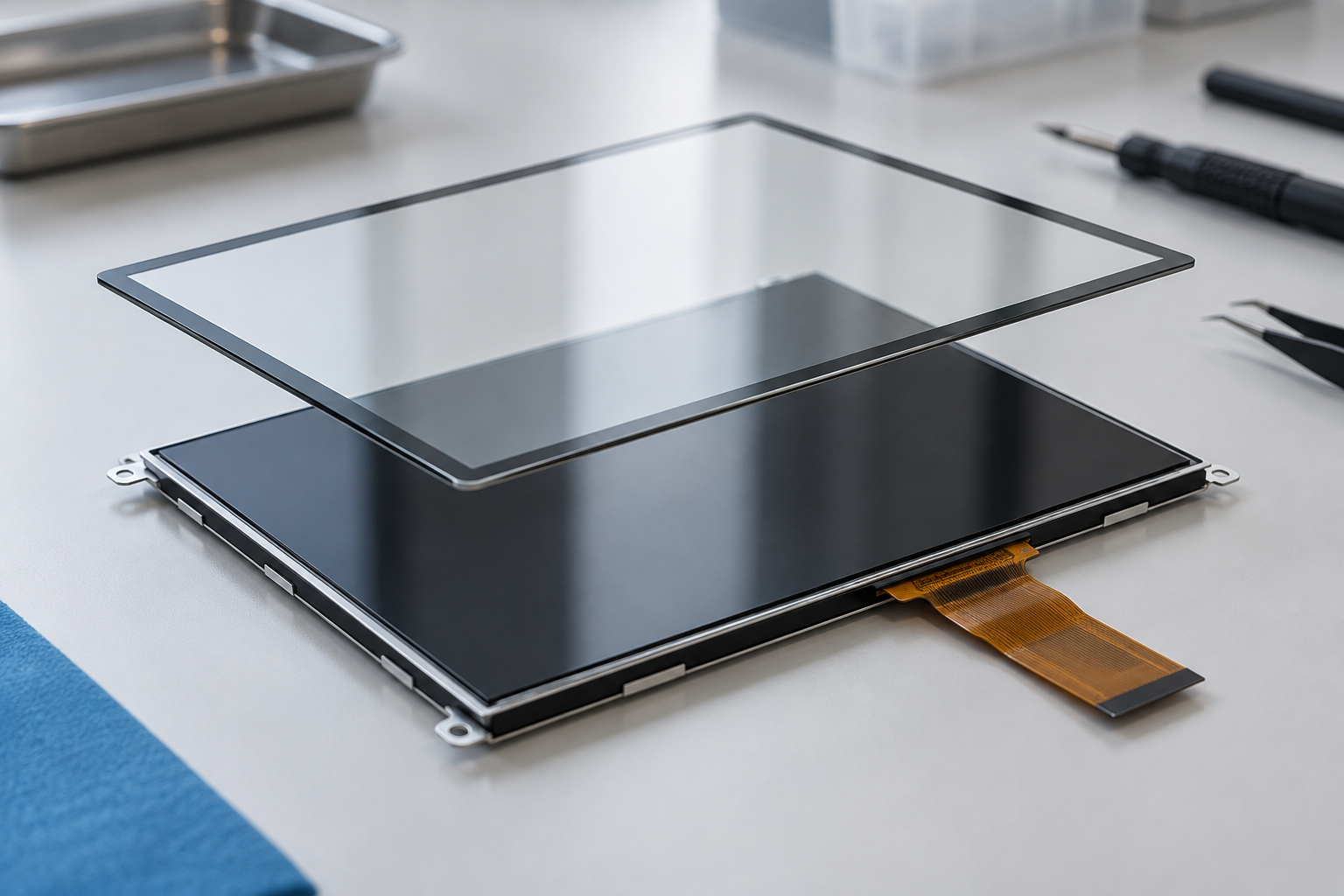
In a separate touch-panel assembly, a sensor is added above the LCD and joined to the display or cover structure. In-cell places touch sensing inside the LCD cell. On-cell places sensing elements on a surface associated with the display stack. These terms describe the location of the touch sensor; they do not specify the thickness, brightness or touch performance of a particular finished product.
In-cell can eliminate a separate sensor layer and its associated assembly steps. The final stack may still include polarizers, cover glass, adhesive and other layers. Compare the complete drawings and measured performance of the candidate modules, not only the integration label. For a broader comparison, see In-Cell, On-Cell and OGS touch technologies.
Is in-cell the same as TDDI?

No. In-cell describes where touch sensing is integrated in the display structure. TDDI stands for touch and display driver integration and describes an IC architecture that combines touch and display driving functions. A product may use both, but one term alone does not establish the other.
For example, AUO describes an integrated-touch product using a combined touch and display driver IC, while a published research design describes its own in-cell sensing arrangement. The appropriate integration details come from the specific panel and controller documentation.[1][2]
Potential benefits and trade-offs
| Consideration | What to evaluate |
|---|---|
| Assembly thickness | Removing a separate sensor can reduce stack thickness, but compare the finished assemblies and drawings. |
| Optical stack | Fewer separate layers may change transmission and internal reflections; check the actual cover, bonding and surface treatment. |
| Intégration tactile | The display and touch functions may be more closely coupled, so confirm the controller, firmware and host interface. |
| Customization and service | Check what can be changed or replaced in the chosen module. An embedded sensor may not be separately replaceable. |
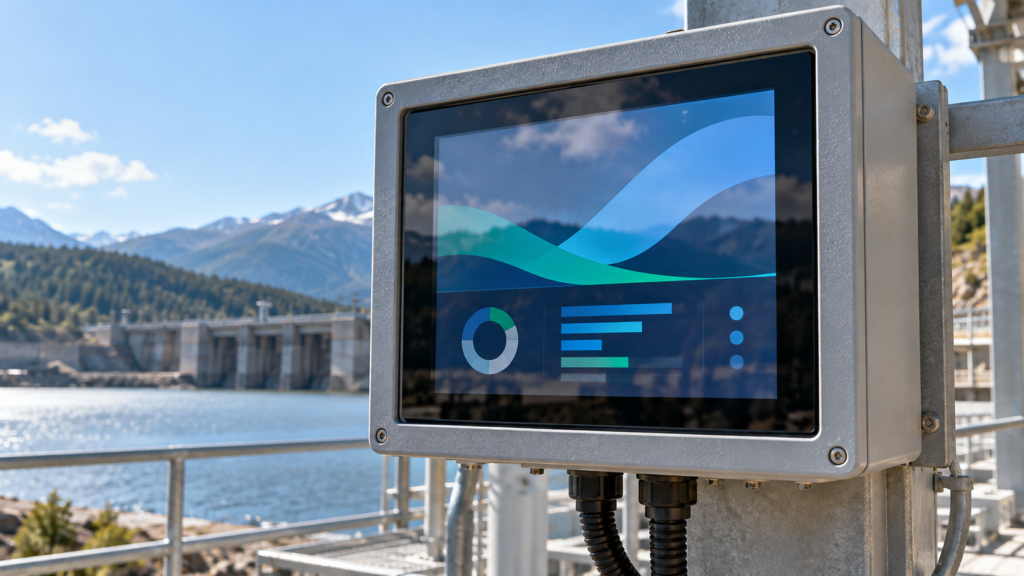
| Environmental use | Verify behavior with the intended cover, gloves, moisture, electrical noise and temperature where relevant. |
In-cell does not automatically guarantee a brighter screen, outdoor readability, glove operation, water rejection or a particular cost. These outcomes depend on the specific panel, controller and complete assembly.
What should an OEM verify before choosing an in-cell LCD?

Start with the exact module datasheet. Confirm active area, resolution, outline and display interface, then identify the touch-controller interface, pin definition, supported host driver and firmware requirements. Display image signals and touch-coordinate communication can use different interfaces even when the functions are integrated into one module.
Next, define how the product will be used. Test touch accuracy, response, edge coverage and the required number of simultaneous contacts with the actual cover glass and enclosure. If gloves, water or electrical interference matter, include them in the acceptance plan. Check image quality and touch behavior during startup, sleep, wake and normal system activity.
For a controller-board project, also provide the panel model, display timing, power, backlight requirements and operating system. Compatibility is project-specific; a shared connector or an interface name alone is not enough to confirm it.
Questions fréquemment posées
Does in-cell touch eliminate the cover glass?
No. The touch sensor is integrated into the LCD cell, but the finished product can still use cover glass and other protective layers.
Is every in-cell screen multitouch?
No. The number of supported contacts and the behavior of the touch controller depend on the specific implementation. Confirm them in the module documentation and test the actual assembly.
Can an in-cell touch LCD work with any host board?
No. Verify the display and touch interfaces, pinout, power, timing, driver and firmware support for the exact module and host.
Discuss an in-cell display project
In-cell technology integrates sensing into an LCD, but the finished module and host determine the practical result. Share the required screen size, resolution, display and touch interfaces, cover-glass requirements, operating environment and host platform when requesting a review.
Explorer Modules d'affichage RJY ou contactez RJY Display pour une discussion spécifique au projet.