LCD backlight dimming needs more than a working brightness slider. Before approving a TFT LCD and controller assembly, identify how the brightness command changes LED current, then measure the light the display produces. A low duty-cycle setting does not prove that the backlight reaches a stable, usable low brightness.
This guide covers LED-backlit LCDs. It proposes a bench validation workflow for an identified assembly; it does not report RJY product measurements or specify a driver circuit. The aim is to separate a control limitation from an electrical or optical limitation before the design moves forward.
Trace the brightness command to the LED driver
Start with the actual hardware. Record the panel model, controller-board revision, backlight driver, supply arrangement, and firmware version. Find the backlight connections and the documented brightness interface. A software brightness value may pass through several stages before it reaches the LED driver.
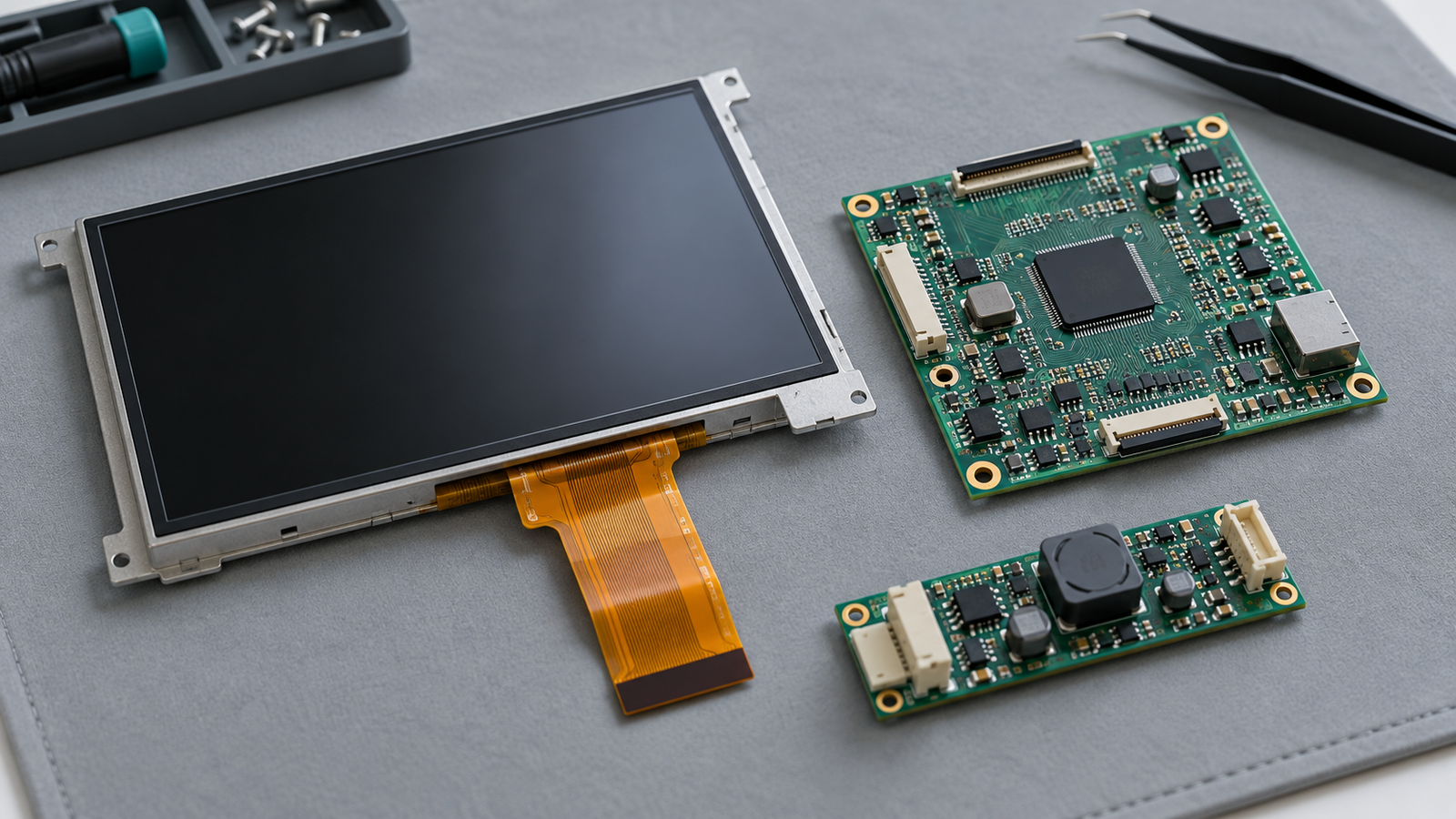
Draw that path in plain terms: application command, controller output, driver input, LED current, and light output. Mark where a signal changes form. For example, a controller may generate a PWM signal, while the driver converts its duty cycle into a current reference.
Read the driver documentation for input voltage limits, polarity, supported frequency range, dimming mode, enable behavior, and endpoint behavior. Separate the enable input from the dimming input when the design uses both. Neither a connector label nor a menu named “PWM” establishes the current waveform at the LEDs.
Check the power arrangement before changing the dimming control. An unstable supply can confuse the diagnosis. The related overview of come alimentare un display TFT LCD explains the wider power context. Use the selected panel and driver documentation for electrical limits and sequencing. A logic output belongs at a suitable control input; do not use a GPIO to supply the LED backlight current.
Distinguish true PWM from PWM-to-analog dimming
With true PWM dimming, the driver pulses LED current. With analog dimming, it changes the current level. A PWM-to-analog interface accepts a PWM control signal but converts that signal into an analog current command. Thus, the frequency at the control connector does not establish the frequency or shape of the optical output. TI describes this distinction and several device-dependent conversion limits in its white-LED driver application note.[1]
Hybrid dimming combines methods, with behavior defined by the selected driver and its configuration. ADI’s MAX25510/MAX25511 discussion illustrates why the mode and control-pin behavior must come from the relevant part documentation.[2]
This distinction determines the next measurement. For true PWM, inspect current pulses and their repeatability. For PWM-to-analog control, inspect the resulting current level, settling, and optical response. Do not apply a minimum LED-current pulse-width calculation to a PWM input that the driver converts into analog current.
Also distinguish the command range from the usable range. Firmware may expose many brightness codes, while several adjacent codes produce indistinguishable output. A nominal zero or full-scale code can have part-specific behavior. Verify those endpoints from documentation and measurement rather than assuming that they mean a universal off state or continuous maximum current.
Use PWM frequency to evaluate pulse width, not as a universal target
For true LED-current PWM, the nominal on-time follows t_on = D / f, dove D is duty cycle as a fraction and f is frequency in hertz. Raising frequency shortens each pulse at the same duty cycle. The electrical response therefore matters as much as the requested percentage.
TI notes that current settling can limit useful on-time when PWM dimming switches the driver on and off. It also explains why analog dimming can lose relative accuracy at low current references.[3] Neither observation supplies a universal limit for an unidentified assembly.
As a hypothetical calculation, suppose a true-PWM system required a minimum usable on-time of 2 microseconds. At 1 kHz, that would correspond to 0.2% duty cycle. At 20 kHz, it would correspond to 4%. These numbers are arithmetic examples, not specifications or recommended settings for an RJY product.
For this true-PWM timing model, the simplified expression D_min ≈ f × t_min estimates the duty-cycle floor imposed by the chosen minimum usable on-time. It does not predict the minimum usable brightness by itself. Actual operation also depends on timing tolerance, current response, minimum off-time, control resolution, and the optical result.
ADI discusses how minimum on- and off-times constrain PWM dimming and how component vibration can produce audible noise.[4] A frequency change may alter noise and low-output behavior together. A setting such as 20 kHz is therefore not a universal fix. Select candidate settings within the documented range and test their consequences on the assembly.
Define the low-brightness result you need
Minimum output and usable low brightness are different results. Minimum output is the lowest light level the assembly produces under stated conditions. Usable low brightness must also meet the application’s target for stability, uniformity, adjustment, and startup behavior.
Write the optical requirement before tuning firmware. If it specifies luminance in cd/m², define the measurement position, viewing direction, test image, ambient conditions, and warm-up condition. If the application needs repeatable brightness steps, define which part of the range matters. A control setting of 1% does not mean 1% of measured luminance.
Use a fixed image during comparisons. A white field can provide a consistent starting condition. Repeat critical checks with relevant application content so that image changes do not obscure the dimming result. Keep the viewing position and ambient light controlled.
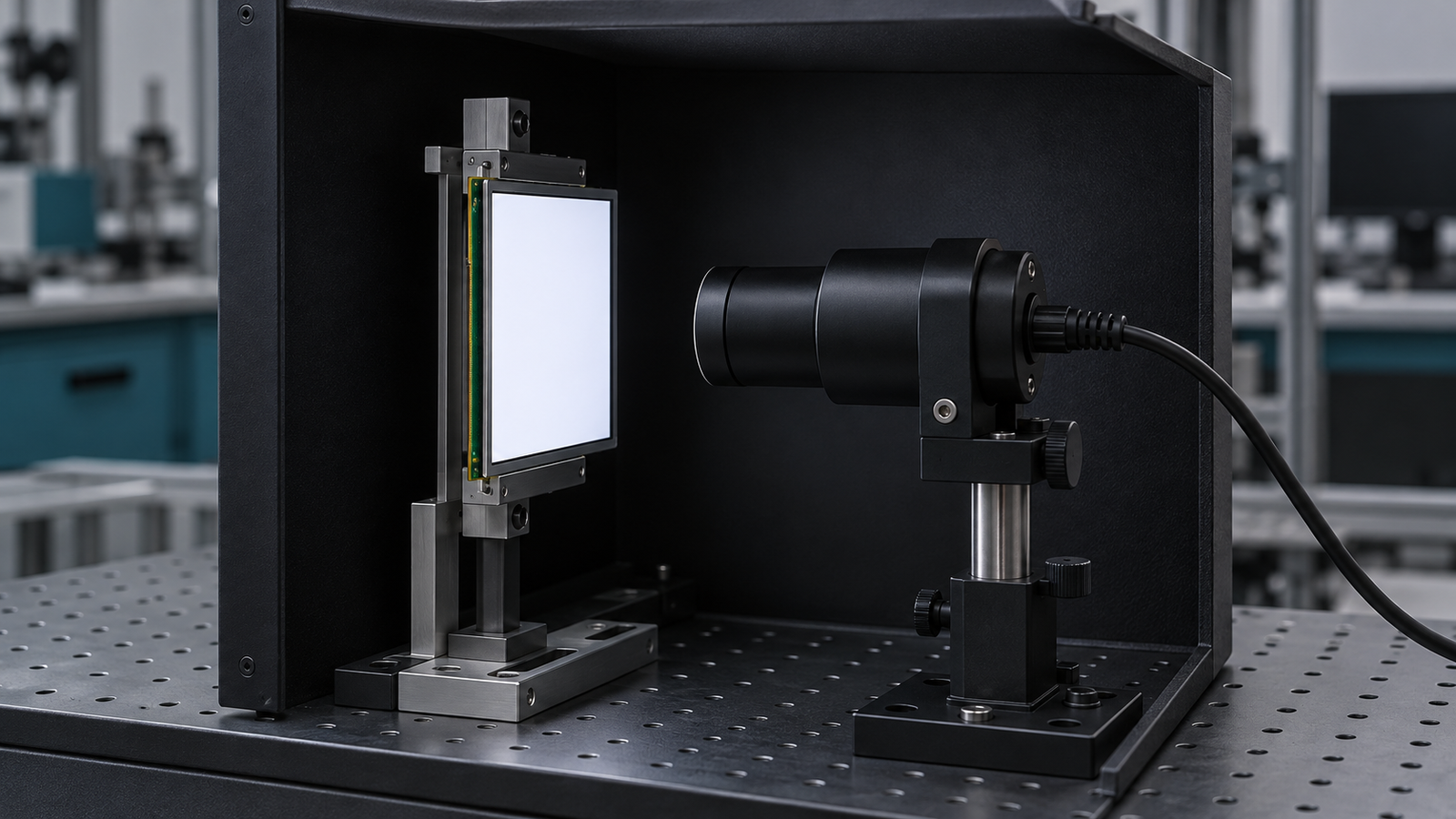
Separate absolute measurement from waveform observation. A suitable calibrated luminance instrument supports cd/m² readings. A photodiode setup can reveal optical timing and relative changes, but it does not automatically provide calibrated display luminance.
Run a proposed electrical and optical bench sequence
The following sequence is a proposed validation method. Adapt it to the driver documentation, available equipment, and project requirements. It establishes what to observe; it does not substitute for the assembly’s electrical limits.
1. Prepare measurements without disturbing the circuit
Use rated equipment and suitable measurement points. An oscilloscope probe can load a circuit through its resistance, capacitance, and connection inductance; Tektronix explains why probe selection affects the result.[5]
Choose an appropriate current probe or a documented current-sense measurement method. Use a suitably rated differential measurement where required. Check the instrument’s grounding arrangement before connecting it: an ordinary grounded scope lead can short a node that is not at ground potential. If the required measurement point is inaccessible, obtain a supported test arrangement rather than improvising a connection.
2. Confirm the control input
Measure the dimming input at several brightness commands. Record frequency, duty cycle, voltage levels, and polarity as applicable. Compare the result with the driver’s specified input requirements. Check whether the controller actually produces distinct settings near the bottom of the range.
Then observe LED current where the setup permits it. Determine whether the driver pulses current, changes its level, or changes mode. This step connects the control signal to the backlight behavior.
3. Measure steady optical output
Hold each setting long enough for the measurement to settle. Record luminance at the defined position and observe the optical waveform where timing matters. Tektronix describes photodiode-based LED measurements, ambient-light shielding, and the importance of settling and integration conditions.[6]
Use consistent sensor geometry. Confirm that the optical detector, its amplifier, and the instrument have enough bandwidth and sampling capability to resolve the behavior under test without saturation. A slow acquisition or long integration can conceal short variations. Conversely, a noisy detector at low output can make a stable backlight appear unstable.
4. Sweep the low range in both directions
Start at a stable intermediate setting and step downward. Record the control value, electrical response, and optical result at each point. Take smaller steps near any sudden change. Then step upward through the same region.
Look for missing steps, unexpected jumps, instability, and differences between upward and downward sweeps. Keep the raw settings in the record. A remapped software slider can make the interface easier to use, but it cannot create stable output below the assembly’s physical operating limit.
5. Test transitions and relevant operating conditions
Repeat critical settings after enable, after a restart, and during brightness changes. Check whether the display returns to the intended level without an unwanted flash or delay. Test relevant supply and temperature conditions within the documented ratings when those conditions form part of the project requirement.
If you compare frequencies or dimming modes, change one variable at a time. Preserve a known baseline so that you can attribute an improvement or regression to the change.
Connect each symptom to the next useful measurement
| Observed symptom | What to investigate | Next action |
|---|---|---|
| Several low brightness codes give the same output | Controller resolution, input conversion, or the driver’s low-range limit | Compare the input signal, LED current, and optical output at adjacent codes. |
| Output drops sharply below one setting | Mode transition, pulse response, or an endpoint rule | Check the relevant driver behavior and capture current plus light across the transition. |
| Low output becomes unstable after frequency increases | Shorter true-PWM on-time, or input-frequency compatibility in a conversion mode | Identify the active mode before interpreting the waveform; compare with a supported baseline. |
| Brightness changes create audible noise | Noise from components under the actual operating condition | Record the setting and load; review the driver and board behavior before changing frequency. |
| The input looks correct but luminance misses the target | Current response, optical measurement conditions, or the assembly’s available range | Verify current and calibrated luminance using the defined test geometry. |
| The display flashes during startup | Enable timing, initial brightness command, and firmware sequence | Capture startup control signals and optical output together. |
A phone video can help document a visible symptom, but camera exposure and readout can affect the recording. It cannot certify optical modulation performance or establish an eye-safety conclusion.
Approve the measured range and hand off the unresolved limit
Approve a documented operating range, not just a PWM frequency. The record should connect the tested assembly and firmware to the control settings, measured luminance, low-range behavior, and relevant transitions. State which conditions you tested and which remain open.
If the assembly reaches the minimum electrical setting but still exceeds the optical target, report that distinction. If it reaches the target but behaves poorly during startup, retain that as a separate failure. These findings require different changes.
For a project-specific review with Display RJY, share the panel and backlight identification, driver or controller details, dimming interface, brightness target, and the observed failure with its measurement conditions. That evidence supports a focused discussion of an existing LCD module and its controller adaptation. Fit remains dependent on the selected model, interface, pinout, timing, backlight, firmware, and application requirements.
Domande frequenti
Does a PWM brightness input mean the LEDs use PWM dimming?
No. A driver can convert a PWM input into an analog current command. Check its documented mode, then compare the control input with LED current and optical output.
Is 20 kHz the best LCD backlight PWM frequency?
There is no universal setting. For true LED-current PWM, higher frequency shortens the on-time at a given duty cycle. Compare candidate frequencies within the supported range and validate low output, transitions, and audible noise on the actual assembly.
Can a phone camera verify low-brightness performance?
A camera can document a symptom, but its exposure and readout affect the result. Use a calibrated luminance instrument for absolute luminance and a suitable optical detector setup for timing. A camera recording does not establish eye safety.
Riferimenti
- Analog PWM Dimming in White-LED Drivers (SNVA768). Texas Instruments. Accessed October 20, 2026.
- Using Hybrid Dimming with MAX25510 and MAX25511. Analog Devices. Accessed October 20, 2026.
- LED dimming methods and performance (SSZT647). Texas Instruments. Accessed October 20, 2026.
- Avoid the Audio Band with PWM LED Dimming. Analog Devices. Accessed October 20, 2026.
- How Oscilloscope Probes Affect Your Measurement. Tektronix. Accessed October 20, 2026.
- Accurate, Cost-Effective High Brightness LED Testing Starts with Device Fundamentals. Tektronix. Accessed October 20, 2026.