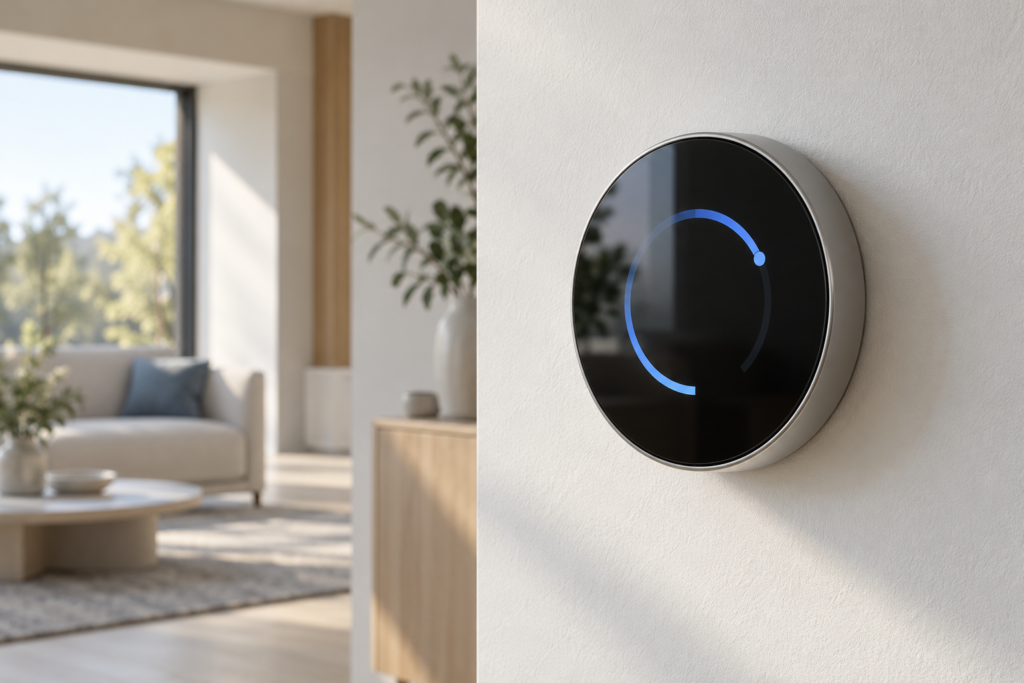
A wall-mounted smart thermostat must show room temperature at a glance and let the user change a setpoint without opening several menus. A round TFT LCD can support that workflow, but the screen must fit the wall enclosure, the control board, and the product’s power budget.
This article uses RJY Display’s RV040YGP-300-40 as a starting point for evaluating a 4-inch round touch interface. It describes a proposed indoor thermostat application, not a completed customer installation or a validated thermostat reference design.
Start with the thermostat workflow
Keep the home screen focused on the measured room temperature, the target temperature, and the current heating or cooling state. Give the user a clear way to distinguish a requested change from the equipment’s reported state. A touch animation alone must not imply that the heating system has responded.
Place schedule editing, network setup, and service information on separate screens. Show a clear response when a sensor value is unavailable, a command fails, or communication stops. Decide which settings remain available without a network connection before choosing the display platform.
A circular layout suits a central temperature value with a surrounding adjustment arc. It offers less room for long labels and menus near the edge. Review translated text, warning messages, and complete touch targets at the intended physical size. Keep essential information inside the final bezel opening; a square framebuffer does not make its corners visible.
Use RV040YGP-300-40 as a candidate, then check the fit
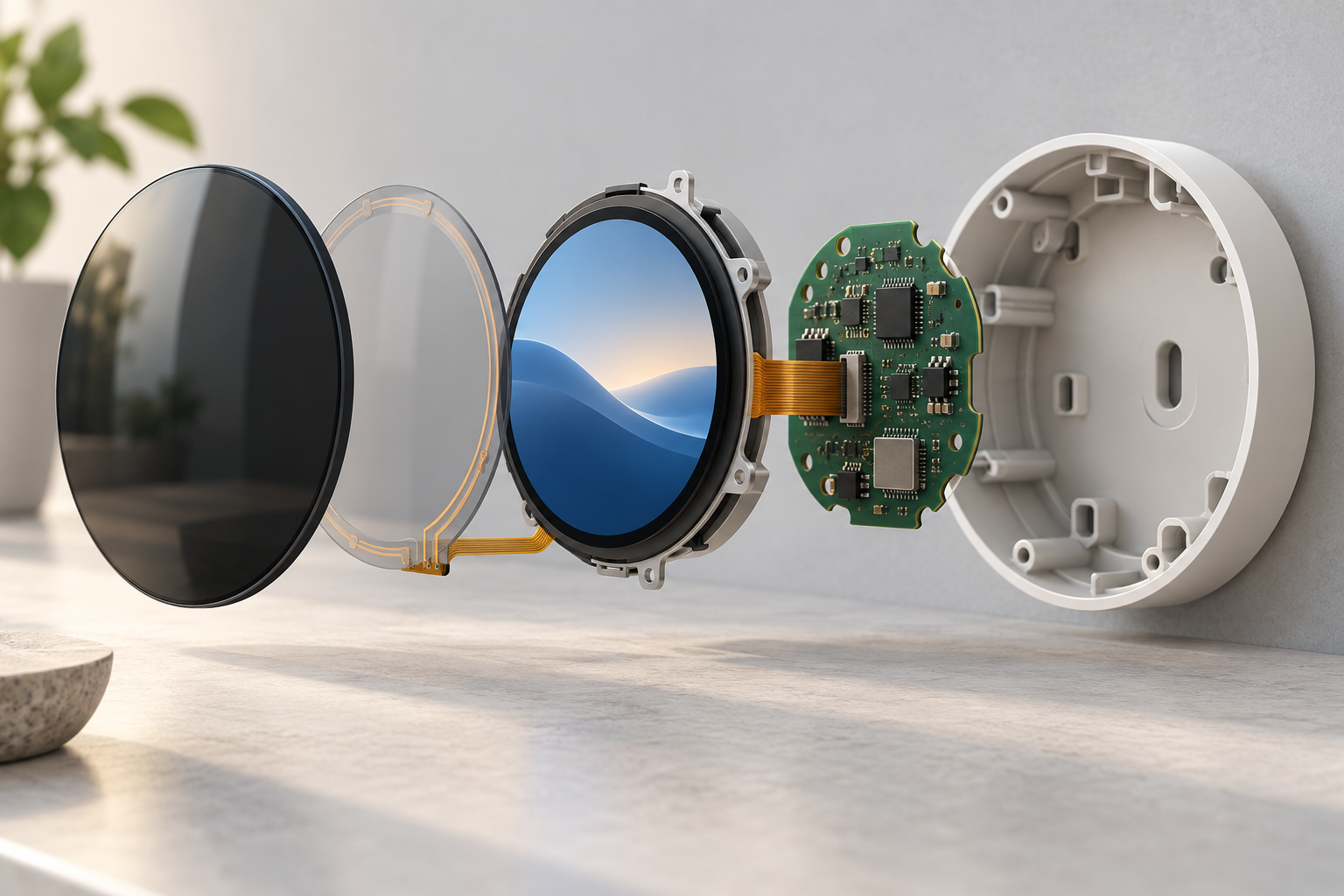
The published RV040YGP-300-40 product record identifies a 4-inch, 720 × 720 TFT LCD with an RGB interface and a capacitive touch assembly. Evaluate these features against the thermostat specification before selecting the module.[1]
| Published item | 값 | Thermostat design check |
|---|---|---|
| 해상도 | 720 × 720 픽셀 | Test temperature text, adjustment controls, and warning screens inside the visible circle. |
| 디스플레이 인터페이스 | RGB | Check the actual board output, panel timing, signal levels, and connector definition. |
| 터치 | G+G capacitive touch; CST3240 controller | Review touch wiring, firmware, coordinate mapping, and the final cover assembly. |
| Typical backlight luminance | 300cd/m² | Evaluate the assembled front surface in the intended room lighting and at night. |
| LCD-only outline | 105.6 × 109.87 × 2.13 mm | Do not use this envelope for the complete touch assembly. |
| LCD plus CTP outline | 128.75 × 126.75 × 5.75 mm | Compare the controlled drawing with the wall plate, PCB, cable exit, and mounting method. |
The complete touch assembly can set the enclosure size even when the front opening is circular. Confirm the latest approved drawing, tolerances, and support areas before committing to the wall plate or tooling. The cited product record also flags a difference between its temperature information and a website snapshot. Resolve the approved specification with RJY rather than transferring a temperature claim into the finished thermostat specification.
Match the display board and keep temperature sensing separate
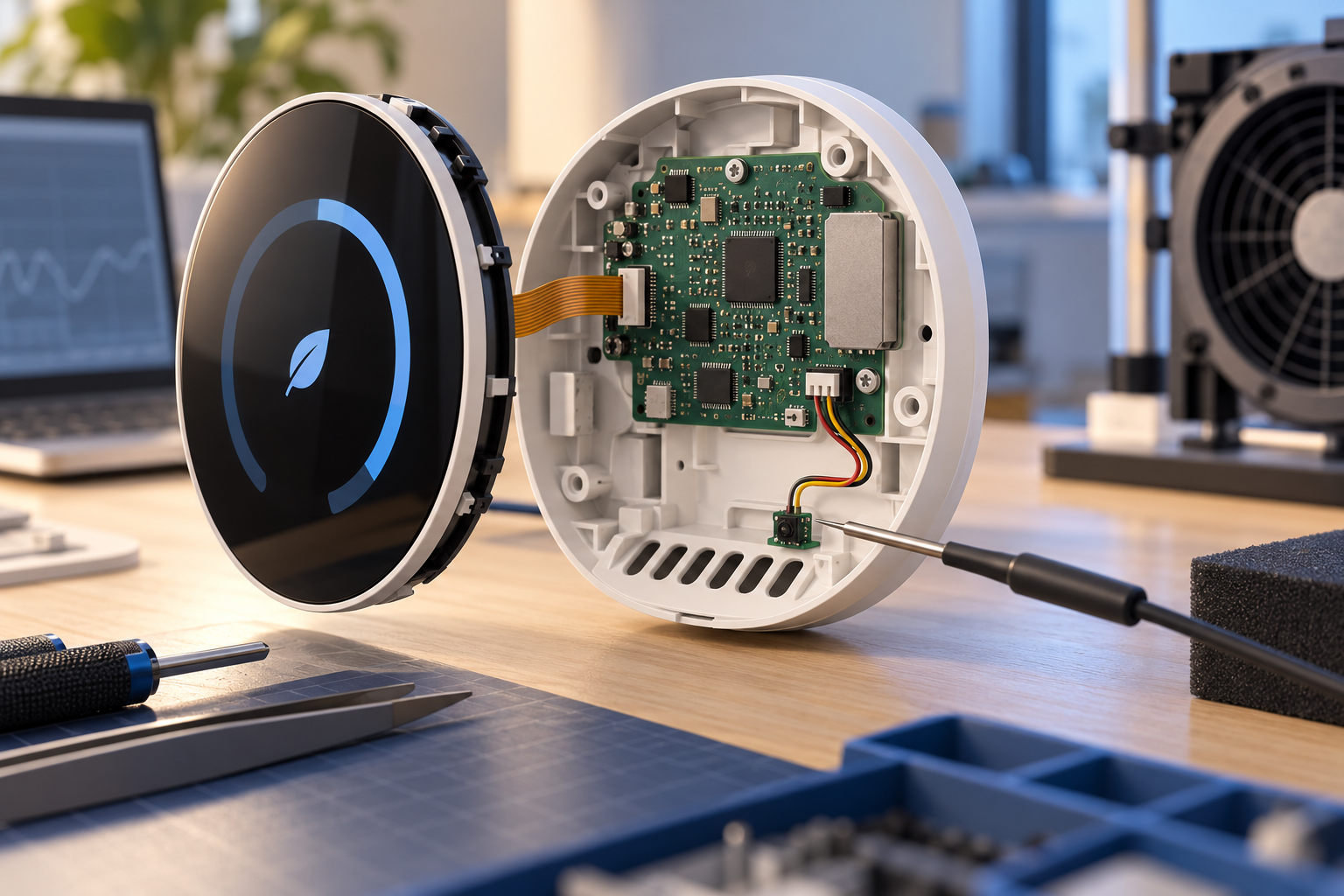
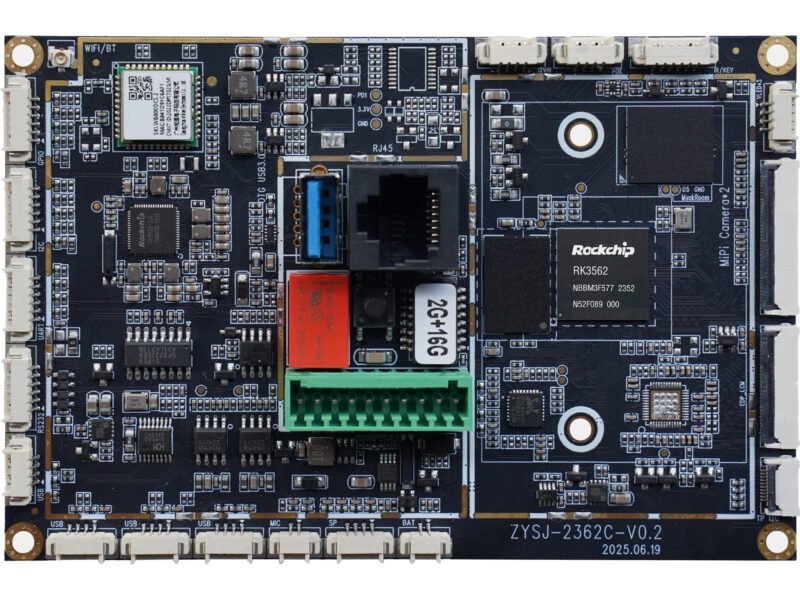
An RGB panel needs a host or controller that can drive its required timing and data format. Confirm the exact board revision, RGB signal routing, pixel clock, synchronization, power sequence, reset behavior, and backlight driver. The panel’s resolution and connector pin count alone cannot establish a match.
The image path and the touch path need separate checks. Verify the touch controller’s host connection, interrupt and reset signals, voltage requirements, and driver support. Do not treat the module as an HDMI or USB monitor. A different interface requires an active controller solution whose panel configuration has been checked.
Plan graphics processing around the thermostat workload. A simple setpoint screen and a system with animated schedules, network setup, and remote updates may need different memory, software, and startup behavior. Choose the operating system after defining those tasks.
Keep the room-temperature sensor’s placement in the same design review. Heat from the backlight, processor, power supply, or wall cavity can affect the air around the sensor. Evaluate temperature readings with the display off, at the intended daytime setting, and during prolonged user interaction. Use a reference measurement and an agreed procedure; do not assume a fixed software offset will cover every operating state.
Design for room lighting and night use
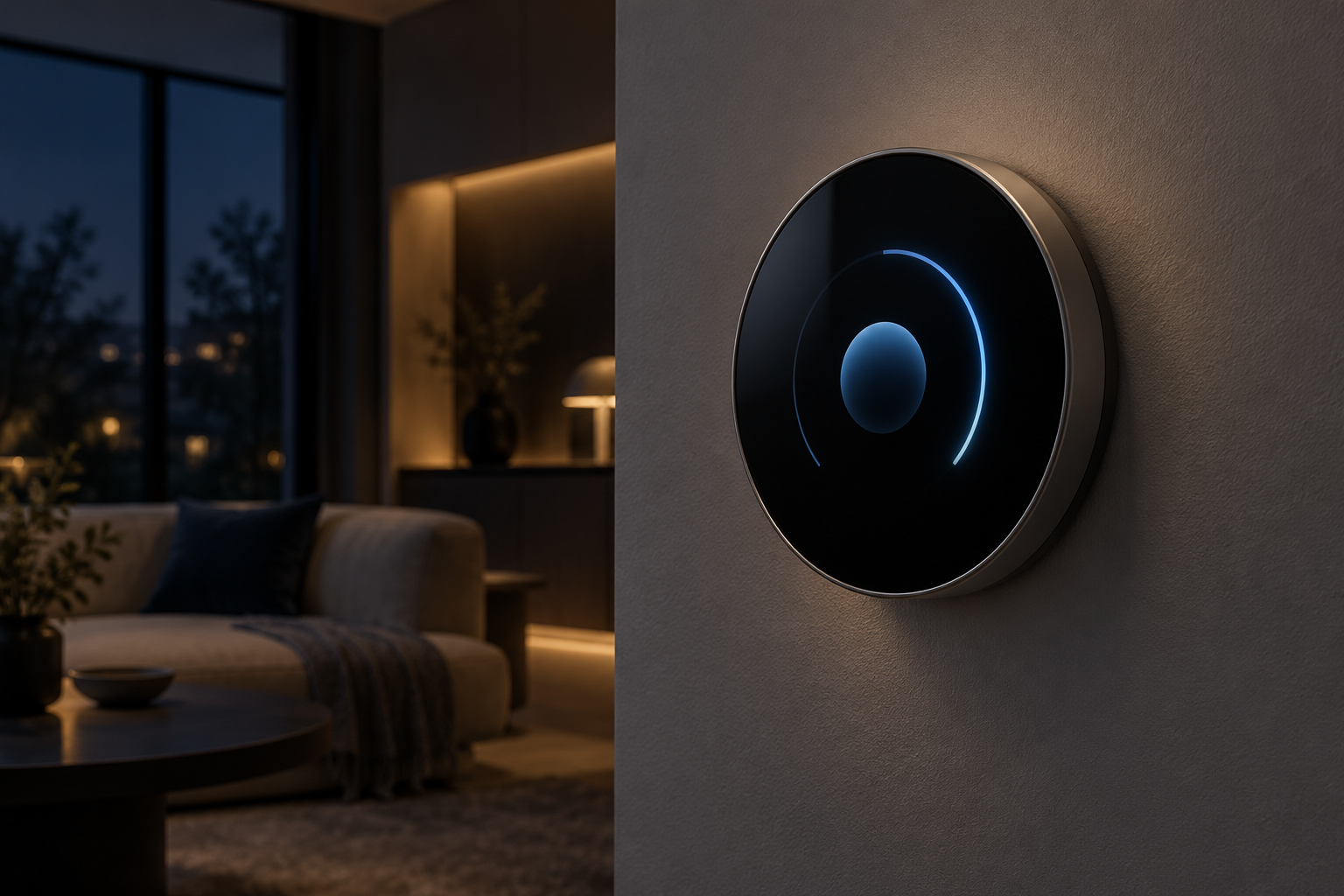
A thermostat must remain readable from its installed position. Test reflections from windows and ceiling lights through the proposed cover glass. Review contrast and viewing direction with the actual UI colors, rather than judging the bare module on a bench.
For night use, define a dimmed idle state, a wake action, and a return-to-idle rule. Check that the screen remains usable at the chosen low setting and that touch feedback does not produce an abrupt bright flash. Any ambient-light sensor, presence sensor, or automatic dimming function belongs to the complete system design; the display specification does not establish those functions.
Record the backlight power and the complete system’s idle and active power in the approved configuration. For a battery-powered thermostat, measure the proposed operating cycle before selecting a 4-inch TFT. If the energy budget cannot support the intended screen-on time, revisit the display technology, size, duty cycle, or power architecture.
Validate the touch interface in the final wall enclosure
Test setpoint changes, mode changes, and menu navigation with the installed cover, bezel, grounding arrangement, power supply, and cable routing. Check taps and drags near the circular edge. Confirm that screen rotation and touch coordinates agree after startup and after software updates.
Do not infer glove operation, wet-touch performance, ingress protection, or immunity to electrical noise from capacitive touch alone. Define the expected interaction conditions and test them with the complete assembly. Review how cleaning affects input, and provide an appropriate way to avoid accidental adjustments during cleaning.
If the module is too large behind the intended wall plate, review another existing module before requesting mechanical changes. RJY’s display and system customization services can provide a basis for discussing cover glass, FPC routing, touch, backlight, board, software, and enclosure coordination. Feasibility remains specific to the project; it does not imply a new LCD cell in any requested size.[2]
Approve a thermostat sample against defined tasks
Set acceptance criteria before evaluating the sample. Assign each check to the team that can approve it.
- Interaction: Read room and target temperatures at the intended distance. Change a setpoint and confirm that request and actual equipment state remain distinct.
- Mechanical fit: Inspect the full assembly, mounting support, FPC bend region, connector access, and clearance behind the wall plate.
- Optics and power: Check the finished cover in daytime and night conditions. Measure power in the agreed idle, wake, and active states.
- Temperature sensing: Compare readings across display and processor operating states, with the final enclosure installed.
- Recovery: Verify startup, power interruption, unavailable sensor data, network loss, and software update behavior.
- 터치: Check edge targets, coordinate mapping, accidental input, cleaning behavior, and the expected electrical environment.
These checks evaluate the proposed interface. They do not replace the complete thermostat’s electrical, control, environmental, or market-specific compliance work.
Prepare an RFQ for a round thermostat display
Send RJY the target thermostat workflow, wall-plate and enclosure drawings, intended viewing distance, room-light conditions, power source, and screen-on policy. Include the exact board model, display output, software platform, touch requirements, and sensor location. Add sample quantity, expected annual demand, and project timing.
State whether you want to evaluate RV040YGP-300-40 as published or need a review of another existing module. Use the project inquiry form to request a panel, board, touch, and mechanical fit review before ordering samples.
Common questions
Is a round 4-inch screen always the right size for a thermostat?
No. Start with viewing distance, interaction tasks, wall-plate space, and power. The complete touch assembly must fit behind the finished front surface.
Can RV040YGP-300-40 connect directly to an HDMI board?
Its published display interface is RGB. An HDMI source needs an appropriate active controller and a verified panel configuration. Touch still needs a supported host connection.
Does this module include a thermostat controller or temperature sensor?
The cited record describes a display and touch module. It does not establish an included thermostat control system or room-temperature sensor.
참고문헌
- RJY Display: RV040YGP-300-40 product record and linked datasheet. Confirm the latest approved revision for integration.
- RJY Display: engineering and customization services.