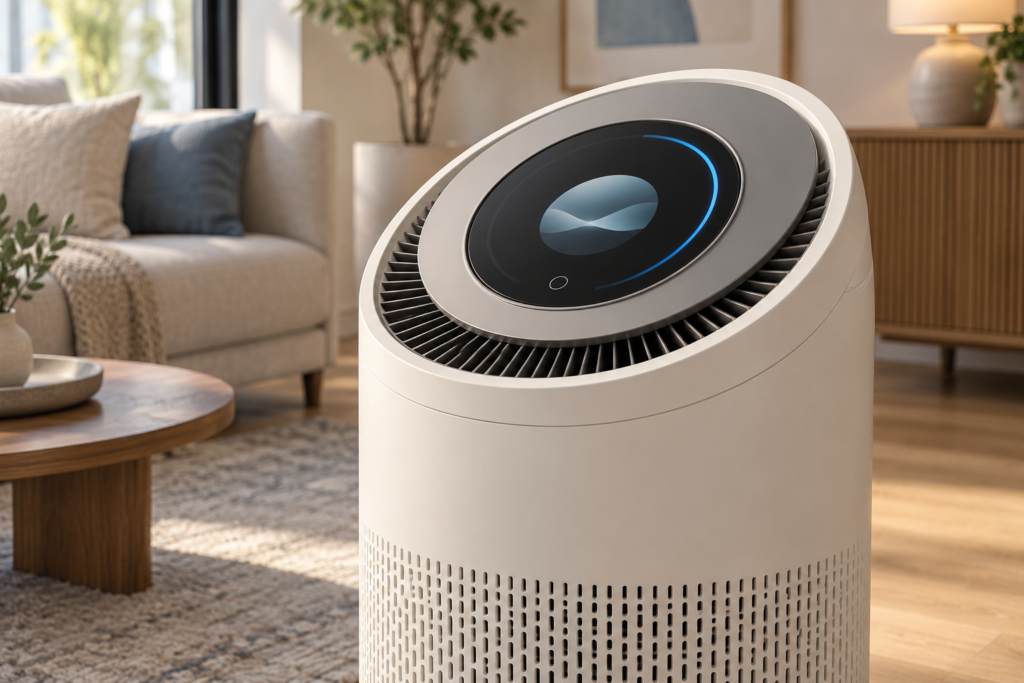
An air purifier’s display should help users understand three things: what the sensor reports, what the appliance is doing, and whether maintenance is due. A round TFT LCD can bring those states together in a compact control panel. Its shape alone does not make the readings more accurate or the purifier more effective.
This guide examines a proposed indoor air-purifier interface using RJY Display’s RV040YGP-300-40 as a candidate display module. It is an application design guide, not a customer case study or a validated purifier reference design.
Separate air-quality readings from appliance status
Define each displayed value before designing the home screen. A sensor reading, an air-quality category, a requested fan setting, and a confirmed operating mode are different types of information. The application must identify their source and meaning.
If the product displays particle concentration, show the unit and the measurement state. Define how the application handles sensor startup, invalid data, and loss of communication. When a reading expires, show an unavailable or stale-data state and identify any retained value as historical.
A colored ring can summarize a category, but its thresholds and labels need an approved definition. Do not suggest that a single sensor value describes every pollutant or proves that the room is safe. Pair color with a readable label or symbol so the interface does not depend on color alone.
Decide whether a trend uses raw readings, filtered readings, or a longer average. Keep the displayed value and trend consistent with that definition. Sensor accuracy, calibration, and placement remain part of the purifier’s sensing design, rather than properties of the display module.
Evaluate the round module against the control-panel layout
그리고 RV040YGP-300-40 product record identifies a 4-inch circular TFT LCD with a 720 × 720 pixel matrix, an RGB display interface, and G+G capacitive touch using a CST3240 controller.[1] These are starting points for an integration review.
| Candidate feature | Application question | Evidence needed before selection |
|---|---|---|
| Circular visible area | Can the main reading, unit, mode, and maintenance state fit without crowding? | Actual UI artwork at the intended size and the controlled viewing-area drawing |
| 720 × 720 pixel matrix | Can the host render the intended controls and any trend view? | Representative graphics workload on the target board |
| RGB display interface | Can the chosen host drive the panel correctly? | Panel timing, signal levels, power sequence, pinout, and driver configuration |
| Capacitive touch assembly | Does input remain usable through the selected cover and bezel? | Touch-controller details, host connection, firmware, and assembly tests |
Keep the main reading and unit near the center. Place mode and filter indicators where the bezel cannot hide them. Put detailed settings and longer service messages on a separate screen rather than forcing them around a narrow arc.
Check the complete touch assembly behind the fascia. Its outline, FPC exit, support areas, and cable clearance can extend beyond the visible circle. Use the latest mechanical drawing and approved tolerance information for enclosure design. The product record flags several entries for engineering confirmation; do not use the disputed pixel-pitch, backlight-current, or minimum-luminance values as design limits.
Make fan control and automatic mode understandable
Show whether the user selected a fixed fan setting or automatic control. In automatic mode, distinguish the chosen mode from any reported fan state. Define how a temporary manual adjustment affects that mode and how the user returns to automatic operation.
When the user changes a setting, provide immediate input feedback and then update the confirmed state from the appliance controller. A touch animation should not imply that the motor reached a requested speed. Show a useful unavailable or fault state when confirmation fails.
Keep common actions short: change mode, adjust the permitted fan setting, open filter information, and enter sleep mode. Review any child-lock behavior with the appliance workflow. A proposed screen lock is an application function that requires implementation and testing.
Explain filter maintenance without inventing a measurement
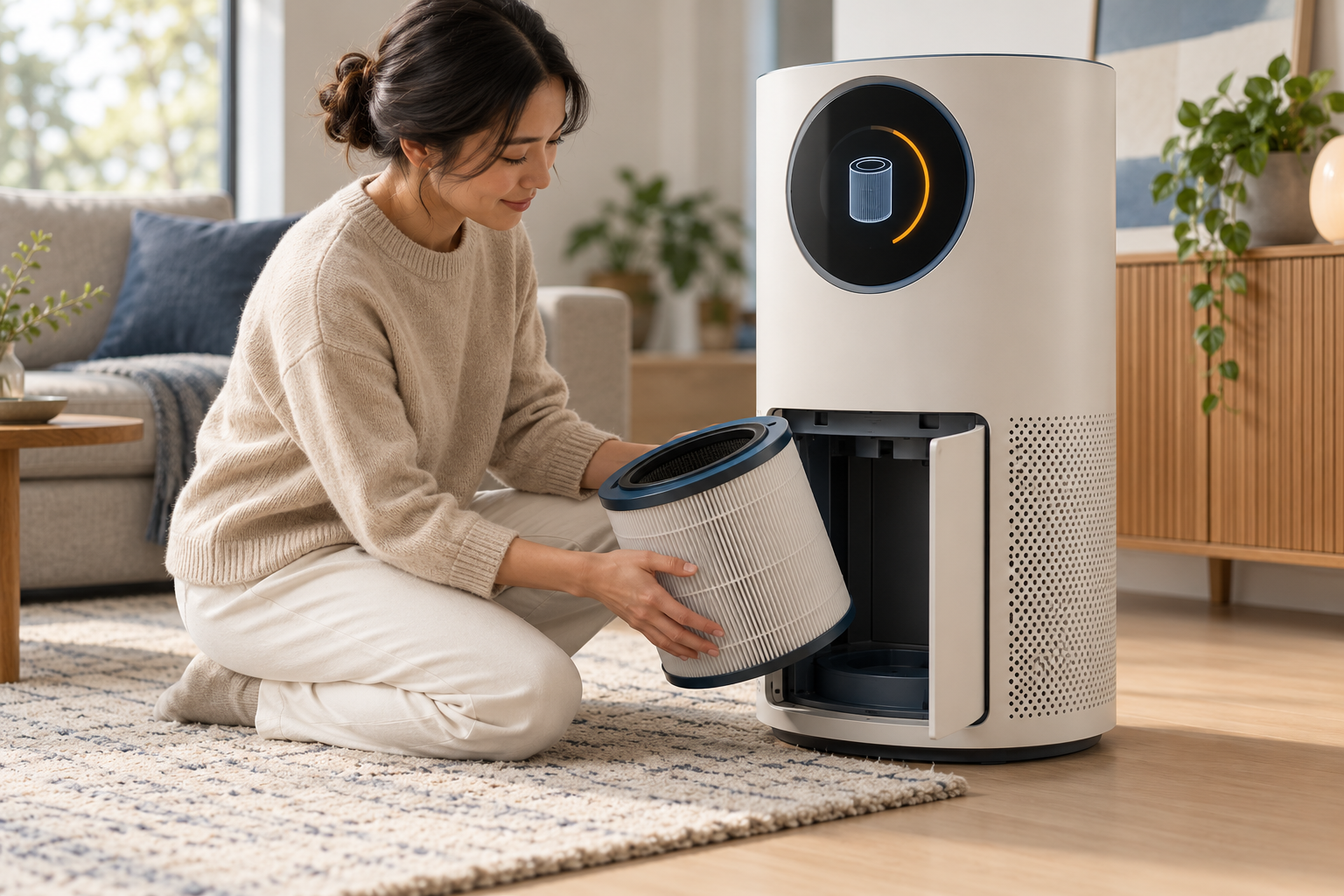
Decide what a filter indicator represents. A timer-based reminder, an estimate based on operating history, and a measured condition are different approaches. Name the selected approach accurately in product requirements and service text.
A remaining-life percentage needs a documented calculation, retained operating history, and a reset rule. Do not present it as a direct measurement of filter loading unless the complete system provides and validates that measurement. Explain when the user should inspect or replace the filter according to the appliance’s approved instructions.
Define a deliberate reset process after maintenance. Test what happens after a power interruption, an incomplete reset, and a software update. Preserve the correct record through those events, and avoid clearing it simply because the user dismissed a reminder.
Treat sleep mode as a complete user interaction
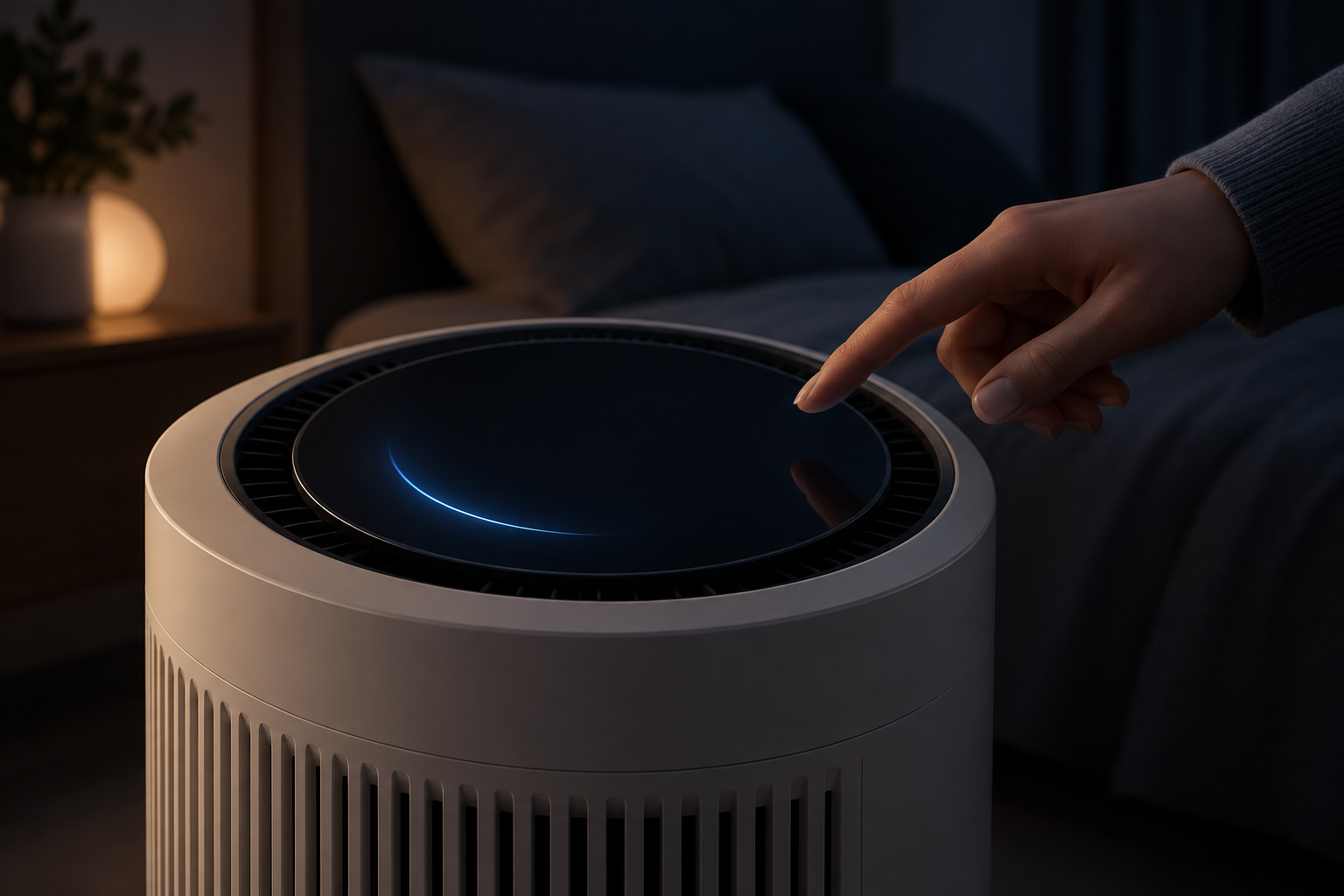
Specify screen dimming, screen-off behavior, wake actions, and the information available after wake. Decide whether the first touch wakes the display or also changes a setting. Test that behavior with users so a routine wake action does not create an unintended adjustment.
Review the screen from realistic positions in a dark room, including reflections through the finished cover. Check low-brightness rendering and the transition back to the active screen. A dark UI theme alone does not establish a suitable backlight setting.
Coordinate screen behavior with fan mode in the product requirements. A sleep symbol must not imply a verified noise level or energy saving. Any acoustic or power claim needs evidence from the complete purifier under defined conditions.
Review the host, touch, and enclosure together
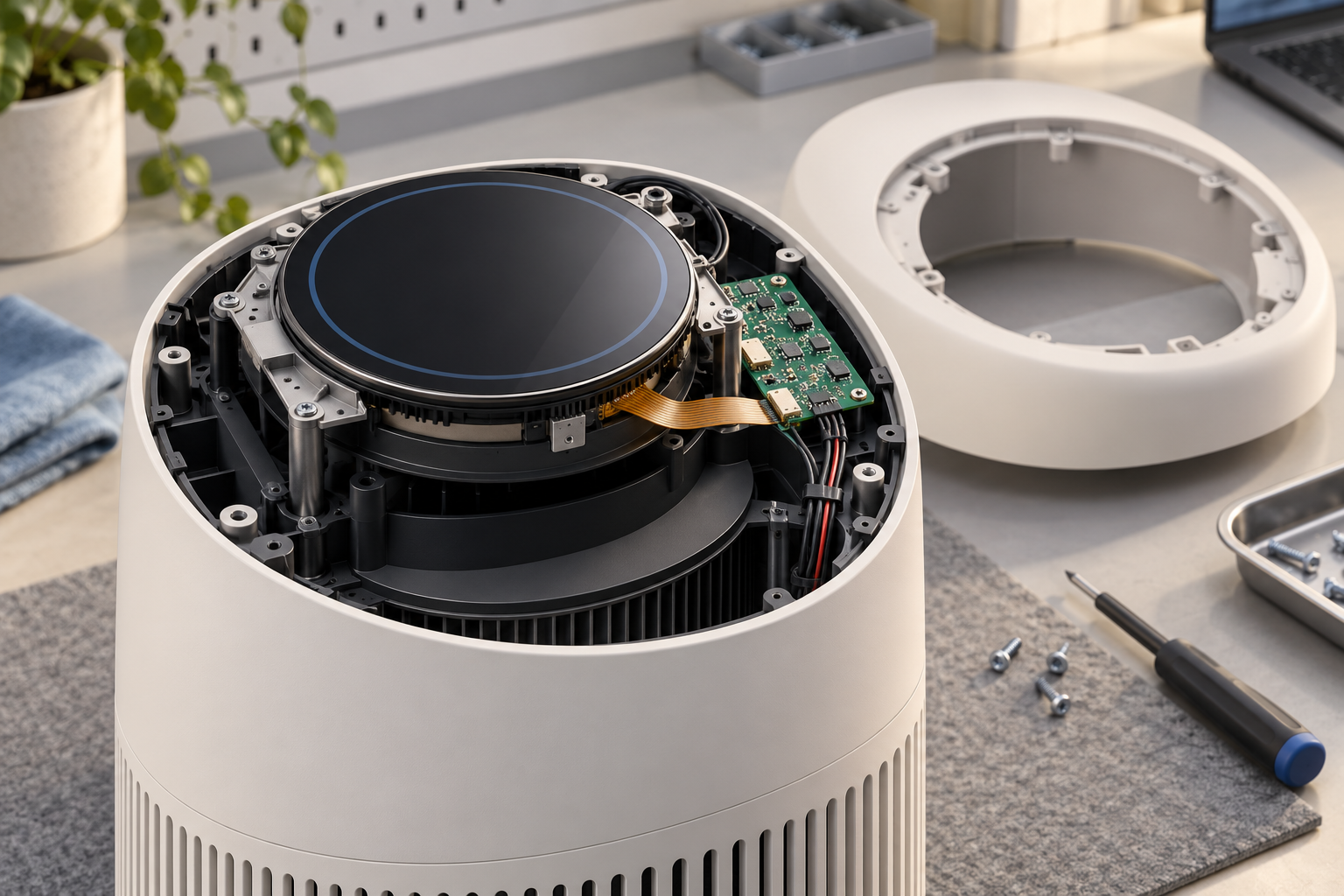
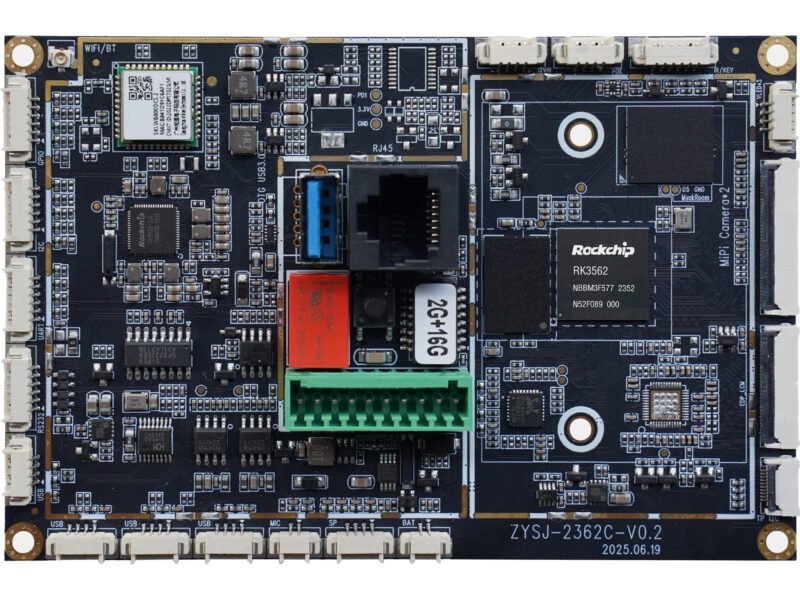
An RGB panel needs a host or controller configured for its actual timing and electrical requirements. Confirm the exact board revision, panel data format, initialization, reset, and backlight circuit. Matching resolution or connector pin count is insufficient.
If the host outputs HDMI, use an appropriate active controller solution matched to the raw panel. Review the touch connection separately, including power, interrupt and reset signals, coordinate mapping, rotation, and driver support.
Place the screen, electronics, sensor, airflow path, and service openings in the same mechanical review. Check cable routing and access without obstructing the appliance’s intended air path. Sensor placement and airflow performance must be evaluated by the appliance team; a display assembly drawing cannot establish them.
Test touch with the final cover, grounding, power supply, and fan operating conditions. Review startup and changes between operating modes. If cleaning or moisture is expected at the controls, define the conditions and validate them. Capacitive touch alone does not establish wet-hand operation or enclosure protection.
Validate a sample through the product’s daily tasks
Agree on acceptance criteria before evaluating the complete sample. Keep results tied to the tested panel, board, firmware, software, and enclosure revisions.
- Readings: Verify units, category labels, sensor startup, invalid input, and stale-data handling using controlled test inputs.
- Controls: Check mode changes, fan-setting requests, controller confirmation, and behavior when acknowledgement is unavailable.
- Maintenance: Verify reminder calculations, reset confirmation, record retention, and recovery after interrupted operations.
- Night use: Check dimming, screen-off state, first-touch behavior, wake transitions, and unintended adjustments.
- Integration: Inspect viewing angle, touch alignment, cable routing, mounting, temperature, and interaction under the intended fan conditions.
These tasks evaluate the proposed interface. They do not establish pollutant-removal performance, sensor accuracy, health outcomes, noise levels, or a product qualification result.
Prepare an RFQ for an air-purifier display assembly
Send RJY the intended interface screens, viewing distance, installation orientation, room-light conditions, and sleep-mode behavior. Include the enclosure drawing, exact host board, display interface, panel datasheet, touch requirements, firmware or operating-system needs, and backlight requirements.
Describe the controller communication path and which team owns sensor interpretation, fan control, and filter-reminder logic. Add cleaning conditions, operating environment, sample quantity, expected annual demand, and project timing.
RJY’s engineering and customization services provide a basis for discussing adaptations to existing modules, including cover glass, touch, FPC, backlight, controller boards, and mechanical coordination.[2] 터치 아키텍처가 주요 프로젝트 결정 사항일 때 project inquiry form to request a fit review before selecting samples. Feasibility depends on the project and the approved module configuration.
Common questions
Does the TFT module measure air quality?
No. The cited product record describes the display and touch assembly. Air-quality measurements require a separate sensing system and application logic.
Can a colored ring prove the purifier’s cleaning performance?
No. It represents information selected by the application. Purifier performance needs separate testing and cannot be established by the display presentation.
Does sleep mode automatically reduce fan noise?
Only the complete appliance’s implemented behavior and test evidence can establish that result. Screen dimming and fan control are separate functions to define.
참고문헌
- RJY Display: RV040YGP-300-40 product record and linked datasheet. Confirm the latest approved revision and flagged specification entries before integration.
- RJY Display: engineering and customization services.