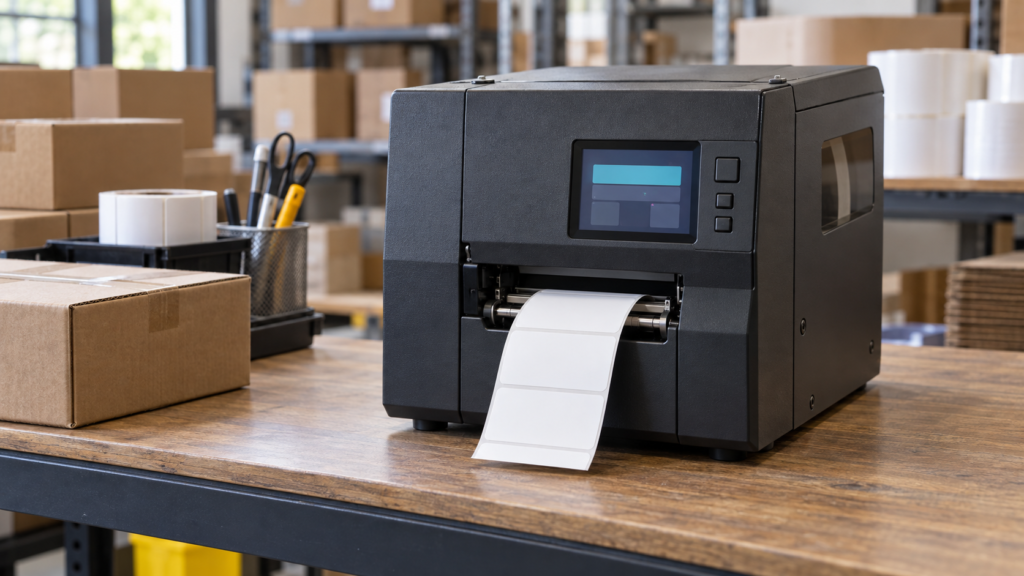
An industrial label printer’s front panel must help an operator answer three questions: Is the printer ready, what prevents the next label from printing, and what action can I take? A TFT LCD earns its place when it makes those answers clear without hiding routine controls behind a menu.
Defining a TFT LCD display for label printers therefore starts with the printer’s operating states. Screen size and touch options follow from the information the operator needs, the host that drives the interface, and the enclosure that holds it. This article develops those requirements for an industrial thermal label printer, then shows how to assess an existing module candidate.
Start with the printer’s media, job, and recovery states
Write the front-panel requirements around real printing tasks. An operator may need to identify the loaded media, confirm the selected job, pause output, resolve a supply interruption, or hand a fault to maintenance. Those tasks require different levels of detail and access.
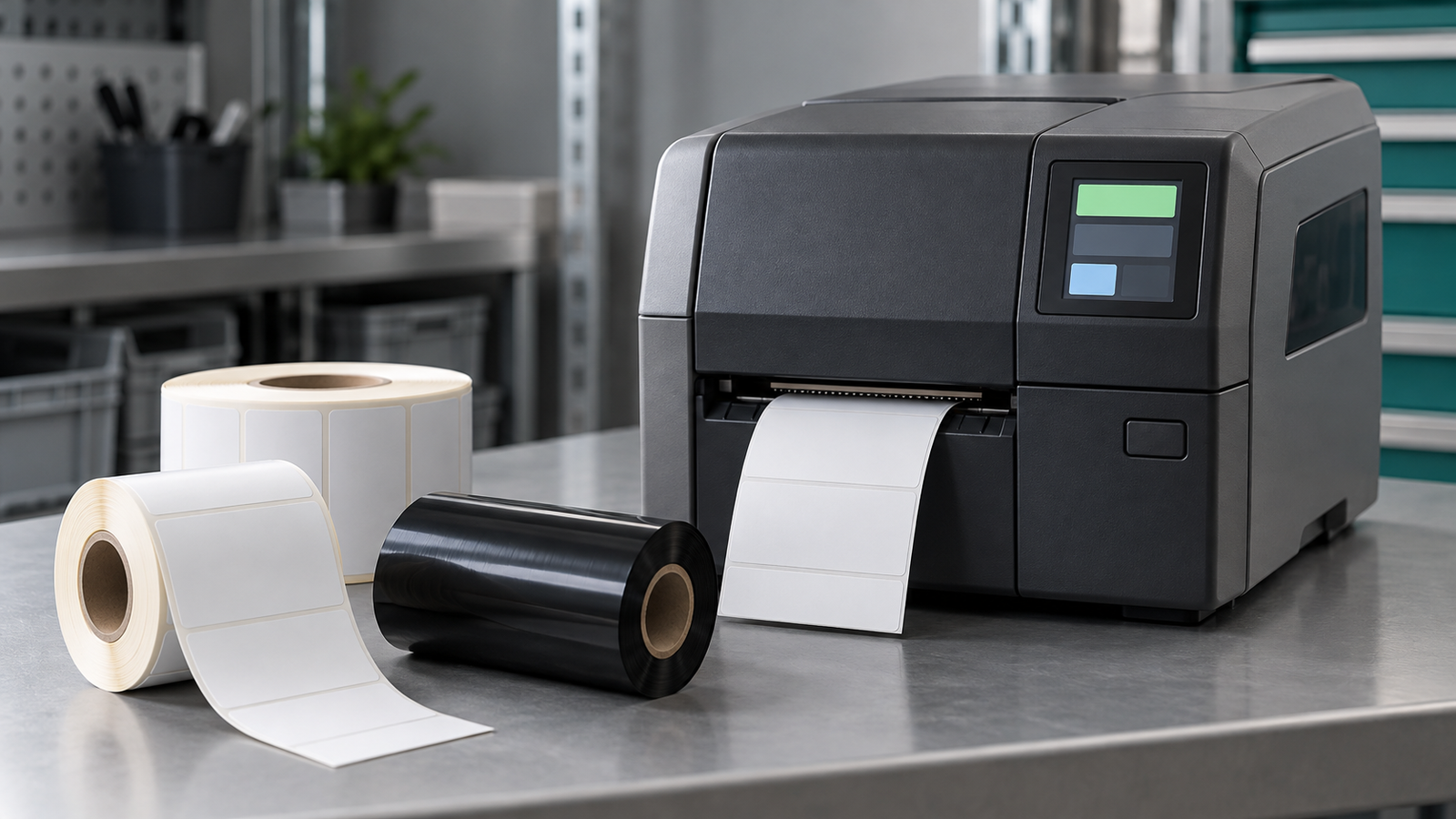
Separate product variants early. A thermal-transfer configuration may need ribbon-related information; a direct-thermal configuration does not use a ribbon. Show only states that the printer can actually detect or establish. A cover warning, for example, needs a defined source in the printer controller rather than an assumption made by the display software.
The following table is a proposed design framework, not a claim about a particular printer’s features.
| Operator workflow | Information to present | System dependency | Proposed validation |
|---|---|---|---|
| Prepare a job | Selected job identity and relevant media requirements. | The controller must supply the confirmed job and supported supply information. | Check the longest actual job names and distinguish requested from accepted selections. |
| Monitor printing | Current printer state and available actions. | The UI needs timely, authoritative state updates. | Compare the screen with controller state during normal output and pauses. |
| Recover from a supply interruption | The reported condition, affected supply, and permitted next step. | Media and ribbon states depend on configuration and available detection. | Verify that each supported variant shows the correct message and action. |
| Resume work | Whether the controller accepted the request and whether readiness returned. | Command acknowledgment and completed recovery are separate states. | Test rejected, delayed, and accepted requests without implying completion too early. |
| Request service | A useful fault identifier and the approved guidance route. | Service content and permissions belong to the printer application. | Confirm that routine users cannot accidentally change protected settings. |
Keep persistent status visible while an operator reads a message. A page of instructions should not conceal that the printer remains paused or has lost its connection to the control application.
Choose touch and physical controls around repeated actions
Commercial printers demonstrate that compact color touch interfaces can serve this application. Zebra’s ZT400 Series RFID specification page lists a 4.3-inch color touch display.[1] That example establishes a real front-panel use case. It does not establish compatibility between its printer electronics and a separately supplied LCD module.
Decide which actions benefit from a dedicated physical control and which need contextual information. A frequently used pause or feed action may deserve a direct control in a particular design. Job details, language selection, and guided recovery may suit an on-screen interface. The correct division depends on the operator’s task and the printer controller’s permitted actions.
If the design uses both, define how the application handles them together. Pressing a physical button and tapping an on-screen action should not produce contradictory messages. The controller should decide whether it can accept the request in its current state.
Assess touch with the intended front-panel stack and operating conditions. If operators use gloves, test the specified glove types rather than assuming a touch technology will work. Evaluate touches near the bezel, repeated taps during a delay, and screen navigation while a warning remains active. These observations help size targets and choose interaction behavior; they do not establish a functional-safety function.
Keep printer control separate from the displayed interface
The printer firmware or control application should remain the authority for job state, interlocks, and permitted operations. The panel presents that state and conveys requests. A visual response to a tap means that the interface received an input; it does not mean a feed, pause, or recovery action has finished.
Represent the distinction explicitly. The application may need to show a request as pending, accepted, rejected, or completed according to the controller’s actual responses. Define what the screen shows when state data becomes stale. Continuing to display “ready” after losing the control connection can mislead the operator.
If the interface offers reprint, distinguish a new print request from recovery of an interrupted job. The printer application must decide which labels remain pending and whether a repeat request would duplicate output. Show counts only when their meaning and source are defined; a received job count is not automatically a count of physically completed labels.
Also define startup and reconnection. When the UI restarts, it should obtain the current printer state before presenting an action as available. Restarting the display interface must not silently clear a protected fault or resume a job. Those behaviors require decisions in the printer’s control design.
Display pixels also have a different purpose from printer dots. A screen’s pixel matrix determines the UI drawing area; it does not determine printer DPI or barcode quality. Showing a label preview is not proof that the printed barcode was verified or that the output is acceptable.
Use guidance content only when the host can support it
SATO’s CL4NX Plus and CL6NX Plus guidance-video list includes topics such as media and ribbon loading, component replacement, and cleaning.[2] This shows a practical use of an onboard screen for operator guidance. Availability depends on the printer model and options; it does not mean every LCD module provides video playback.
For a new printer, decide whether guidance will use text, still images, animation, or video before selecting the host and display path. The host must store or receive the content, render it, and maintain responsive controls. The LCD alone does not provide that application.
Use approved, model-specific guidance. The front panel should identify the applicable printer configuration so that an operator does not follow instructions for a different mechanism. This article defines display requirements; the printer manufacturer must supply the actual service procedures.
Check mechanical and optical fit in the real front panel
Start with the enclosure drawing and the operator’s position. The viewing window, bezel, mounting features, touch stack, and cable route all constrain the assembly. Check service-cover movement and access to nearby supplies. A display that fits the closed housing can still obstruct a cable or service opening.
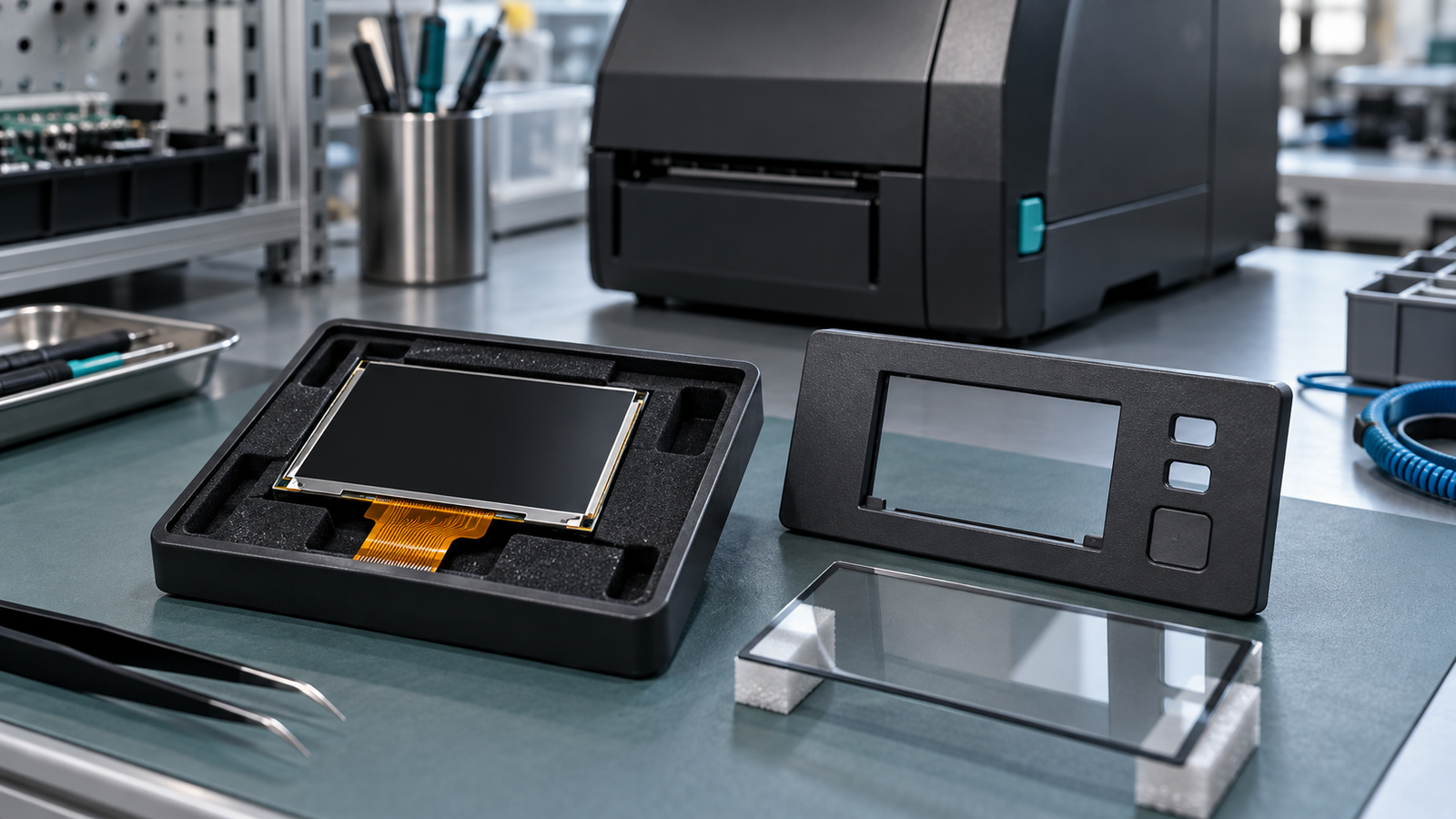
Use actual interface screens to judge the viewing area. Include the longest supported translations, job identifiers, fault messages, and guidance images. Test at the intended viewing distance and angle. A larger diagonal does not automatically solve cramped text if the application continues to place too much information on one screen.
Evaluate glare and readability with the proposed cover glass and installation lighting. The complete stack affects what an operator sees. Request current optical data for the candidate and establish the application’s acceptance conditions rather than inferring performance from the product name.
Cleaning conditions need the same discipline. Specify the intended cleaning agents and method for review, then validate the selected materials and assembly accordingly. Do not treat a bare module specification as a claim that the finished front panel resists every cleaner or ingress condition.
Assess an existing 4.3-inch module as a candidate
RJY’s published 4.3-inch TFT LCD article identifies RJY043XUAY-600-40 with a nominal 4.3-inch format, a 480 × 272 pixel matrix, RGB input, and standard or capacitive-touch configurations.[3] The article was published in 2024 and updated in 2025; current revision and supply status remain unconfirmed. These details make it a candidate for a requirements discussion. They do not establish that it fits a particular printer or replaces a Zebra or SATO assembly.
Before selecting it, obtain the current datasheet, revision, and mechanical drawing. Confirm the exact interface signals, pin definition, timing, backlight requirements, and connection arrangement against the host. For a touch version, also confirm the touch controller, communication interface, driver or firmware dependencies, and operating-system requirements.
Use a representative UI layout to decide whether 480 × 272 supports the intended screens. If the layout fails, revise the information hierarchy or assess another documented module. Do not assume that this resolution is the recommended choice for all label printers.
Customization should begin with an existing module. Depending on project review, options for discussion include cover glass, touch, backlight, FPC or interface arrangements, controller support, and mechanical coordination. Each change needs a defined scope and validation path. It is not a promise to develop an arbitrary new LCD size.
Validate the assembly under actual printing conditions
Agree on acceptance criteria before prototype testing. Use the intended host, software, power arrangement, enclosure, and touch stack. Include printing, idle, wake-up, and reconnection states. Nearby print-engine activity makes operation during real print load relevant, but any observed display anomaly still requires diagnosis.

Check that the image remains usable and the UI continues to show the controller’s actual state. Exercise the approved commands while jobs run, pause, and recover. Test power-cycle and reconnection behavior so that stale job details or warnings do not appear as current information.
Evaluate the thermal arrangement during the intended operating cycle. Measure within the actual prototype and compare results with current component limits and the product’s requirements. Neither an application description nor a short demonstration establishes thermal qualification.
Repeat touch and readability checks with the final cover stack, mounting, lighting, and intended cleaning conditions. Record the configuration used for every result. These are proposed validation activities; no printer integration or acceptance test has been performed for this article.
Send an RFQ that connects the module to the printer
For a focused review, provide the front-panel drawing, representative UI screens and languages, host interface and pinout, and current display requirements. Include the touch-controller and software needs, cable route, operating environment, cleaning conditions, expected annual quantity, sample requirement, and project schedule.
Международный форум по аккредитации (IAF) touchscreen module guide provides broader selection context. To discuss this application, send RJY the printer requirements and candidate module data. The next step is to verify an existing module against the host and front-panel design, then define any supported adaptation and prototype checks.
Ссылки
- Zebra, ZT400 Series RFID industrial printer specifications. Manufacturer application example; no RJY supply relationship implied.
- SATO, CL4NX Plus/CL6NX Plus guidance-video list.
- RJY Display, 4.3-inch touch TFT LCD product article. Published February 17, 2024; updated July 15, 2025. Current revision and fit require confirmation.