Specify the console experience before the TFT LCD
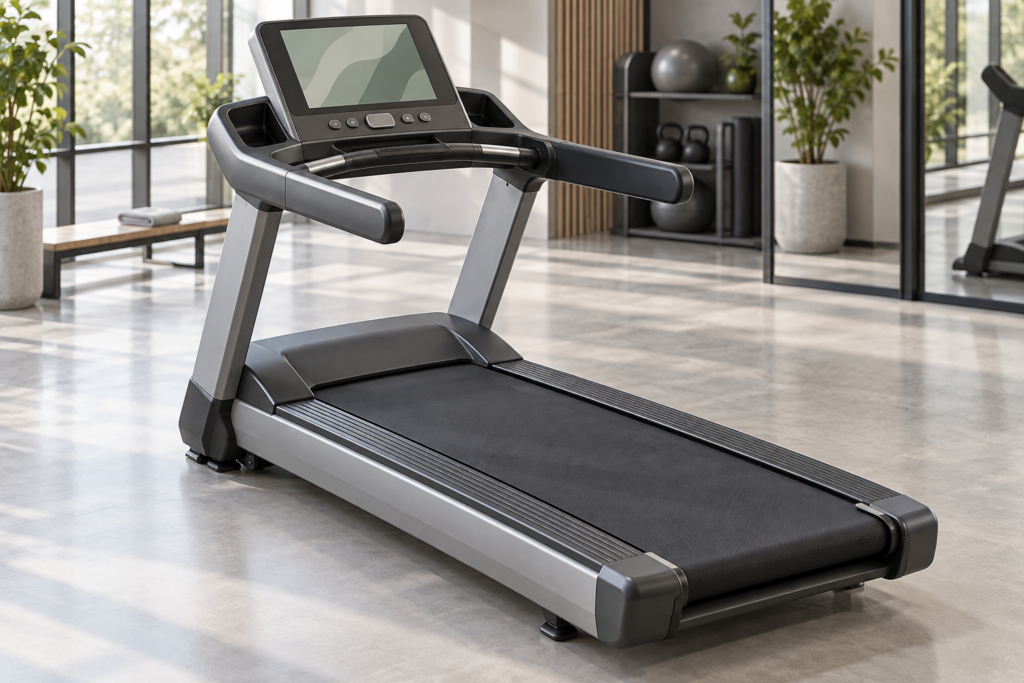
A treadmill console can be a compact workout instrument, a media screen or both. Those roles place different demands on the display and its host. Choosing a TFT LCD by diagonal size alone leaves the main engineering decisions unresolved: which information must remain visible, how users find controls during motion, and how the console handles a stalled media application.
Commercial products already combine these roles. Precor describes its P82 console as a capacitive touchscreen that brings together fitness, television and workout tracking.1 This is an example of the application workload, not a specification for an RJY module or evidence of a supplier relationship.
For a new console, define the workout interface and media scope first. Use them to select a host architecture, native resolution and display assembly. Then test that assembly in the proposed console rather than treating a panel specification as approval for the complete product.
Give workout information a stable place
Start with the screens a user will actually encounter: start-up, workout selection, active session, pause, end-of-session summary and unavailable-service messages. Assign each screen a clear purpose. A session screen should keep the OEM’s chosen workout information easy to find when media content or menus change.
Decide which values must stay visible while entertainment is open. For example, the design team may reserve an area for elapsed time and machine status. Keep the location and meaning of those values consistent when the user changes media or returns from a menu. Define units and labels alongside the values; a large number without a clear label still requires interpretation.
Separate a requested adjustment from a confirmed machine state wherever the architecture distinguishes them. The screen should show the state defined by the host data contract. If a tap changes a graphic before another controller confirms the request, distinguish that pending request from the confirmed state.
Physical controls deserve review at this stage. The machine team should decide which actions use buttons, keys or other dedicated controls and which belong on the touchscreen. The display is one part of the interface. Its presence does not establish protective controls, machine behavior after a fault or the required control architecture.
Check recognition at native scale and from real viewing positions

A high pixel count can support detailed artwork, but it does not make small text easy to read. Render the interface at the candidate panel’s native resolution and physical size. Review the largest workout values, the smallest labels and the longest translated messages. Do not approve artwork from an enlarged design canvas.
Build a console mockup with the proposed mounting angle, cover and surrounding trim. Ask the product team to identify representative user positions and viewing distances. Check whether the intended values remain recognizable across those positions. Include the view toward the screen edges, where a bezel or reflected light may obscure a control.
Start with static reviews. If assessment during motion is needed, have the machine team define and supervise permitted trials. Collect interface observations such as which value a participant identifies first or whether a control requires repeated searching. These trials evaluate the console interface; they are not exercise recommendations or medical assessments.
Test the lighting conditions expected in the intended facilities. A reflection from overhead lighting may hide a value despite acceptable panel luminance on a bench. Compare candidates through the finished cover using the same artwork and positions. Specify brightness and dimming from the resulting requirements rather than copying another console’s specifications.
Separate the workout workload from the media workload
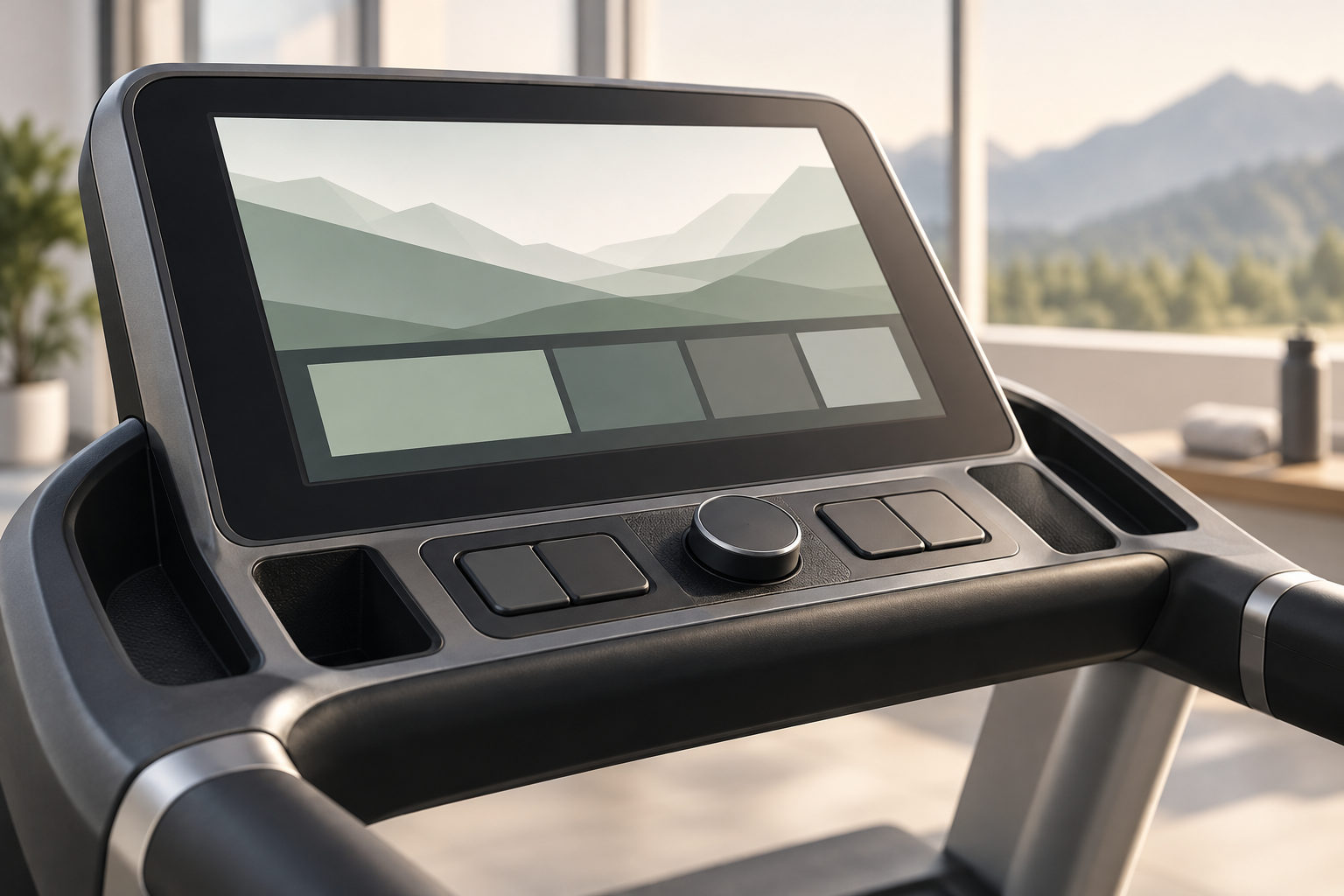
A console that draws numbers and simple charts has different host requirements from one that also decodes video, runs network services and changes between applications. Describe those tasks before choosing the processor and display interface. Include the planned operating system and the software team’s responsibility for drivers and updates.
| Workload | Question for the architecture review | Useful demonstration |
|---|---|---|
| Workout information | Which controller owns each value, and how does the console recognize stale data? | State transitions using the proposed machine communication path |
| Local graphics | Can the host render the intended screens while handling other required tasks? | Representative UI on the target host and native display |
| Video and entertainment | Which formats, services and simultaneous tasks belong in the product scope? | Approved media workload alongside the workout interface |
| Network services | What remains available when a connection or remote service fails? | Defined disconnected and reconnecting states |
Test network loss, a media restart and loss of local machine data as separate conditions. A failed remote service does not establish that local machine data has stopped. Conversely, video that continues to play does not establish that workout values are current. Record the intended message, available navigation and treatment of stale values for each condition. The machine controller and console software teams must agree on data ownership, communication loss, reconnection and session recovery.
Assess performance with the intended workload running, not just a demonstration image. Check screen transitions, input feedback and workout-state updates while approved media and network functions operate. Include the simultaneous tasks expected in production and the defined recovery cases. Set separate acceptance criteria for UI response, data freshness and media behavior before testing. A panel’s resolution or refresh specification alone cannot establish the performance of the whole console.
Choose an interface the host can actually drive

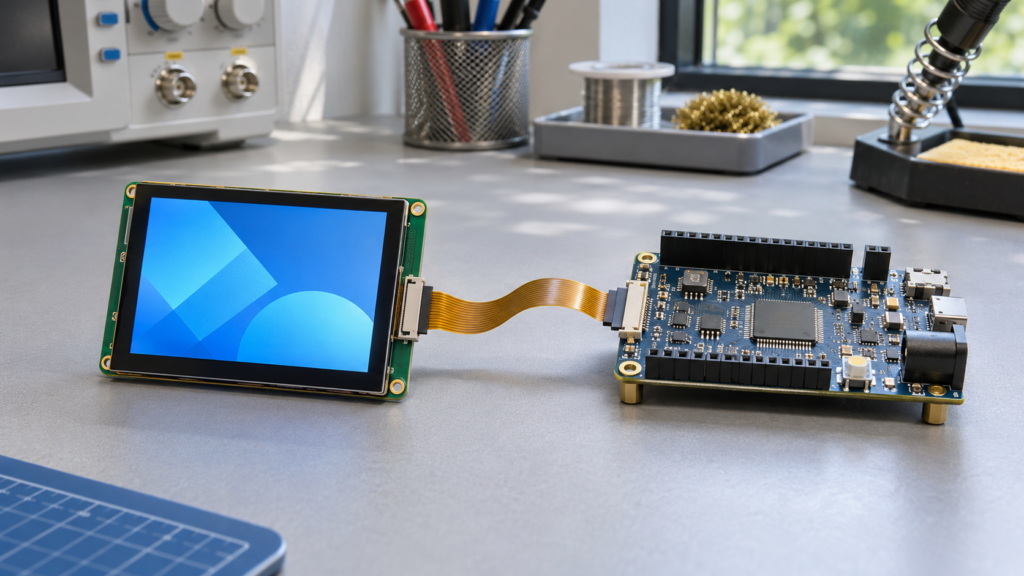
Review the exact display output available on the host board. Match it to the candidate panel’s interface, timing, pin assignment, power and initialization requirements. Interface names describe part of the connection; they do not prove that two products can connect directly.
If the design needs a controller or bridge board, identify its role and supported panel configuration. Confirm the panel model and revision, input format, output timing, backlight control and firmware before approving the board. Include cable length and routing in the review. See the LCD interface guide for the distinctions that matter when comparing host and panel paths.
Specify touch separately. The display may receive image data through one path while the touch controller reports input through another. Confirm controller identity, host connection, driver support, reset behavior and coordinate orientation. Test the actual operating-system image, including startup and recovery screens where touch is required.
Give purchasing an assembly definition that includes these parts. A visually similar replacement panel may need different timing, power, firmware or connectors. A purchase order for a diagonal size and resolution leaves too much of that configuration open.
Define sweat and wipe behavior as interface states
A fitness console front surface can encounter contact conditions beyond a dry fingertip. Define the conditions relevant to the product: damp fingers, droplets, a palm resting near the edge or the intended wiping process. These conditions are separate test cases, not a single “wet touch” requirement.
Agree what the interface should do in each case. The requirement may prioritize valid input, rejection of unintended input or a defined cleaning state. If the software provides a cleaning state, specify its entry, exit and visible indication. Do not assume the touch controller alone can distinguish every user intention.
Test the smallest required targets, edges and navigation controls using the final cover structure and controller settings. Record missed and unintended input separately, including events when nobody touches the damp surface. Repeat the relevant checks with the display backlight, power system and other console electronics in representative operating states.
Ask the machine team for the named cleaning agents, concentrations, application method and frequency in its intended maintenance protocol. Review compatibility with the cover, printed areas, coatings, adhesive and edges. This supplies test conditions; it does not authorize a particular chemical or prove resistance from the term “capacitive touchscreen.”
Validate the production console assembly
Resolve mounting and cable details before the console housing is committed. Review the LCD viewing area, touch region, cover border and mechanical aperture together. Confirm support locations against the module drawings. The active display should not become an unintended structural support.
Check space for both display and touch cables, connector access and the planned assembly sequence. Review how trim, adjacent controls and any device holder affect visibility and access. A sample that fits an open console can still be difficult to assemble once brackets and production wiring are present.
Set thermal, mechanical, electrical and cleaning requirements from the intended finished equipment. Then identify which tests cover the module, which cover the console and which belong to the treadmill. A successful UI demonstration does not establish temperature limits, an IP rating, service life or compliance.
Retain the approved screen artwork, software build, test conditions and open issues with the hardware record. Sample approval applies to that configuration and the checks completed. Repeat the workout and media scenarios after relevant design changes. Changes to the touch controller, cover, cable, host board or firmware should have an agreed review path rather than entering production as undocumented substitutions.
Bring a defined console brief to RJY Display
RJY Display’s standard display catalog offers a starting point for candidate review. Its engineering services describe module-based development across display, touch, boards, enclosures and software. The practical starting point is an existing LCD platform that can meet the console’s defined visual and integration needs.
For a treadmill project, share native-scale UI artwork, the proposed host and display/touch paths, mounting drawings and the intended ambient and cleaning conditions. Explain whether the console presents workout data alone or also handles media and network services. Add expected annual quantity where available. Contact RJY Display with those inputs to define a candidate assembly and the evidence needed for sample approval.
References
- Precor, P82 and P62 Touchscreen Consoles. Used only as a documented example of combined fitness, television and workout-tracking functions. No RJY supply relationship or replacement compatibility is inferred.