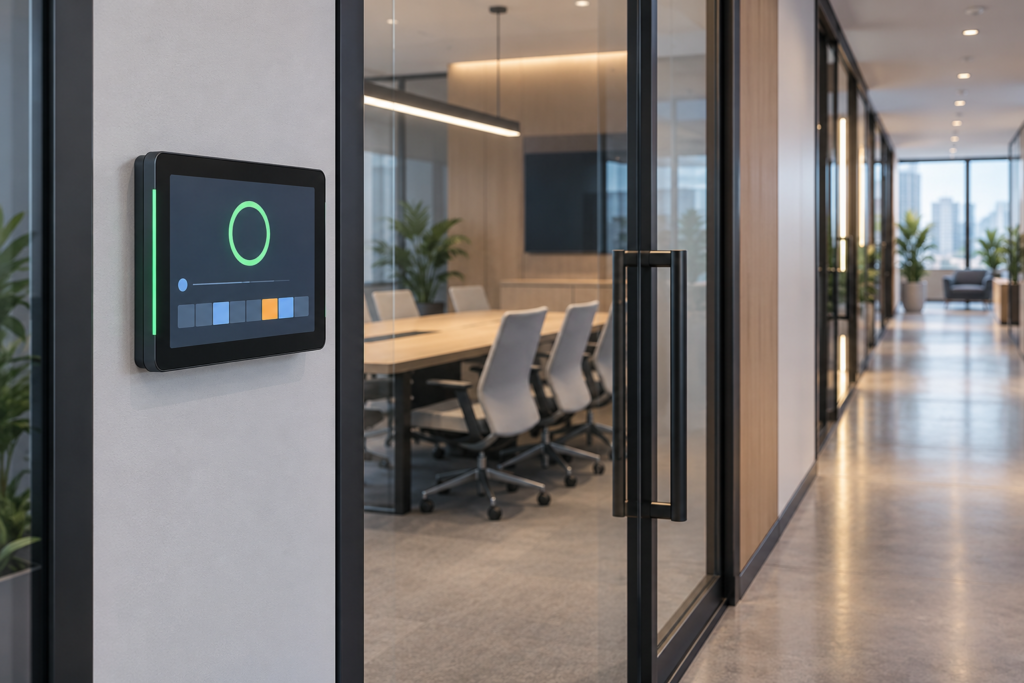
A meeting-room booking terminal must answer a simple question: can someone use this room now? It must also distinguish a confirmed reservation from a request that the server has not accepted. A clear screen is useful only when the application keeps those states accurate.
This guide examines RJY3566M as a candidate computing platform for an indoor touchscreen booking terminal. It covers the display, touch, network, software, and enclosure decisions an OEM must verify. It describes a proposed application, not a completed customer deployment or a supplied calendar-software package.
Define what the corridor panel must show
Start with room availability, the next relevant booking, and the actions users can perform at the door. Decide whether the terminal only displays a schedule or also supports booking, check-in, extension, and cancellation. These actions require application rules and a reservation service.
Show a pending state while the reservation service processes a submitted request. Display a confirmed reservation only after the authoritative service accepts it. If another user books the same slot first, explain the conflict and refresh the available options.
A calendar reservation does not establish that people are physically in the room. Keep scheduled availability, check-in state, and measured occupancy distinct if the project includes them. Any occupancy sensor needs a separately defined integration and data policy.
Evaluate RJY3566M as the terminal’s host platform
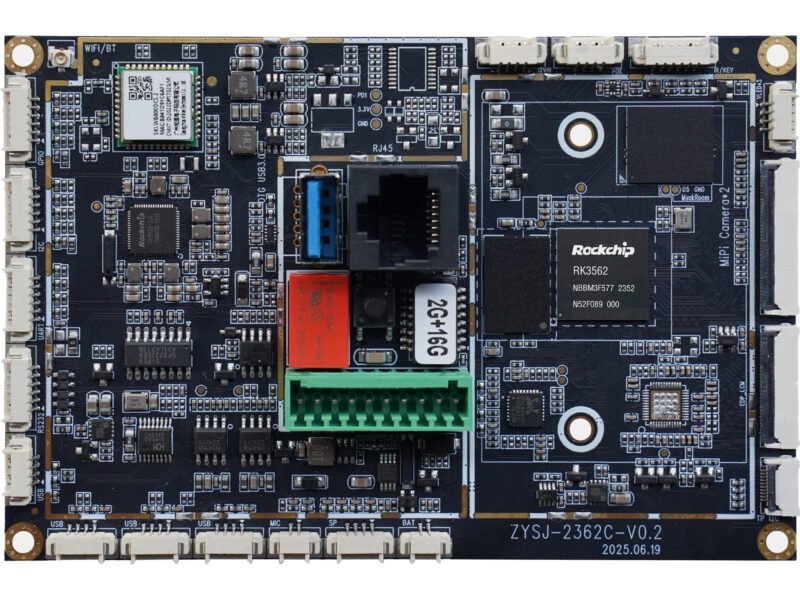
그리고 RJY3566M product record describes an RK3566 single-board computer with Linux and Android options. It lists Micro HDMI, eDP, and MIPI DSI display outputs, plus a separate I²C touch connection.[1] These provide starting points for a display integration review. They do not establish compatibility with an arbitrary TFT module.
| Published board feature | Relevance to a booking terminal | Project check |
|---|---|---|
| RK3566 processor platform | Host for the local interface and communication software | Measure the intended application on the selected board configuration. |
| Linux and Android options | Alternative starting points for application development | Confirm the revision-specific operating-system image, drivers, maintenance plan, and development package. |
| Micro HDMI, eDP, and MIPI DSI outputs | Potential display connection paths | Verify the chosen output, panel timing, electrical requirements, cable, and firmware. |
| Separate I²C touch connection | Potential input path for an integrated touch panel | Confirm the controller, signal levels, pin orientation, driver, and mating connector. |
| 70 × 45 mm board footprint | A starting point for enclosure layout | Allow space for height, connectors, cable bends, mounting, and heat dissipation. |
The public record identifies conflicting memory, storage, and connector details in the supplied documentation. Specify the installed configuration and request an identified board revision. In particular, resolve the touch-connector pitch before choosing the cable. The listed software options do not establish current security maintenance or compatibility with a particular calendar platform.
Choose the TFT around viewing distance and booking tasks
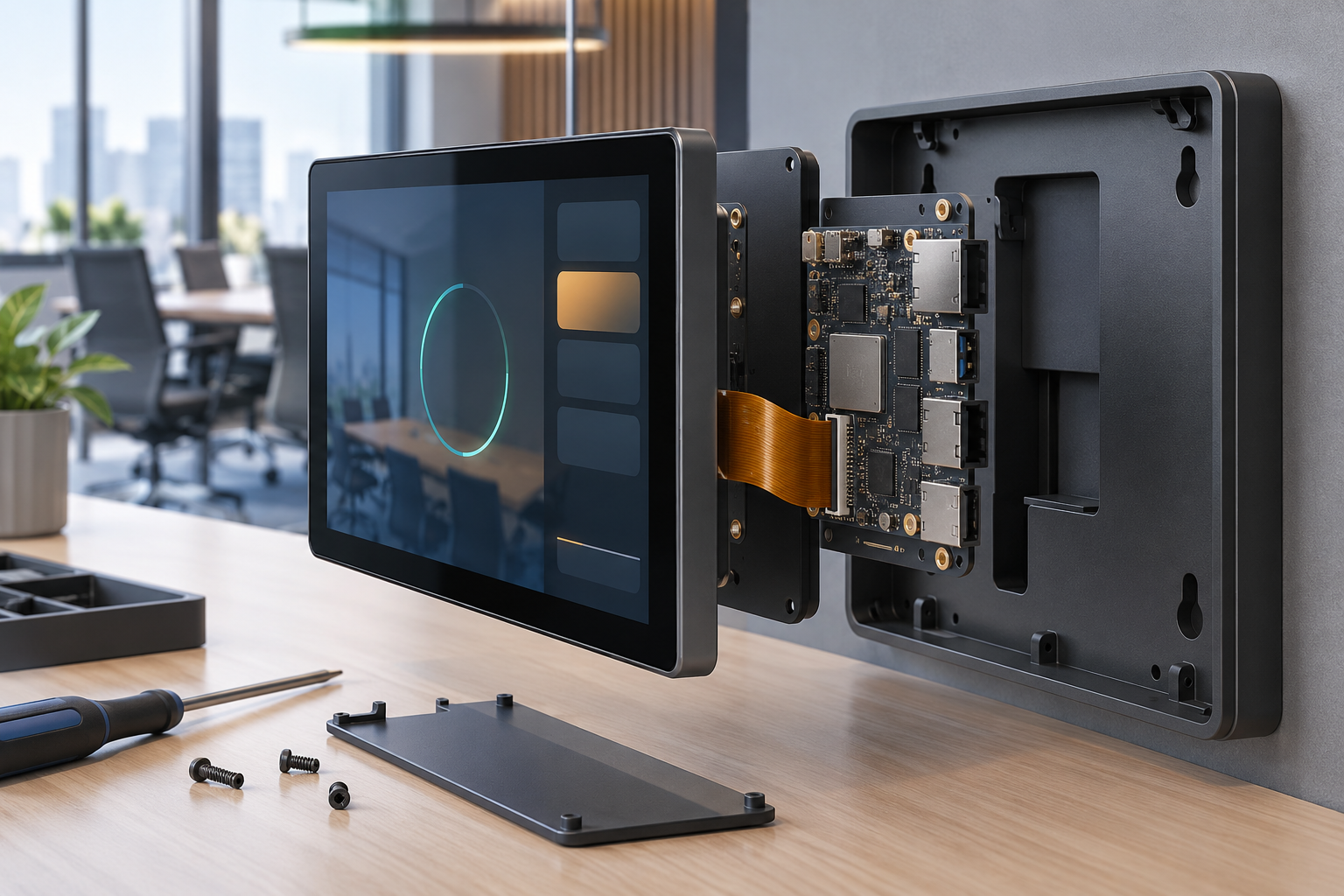
Decide what a person must read while approaching the room and what they need to see when standing at the panel. Availability should remain clear without requiring users to read a dense calendar. Combine a status label or symbol with color; color alone should not carry the meaning.
Test room names, time ranges, translated messages, and reservation controls at their intended physical size. A compact screen can support a focused status and check-in flow. Browsing a long schedule or entering text may justify a larger screen or a separate mobile workflow.
For a raw TFT module, check interface type, native timing, power sequence, backlight requirements, and panel initialization against the actual host-board revision. A shared MIPI DSI label does not prove a match. A raw panel connected to an HDMI source needs an appropriate active controller.
Review touch separately, including controller firmware, host connection, rotation, and coordinate mapping. Confirm that boot, error, and recovery screens also fit the selected orientation. Use RJY’s TFT and Android control-board matching guide for the broader integration checklist.[2]
Plan the network and power arrangement before enclosure design
Choose the network from the building’s installation requirements. The RJY3566M record lists wireless connectivity and Ethernet signals through an expansion interface. It does not establish an onboard RJ45 socket or a ready-to-use Ethernet carrier. Confirm the adapter, connector, software support, and installed network performance for the chosen configuration.
Do not assume Power over Ethernet from the presence of Ethernet signals. If the project requires it, define the complete power architecture and request a supported implementation. Verify the board’s documented input arrangement, the display and backlight load, startup demand, and the complete assembly’s supply requirements.
Test the intended wireless connection inside the final enclosure and at the proposed mounting location. Coordinate any antenna requirements with metal covers and wall structures. Keep service access and cable strain relief in the mechanical review.
Make offline and time behavior explicit
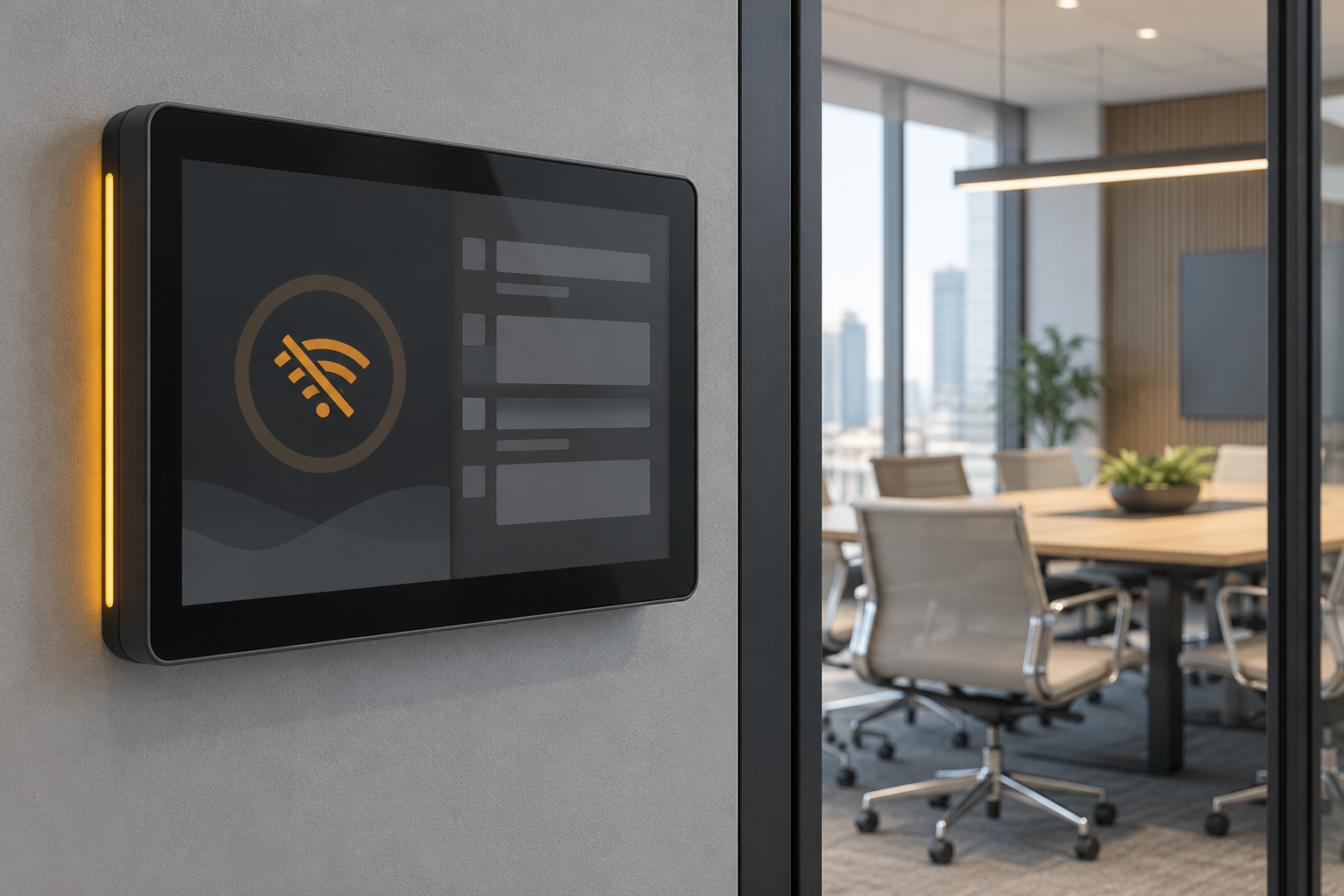
Define how long the application may show cached schedule information and when it must mark that information as stale. After communication stops, an old availability screen must not appear to be a fresh server response. Include a clear offline or unavailable state.
Decide whether offline booking requests are allowed. If the application queues them, label them as pending and define conflict handling when the connection returns. If offline booking is disabled, explain that limit while preserving any useful schedule information the project permits.
Check startup before time synchronization, time-zone changes, daylight-saving transitions where applicable, and schedule changes made from another device. Verify the displayed room state against authoritative time; an incorrect local clock can misrepresent a valid schedule.
Test a restart during a pending request. The application should reconcile the request with the server before encouraging the user to retry. Reconnection must also refresh the screen so a cached result does not persist after a booking changes.
Limit corridor information and plan software maintenance
Agree on what passersby can see. A room panel may need only availability and time ranges, while meeting titles, organizers, and attendee details may be unnecessary. Apply the site’s display policy consistently to normal, cached, error, and service screens.
Use the calendar service’s supported authorization method and limit permissions to the actions the terminal needs. Confirm API access, licensing, identity setup, and any application approval separately. Buying the board does not include a verified calendar integration.
Define unattended startup, application restart, authenticated service access, updates, and recovery. Check the selected operating-system image and development package with the team responsible for maintaining the terminal. Request a documented maintenance arrangement instead of inferring it from an operating-system name.
Record the board revision, installed memory and storage, display model, touch controller, cable, firmware, and application release used for acceptance. The same processor family alone does not establish an interchangeable replacement.
Validate the installed terminal with realistic booking scenarios
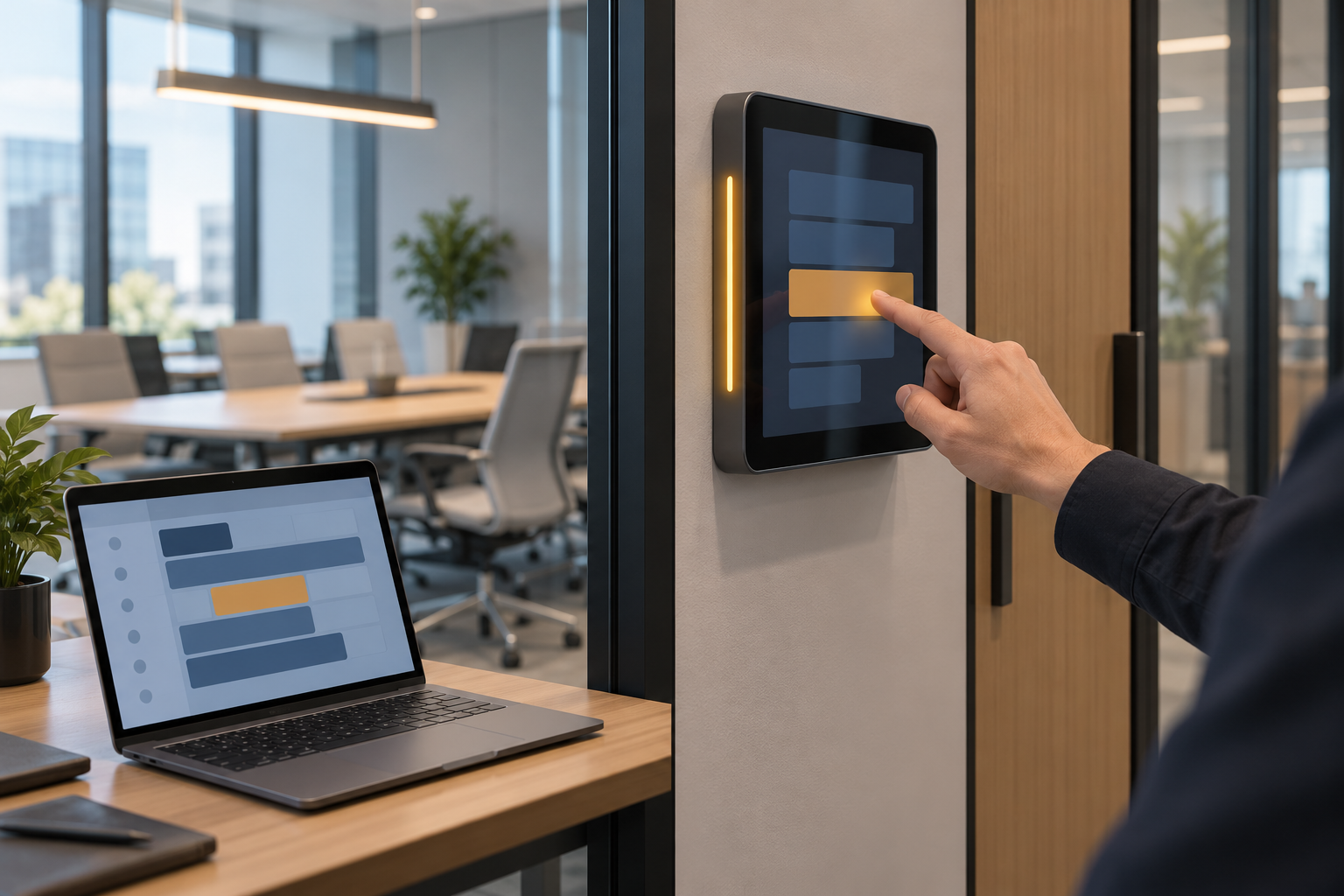
Use the intended wall bracket, cover glass, power supply, network, display, and application. Agree on acceptance criteria for each scenario before testing.
- Normal use: Read availability from the approach path, inspect the next booking, submit a permitted action, and verify server confirmation.
- Competing requests: Submit overlapping requests from the terminal and another client. Check conflict feedback and the refreshed schedule.
- Connection loss: Disconnect the network during a refresh and during a pending request. Check stale-data and pending-state messages.
- Time and restart: Test startup without valid time, restored synchronization, power interruption, and recovery during a booking action.
- Installed hardware: Check reflections, viewing angle, touch alignment, cable access, and temperatures under the agreed workload.
- Maintenance: Exercise the agreed update and recovery procedure and inspect what information appears on public-facing error screens.
These are proposed acceptance tasks. No measured performance, uptime, software compatibility, or complete-terminal qualification is asserted for this application.
Prepare an RFQ for a room-booking touchscreen terminal
Send RJY the terminal workflow, intended calendar service, software ownership, network and power requirements, and operating-system preference. Include the TFT model and datasheet if selected, resolution, orientation, touch controller, backlight requirements, wall-bracket drawings, and enclosure limits.
State the offline policy, privacy requirements, update responsibilities, sample quantity, expected annual demand, and project timing. Ask for the confirmed RJY3566M configuration and revision-matched development materials.
RJY’s engineering services provide a basis for reviewing existing display modules, touch, board integration, software scope, and enclosure coordination.[3] 터치 아키텍처가 주요 프로젝트 결정 사항일 때 project inquiry form to request a feasibility review with those boundaries defined.
Common questions
Does RJY3566M include room-booking software?
The cited product record describes the computing board and software-platform options. It does not establish an included calendar application or validated connection to a specific booking service.
Can an Ethernet installation power the terminal through the same cable?
Only with a supported power arrangement designed for that purpose. Ethernet expansion signals alone do not establish Power over Ethernet support.
Can any MIPI touchscreen connect directly to the board?
No. Verify the display timing, initialization, power, pinout, backlight, touch connection, and driver against the selected board and panel revisions.
참고문헌
- RJY Display: RJY3566M product record and linked technical document. Confirm configuration and revision-specific integration details.
- RJY Display: TFT LCD and Android control-board matching guide.
- RJY Display: engineering services.