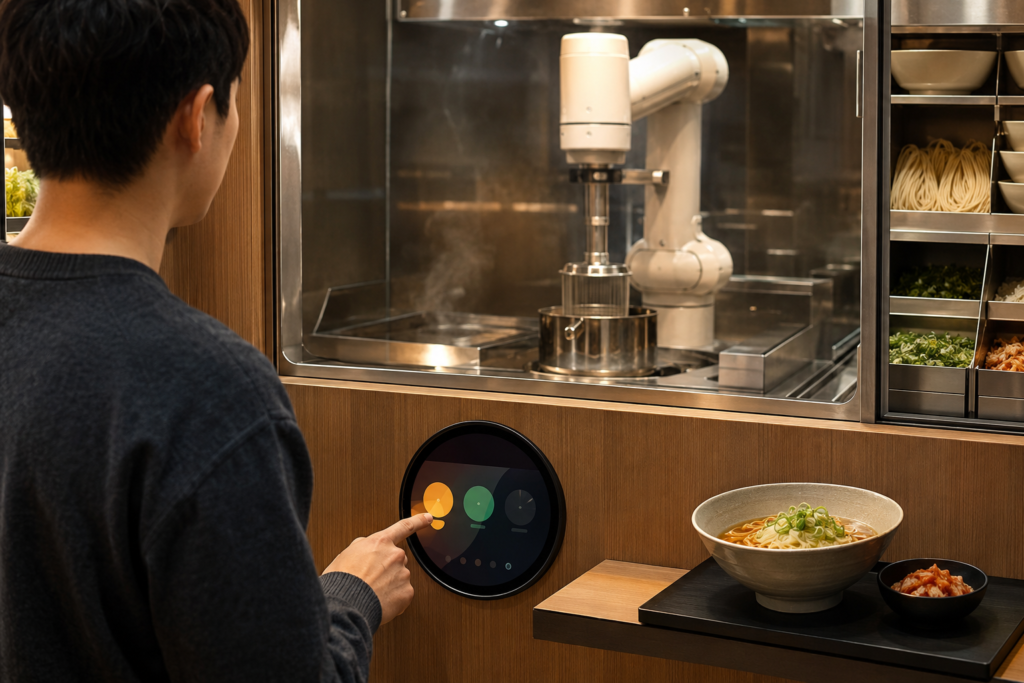
South Korea’s self-service food market is creating new opportunities for cooking robots, automated noodle stations and unattended ramen eateries. In this setting, the cooking mechanism may attract attention first—but the customer experience is usually decided at the interface.
Customers need to understand what the machine is doing, what action is required, whether an order has been accepted and when food is ready. A round display can give a ramen robot a more distinctive and approachable front-panel interface while supporting practical HMI functions such as menu guidance, preparation status, countdown feedback and service prompts.
For food-service equipment manufacturers, the goal is not simply to install a circular screen. It is to build an interface that helps a customer complete a short, repeatable journey with confidence: select, confirm, wait, collect and reset the station for the next order.
Why Korean Ramen Robot Concepts Are Drawing Attention
Korean food-service operators are using automation in locations where extended operating hours, staffing pressure and fast customer turnover matter. In February 2025, Hanwha Robotics announced cooking-robot installations at a Daegu highway rest area, with robots preparing several dishes including ramyeon; the company said its cooking-robot locations at rest stops had reached six at that time.1
Other formats are also appearing. Pulmuone Food & Culture described its Robot Chef concept as an unmanned food-service machine for highway rest areas, combining a large video display with a touch-operated menu-selection screen.2 In 2026, reporting based on Korea Expressway Corporation data indicated that highway rest-stop outlets using cooking robots had grown from three locations in 2021 to 103 locations in 2025, with noodle-cooking robots increasing after 2024.3
These examples do not mean every ramen machine has the same hardware architecture or commercial model. They do show why food-machine developers need to think beyond cooking automation. The front-end HMI is where a self-service concept becomes understandable to a first-time customer.
Why a Round Display Fits a Ramen Robot HMI
A rectangular display is often the most efficient choice for long menus or dense order information. A circular TFT display solves a different problem: it can make a compact status-driven interface feel intentional, product-specific and easy to recognize from a distance.
A natural format for progress and status
Ramen preparation is a sequence. A circular interface can visually organize that sequence around a center point: order received, preparing, ready for collection or service attention required. Rings, arcs, color changes and simple icon areas can communicate progress without making the customer read a dense instruction panel.
A stronger front-panel identity
In an unattended food environment, equipment appearance contributes to trust. A round display can become a recognizable visual feature of the machine, especially when integrated with a shaped cover glass and a carefully designed enclosure. It can help distinguish an OEM product platform from a generic touchscreen appliance.
A compact interaction surface
Many ramen robots already need to accommodate ingredient storage, a cooking area, a bowl collection zone, heating systems and maintenance access. A circular display may suit a compact control or status area where a large horizontal UI is unnecessary. The final fit depends on the machine layout, required menu depth and customer interaction distance.
Designing the Customer Journey Around the Screen
The screen should support the physical machine rather than compete with it. For a ramen robot or self-service noodle station, the customer journey often includes five moments:
- Attract: Show that the machine is available and explain its purpose quickly.
- Select: Present a clear route into menu selection or an instruction sequence.
- Confirm: Give visible feedback that an order or command has been received.
- Wait: Communicate preparation status without creating uncertainty.
- Collect and reset: Direct the customer toward the collection area, then return the machine to an available state.
A round display is particularly useful in the attract, wait and collect stages. For example, it can act as a highly visible availability indicator when idle, then become a progress display during preparation. If detailed ordering, payment or multilingual content is required, the product team may use a separate rectangular ordering screen, a larger main display or a companion mobile workflow.
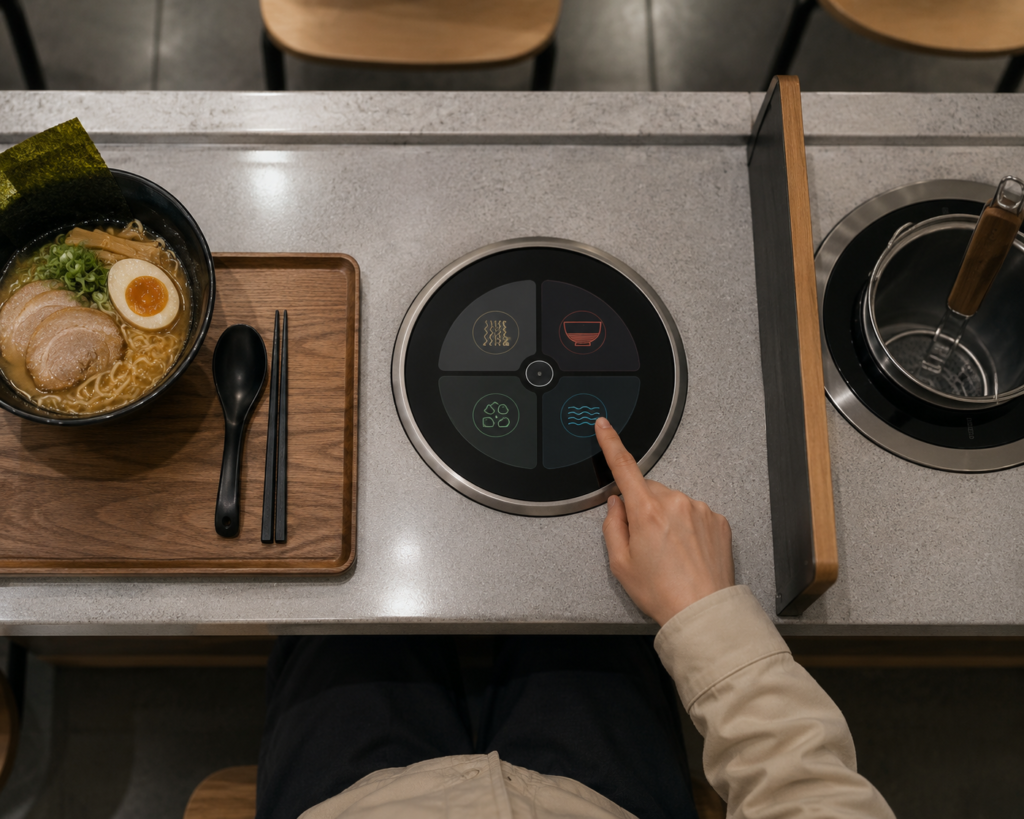
This distinction matters. A round display should be selected because it supports the intended HMI role—not only because it looks innovative.
Round TFT Display Selection Criteria for Food-Service Robots
Define the screen’s job before choosing the module
Start with the required interface role. Is the circular display a simple status indicator, a touch-operated confirmation panel, a menu selector, a brand-facing animation area or a maintenance interface? The answer affects display size, resolution, touch requirements and host-system resources.
Consider viewing position and enclosure geometry
Customers may approach the equipment from different heights and angles. The screen position, tilt, cover-glass edge, bezel design and UI contrast should be evaluated in the actual installation environment. A display that looks clear in a product studio may be difficult to interpret in a busy food court or rest area.
Review touch and front-panel requirements together
If touch interaction is required, the touch stack, cover glass, touch controller and intended software behavior should be considered as one assembly. Moisture, food residue, cleaning procedures and repeated public use can all affect the final front-panel design. The exact touch performance must be validated with the selected configuration rather than assumed from the LCD module alone.
Confirm controller-board compatibility as an engineering task
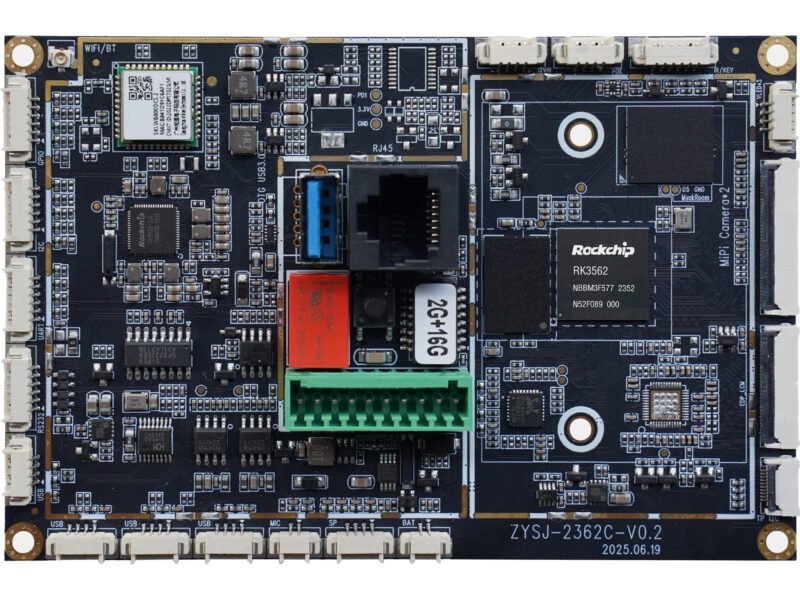
A controller board cannot be selected from screen shape alone. The final review should include the panel model, resolution, interface, pin definition, backlight requirements, touch interface, operating system or firmware needs, and the food-machine operating environment.
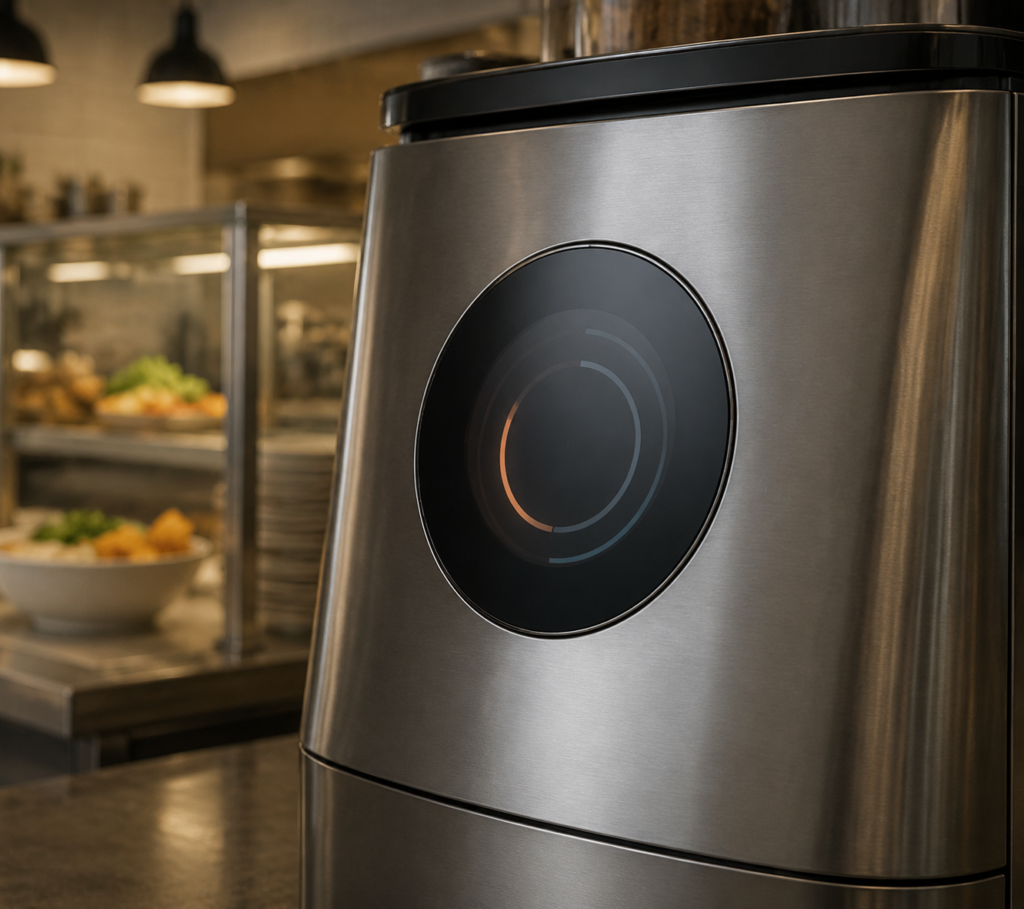
RJY can review the display-and-board path before sampling. See the TFT LCD and Android controller-board matching guide and the HDMI-to-MIPI controller-board compatibility guide for the information needed to begin a technical review.
Customization Options for a Circular Food Machine Interface
For most equipment projects, the practical starting point is an existing round display module combined with customization around the integration requirements. Depending on the selected platform and project scope, RJY can review:
- Cover-glass size, shape, print area and front-panel appearance
- Touchscreen configuration and touch-controller matching
- Backlight and display visibility requirements
- Display interface and FPC or cable routing
- Controller-board selection and firmware coordination
- Mechanical coordination with the machine enclosure and mounting structure
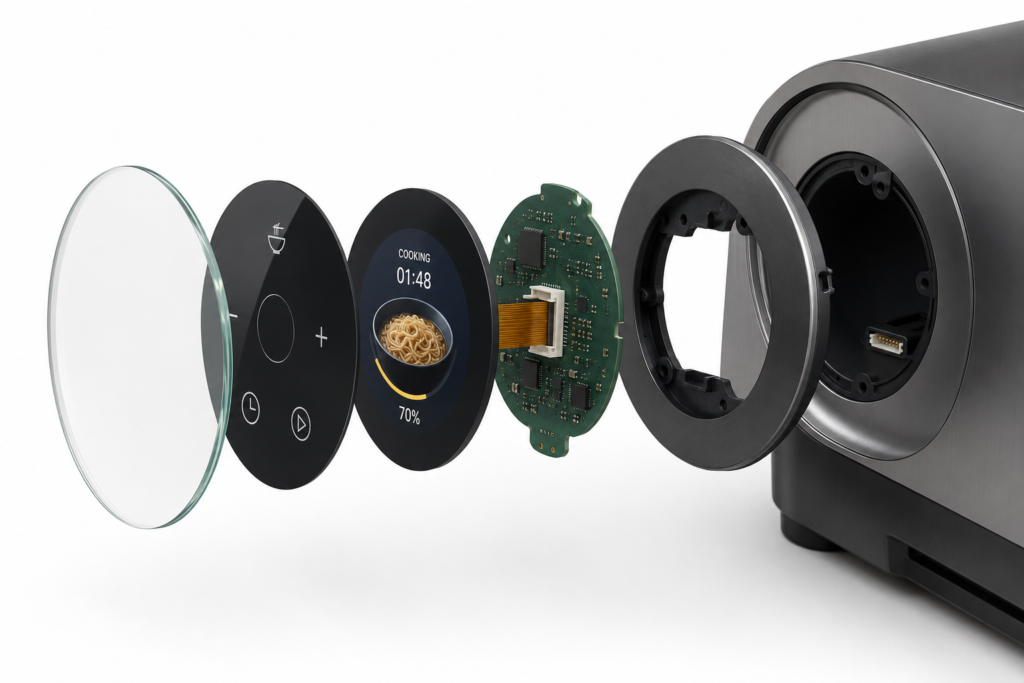
Customization should be evaluated around existing display modules. It should not be assumed to mean developing a completely new LCD panel size from scratch. This approach helps equipment teams focus on the interface details that have the greatest effect on usability and product differentiation.
Examples of Circular Display Roles in Food Automation
Order-status display
A round screen can show whether the station is available, preparing food, ready for collection or awaiting service. This is useful when the ordering workflow takes place elsewhere but customers still need immediate machine feedback.
Compact touch confirmation panel
For a limited menu or a guided preparation sequence, a circular touchscreen can support simple selections and confirmations. The UI should use large touch targets and avoid relying on long text strings.
Branded idle-screen experience
When the station is not active, the screen can present a restrained animation, product identity or simple preparation concept. This gives the equipment an active presence without requiring a large display to remain visually busy.
Service and maintenance interface
A circular display may also support technician workflows, such as a local status screen or guided service access. This function should be separated appropriately from the public customer interface through software and mechanical design.
What to Prepare Before Starting a Round Display Project
For an accurate display and HMI review, prepare the following information:
- Food-machine concept and customer journey
- Required role of the round display: status, touch, menu, brand or service
- Preferred screen size, enclosure opening and mounting constraints
- Target viewing distance, orientation and installation environment
- Touch requirements and expected cleaning or moisture conditions
- Host platform, display interface and controller-board requirements
- Firmware or operating-system requirements
- Prototype timing, sample requirements and estimated annual demand
Build a Ramen Robot Interface Customers Can Understand at a Glance
Food automation works best when the machine feels predictable. A round display can help turn cooking progress, availability and collection instructions into an immediately recognizable visual language—while also giving the equipment a distinctive physical identity.
If you are developing a ramen robot, automated noodle station or self-service food machine, explore RJY round display modules or custom display solutions. For an engineering review, contact RJY with your display role, interface, touch and enclosure requirements.
Frequently Asked Questions
Can a round display be used as the main ordering screen for a ramen robot?
It can be used for simple ordering flows, but the best choice depends on menu depth, language requirements, payment flow and interaction distance. A round display is often most effective for status, guided choices or compact touch interactions.
Can a circular TFT display include touch?
Touch options can be reviewed with the selected display module, cover glass, touch controller and intended user interface. The final touch behavior should be verified during prototype testing.
Can RJY customize the cover glass for a food-service machine?
RJY can review cover-glass shape, front-panel appearance, touchscreen configuration and mechanical coordination based on an existing display-module platform and project requirements.
How is a controller board selected for a round display?
The review should include the panel model, resolution, display interface, pin definition, backlight, touch interface, firmware or operating-system requirements, and operating environment before compatibility is confirmed.
Can RJY develop any new circular LCD size from scratch?
New-panel development requires separate feasibility and volume discussion. For most projects, adapting an existing round display module with customized touch, cover glass, cable, controller-board and enclosure coordination is the more practical route.