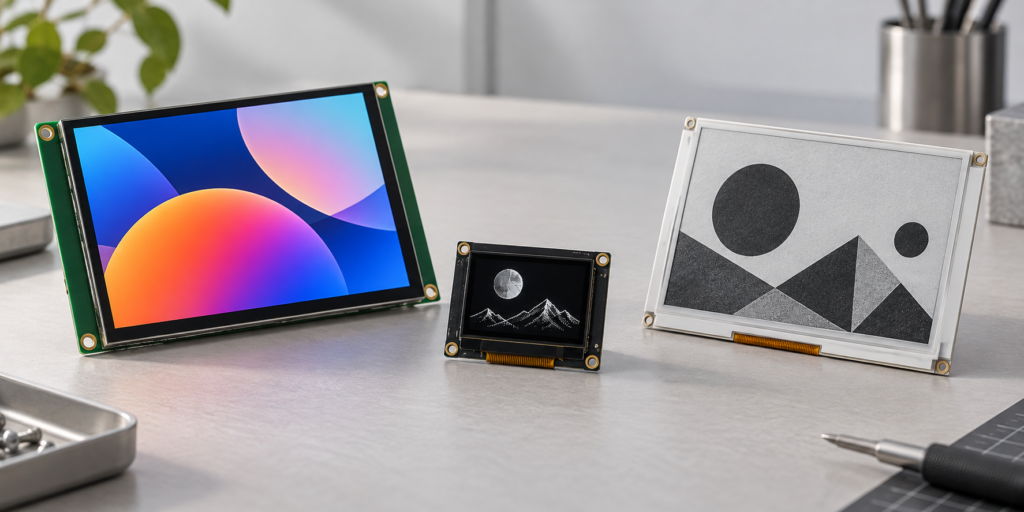
Display technologies differ in how they form an image, how they use light and what their electronics need. A liquid crystal display (LCD) controls light through a liquid-crystal layer. An organic light-emitting diode (OLED) display produces light from its display elements. Many electronic-paper displays (EPDs) reflect ambient light and can retain an image after power is removed.
This guide introduces those families and directs engineers, product teams and buyers to deeper resources. Start with the content your product must show and the environment in which people will use it; then compare the actual modules and their datasheets.
Display technologies at a glance
| Family | How the image uses light | Useful first question |
|---|---|---|
| Monochrome LCD | Controls light; reflective, transmissive and transflective designs exist. | Is the information simple enough for segments, characters or a monochrome graphic? |
| TFT LCD | An active-matrix LCD; many color modules use a separate backlight. | Does the product need color graphics and a defined video or control interface? |
| OLED | Its organic light-emitting elements produce the image light. | How will brightness, content and operating life affect the chosen module? |
| Electronic paper | Many types form a reflective image; electrophoretic displays move charged particles. | How often must the image change, and what happens when power is removed? |
This is a starting map, not a ranking. Luminance, readability, refresh behavior, power and service life depend on the specific device and operating conditions. A technology name alone does not establish a product’s suitability.
LCD: controlling light with liquid crystals

LCD stands for liquid crystal display. An electric field changes the orientation of liquid-crystal material, and the optical stack uses that change to control visible light. A transmissive LCD uses a light source behind the cell; a reflective LCD uses ambient light; a transflective design combines both paths. Not every LCD requires a backlight.
Monochrome LCDs can display fixed segments, character fields or graphics, depending on their design. A simple instrument may need only a small amount of information; a graphical interface needs a suitable pixel matrix and controller. The display’s information format and illumination are separate decisions.
Explore: Read LCD and TFT display terminology or the reflective LCD overview when the light path is the main question.
How TFT addressing works in an LCD
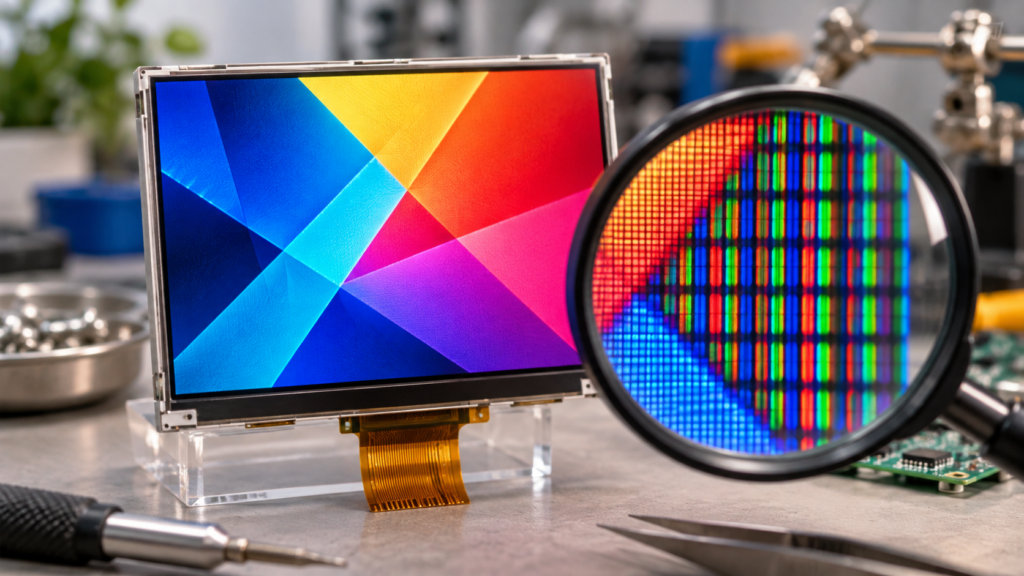
A TFT LCD uses thin-film transistors as switches in an active matrix. They help address individual pixel or subpixel locations. TFT describes the array used to address the display; it is not an alternative to LCD. Other display types, including active-matrix OLEDs, can use TFT backplanes too. A color TFT LCD commonly combines a TFT array with color filters and a backlight.[2]
TN, IPS and VA describe liquid-crystal operating-mode families. A panel can be both TFT and IPS, for example. Each family contains many implementations, so check measured viewing angles, contrast, response and other characteristics for the panel under consideration.
Explore: Compare TN, VA and IPS LCD panels or read the focused TN technology guide.
OLED: light from display elements
OLED stands for organic light-emitting diode. Its display elements emit light when driven, so an OLED does not need a separate LCD-style backlight. PMOLED and AMOLED refer to passive- and active-matrix addressing approaches for OLED displays; the addressing label and the emitting material describe different aspects of the device.
OLED can be useful where contrast, a thin assembly or dynamic graphics matter. Evaluate the exact module’s luminance, viewing behavior, power and operating conditions. Static content, brightness and use patterns can affect aging and image-retention risk. These factors vary by product and do not establish a universal lifetime.
Explore: Begin with what an OLED display is, then compare TFT LCD, OLED and LED terminology.
Electronic paper: reflective displays for different update needs

Electronic paper is a broad category. Many commercial EPDs use electrophoretic material: an electric field moves charged pigment particles in a fluid to change the visible image.[1] E Ink is a company and technology provider, not a generic name for every form of electronic paper.
Some electrophoretic displays are bistable and can retain an image without continuous power to the display. That does not mean the whole product consumes no power: its processor, communication, front light or other electronics can still draw energy. Retention, update behavior, color and operating limits depend on the particular module and waveform.
A reflective display needs adequate light at the front to be seen. A product used in darkness may need an external or integrated front light. Check update rate and image artifacts using the intended content, temperature and display specification.
Explore: Use the electronic paper versus LCD guide for a closer comparison, or browse the electronic-paper display category.
Where do LED, Mini-LED and touch fit?
In many monitor descriptions, “LED display” means an LCD illuminated by an LED backlight. Mini-LED can describe a backlight implementation for an LCD. The image is still formed by the LCD layer. A direct-view LED display, where LEDs form the visible image, is a different architecture.
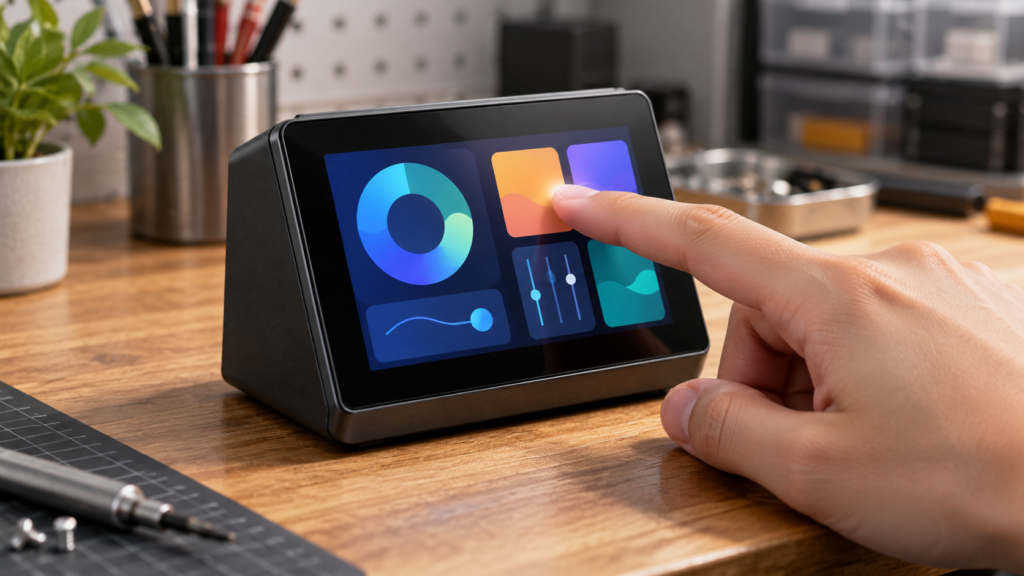
Touch is an input function rather than a display light-generation technology. A display assembly may use a separate resistive or capacitive sensor, or an integrated touch structure. Check the touch controller, input tools and host connection separately from the display’s image interface.
Explore: The TFT LCD touch-module guide covers the sensor, cover and controller as a complete assembly.
Choose a direction from the product’s constraints
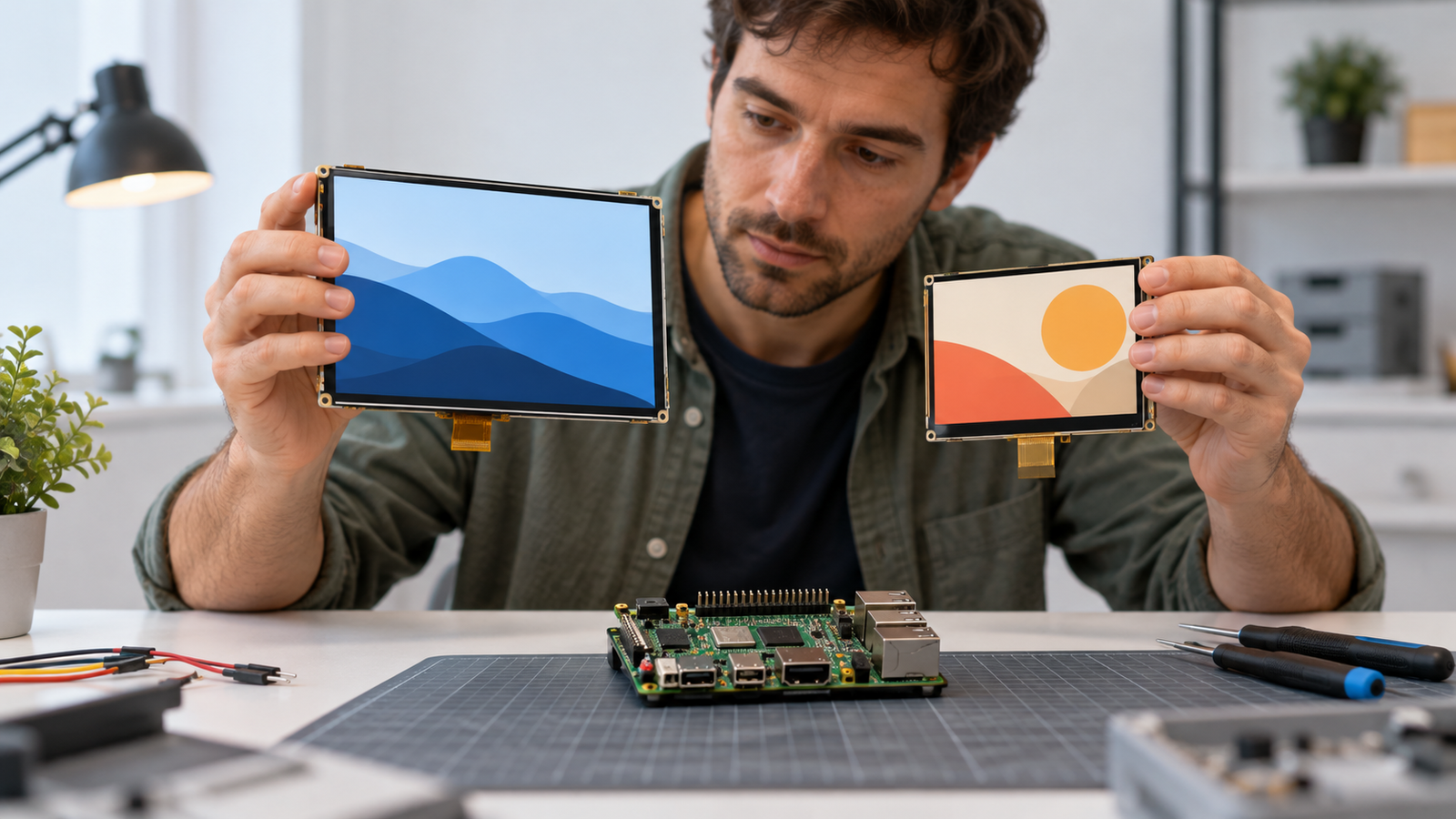
| Start with | What to investigate | What to verify |
|---|---|---|
| Simple status or numbers | Segment, character or graphical monochrome LCD. | Content, light path, controller, viewing direction and interface. |
| Color UI, animation or video | A suitable TFT LCD or OLED module. | Resolution, image quality, refresh, host capabilities and operating conditions. |
| Information that changes infrequently | A suitable reflective electronic-paper module. | Update behavior, illumination, retention and full-system power. |
| Bright ambient light | The full optical stack and viewing geometry across candidate technologies. | Contrast and reflections in the finished enclosure, not a brightness figure alone. |
| Touch interaction | Sensor and controller alongside the chosen display. | Gloves, moisture, cover, firmware, coordinates and host support. |
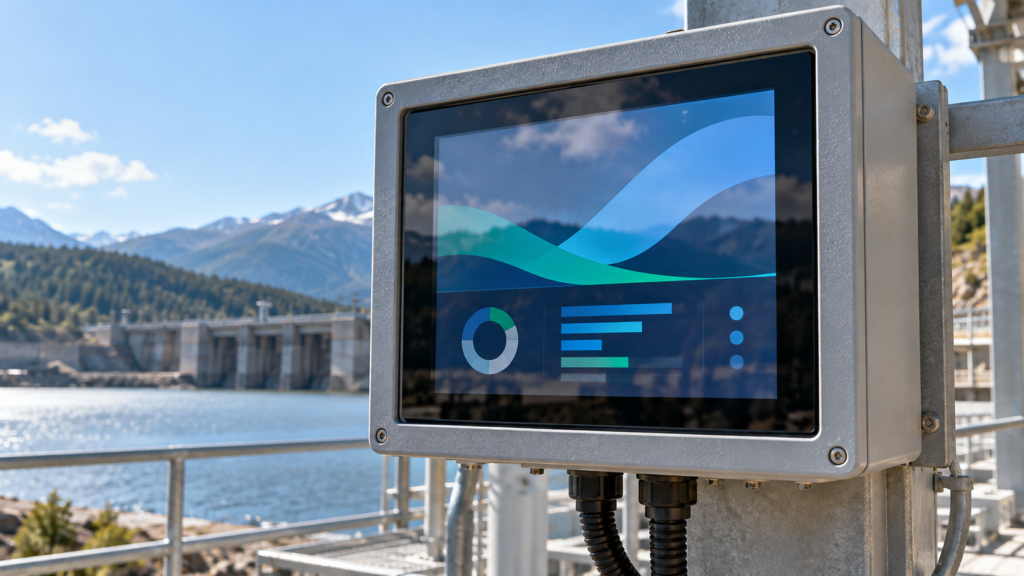
A requirement can lead to more than one candidate. Compare samples with representative content, actual viewing distance, power conditions and the intended enclosure. Do not infer outdoor readability from a nominal luminance value or assume that a reflective display will be readable in darkness.
After choosing a display family: check integration
The display module and host must agree on interface, timing, power, initialization and mechanical connection. Depending on the module, the image path may use SPI, parallel RGB, LVDS, MIPI DSI, eDP or a controller board. The touch path may use a separate connection. An interface name or connector shape alone does not establish compatibility. See the LCD module interface guide for the main interface families.
For a controller-board review, provide the exact panel model, resolution, interface, pin assignment, timing, driver IC when available, backlight and touch requirements, firmware, operating system and intended environment. HDMI-to-MIPI conversion may require active electronics and panel-specific configuration; it is not a universal passive cable.
Review physical dimensions, FPC routing, cover glass, touch behavior and heat alongside the electronics. Customization is project-dependent and often begins with an existing module. Confirm the feasible changes for the selected product.
Suggested reading by question
- How do LCD, TFT and OLED differ? Read TFT LCD, OLED and LED: a comparison.
- Which LCD viewing mode should I investigate? Read TN, VA and IPS panel differences.
- Would electronic paper fit a slowly changing display? Read electronic paper versus LCD.
- How do I integrate touch? Read the touch-display selection guide.
- Why are two panels with the same resolution not always interchangeable? Read the LCD pixel clock and timing guide.
Frequently asked questions
Is TFT a display technology separate from LCD?
TFT describes an active-matrix addressing method. A TFT LCD is an LCD that uses thin-film transistors to address its display elements.
Is an LED-backlit LCD an OLED?
No. In an LED-backlit LCD, LEDs provide illumination for an LCD layer. OLED display elements emit the image light themselves.
Does electronic paper use no power?
Some bistable EPDs can hold an image without continuous display power. Updating the image and operating the rest of the product can still require power.
Does a higher brightness rating guarantee sunlight readability?
No. The complete optical stack, reflections, ambient light, viewing position, content and sustained operating conditions also matter.
Find a display for your project
Describe the information to be shown, viewing conditions, active-area constraints, host platform, touch needs and operating environment. If you already have a panel, share its model and datasheet. This gives the supplier a basis for reviewing the full display assembly.
Explore RJY display modules or contact RJY Display to discuss a project-specific solution.