Facing a bottleneck in your Embedded Display Project?
Don’t let complex integration or supply chain issues slow your time-to-market. Book a free consultation with the RJY expert team for tailored design and manufacturing support.

Liquid Crystal Displays (LCDs) are widely used in smartphones, laptops, televisions, automotive dashboards, industrial equipment, and countless other devices. Their versatility, efficiency, and affordability have made them a dominant display technology. However, like any technology, LCD problems can occur, impacting performance, reliability, and user experience.This article explores the most common LCD problems, their technical causes, troubleshooting steps, and preventive measures. Whether you’re an engineer, technician, or consumer, understanding these issues can help prolong device life and ensure consistent performance.
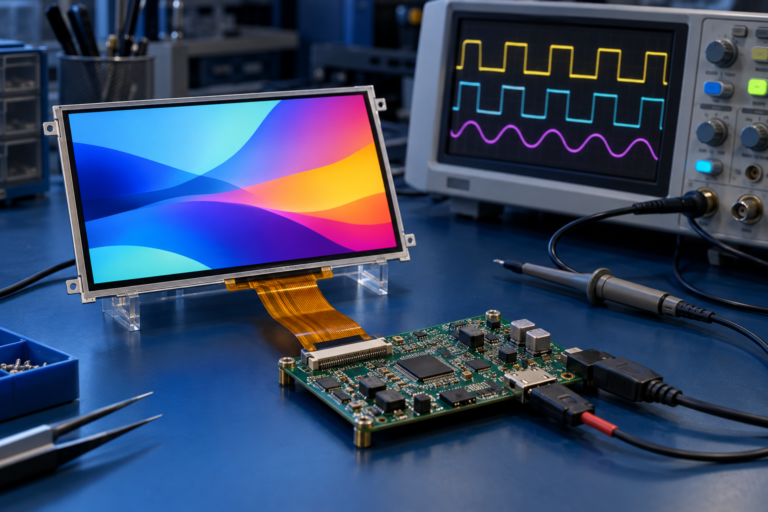
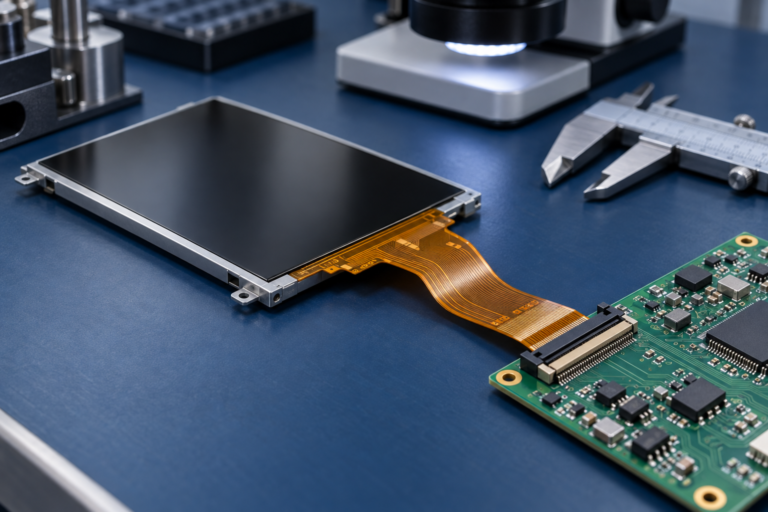
An LCD functions by using liquid crystal material sandwiched between two glass layers, controlled by a backlight and thin-film transistors (TFT). When electrical signals are applied, the liquid crystals align to modulate light, creating images.
Key components include:
When an lcd problem arises, it is often linked to one or more of these critical elements.
Before repair, accurate diagnosis is critical. Engineers typically follow these steps:
| Category | Consumer Devices | Industrial Devices |
|---|---|---|
| Common Issues | Cracks, dead pixels, ghosting | Backlight aging, touch calibration drift |
| Environment | Indoor, mild use | Harsh conditions (dust, vibration, temperature extremes) |
| Lifespan | 2–5 years | 7–10+ years with rugged design |
| Maintenance | Rarely repaired, often replaced | Regular calibration and preventive maintenance |
Industrial LCDs are generally designed with higher durability, advanced sealing (IP65/IP67), and longer lifespans compared to consumer-grade panels.
For businesses relying on displays (factories, kiosks, medical equipment), replacing faulty LCDs quickly prevents downtime and operational inefficiency.
While OLED and MicroLED are emerging alternatives, LCD remains dominant due to cost-effectiveness and scalability. Manufacturers are addressing lcd problem challenges by:
An lcd problem can range from simple pixel defects to major hardware failures. By understanding the root causes—whether hardware, software, or environmental—users and engineers can apply effective solutions and preventive measures.
For consumers, this means maintaining device usability and extending lifespan. For businesses, it ensures operational continuity and cost efficiency.
While alternative display technologies are gaining traction, LCD remains a cornerstone of the global display market, and knowing how to troubleshoot and resolve LCD issues remains an essential skill.
Share your display size, resolution, interface, brightness, touch requirement, controller board requirement, and application environment.
Continue reading related display technology guides and application references.


Explore product pages related to this article topic.




Talk to RJY’s engineering team for display matching, controller board review, and customization discussion.









