Facing a bottleneck in your Embedded Display Project?
Don’t let complex integration or supply chain issues slow your time-to-market. Book a free consultation with the RJY expert team for tailored design and manufacturing support.


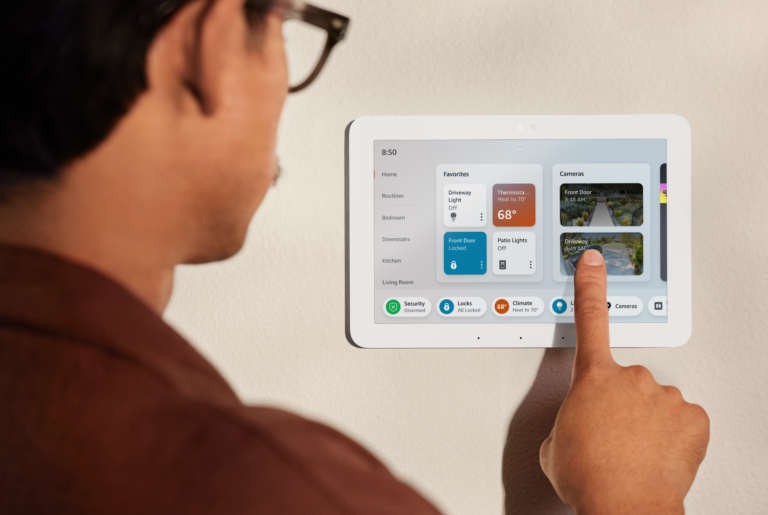
A comprehensive analysis of the strategic impact of touch technology on modern HMI design. This guide examines the technical evolution of interactive displays and provides professional insights into selecting the right touch architecture to optimize user interaction and accessibility for future-ready businesses.
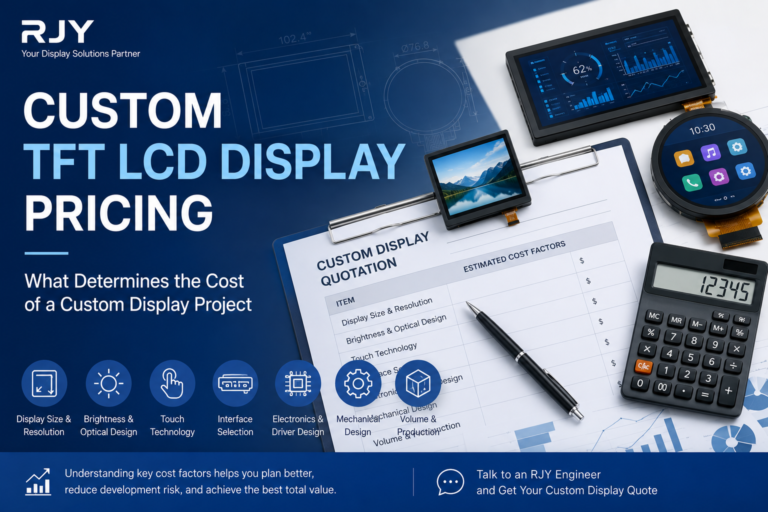
When companies begin planning a new product, one of the first questions asked during supplier discussions is surprisingly simple: “How much will a custom TFT LCD display cost?” Unfortunately, there is rarely a simple answer. Unlike standard display modules that…
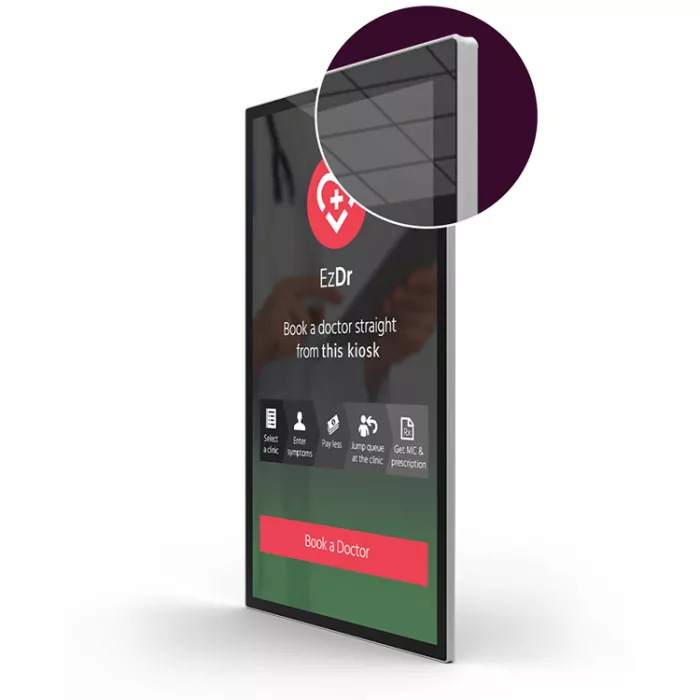
Touch screens have transformed the way humans interact with digital devices, evolving from resistive panels in early ATMs to today’s highly responsive smartphones and industrial displays. At the forefront of this evolution is the PCAP touch screen (Projected Capacitive Touch).
Unlike resistive touch screens that rely on physical pressure, PCAP technology uses electrical signals to detect touch through a conductive grid. This enables faster, more precise, and more durable interaction. Whether in consumer electronics, industrial control systems, medical devices, or retail kiosks, PCAP touch screens have become the standard for modern human-machine interaction (HMI).
This article explores the fundamentals of PCAP technology, its benefits, industry applications, challenges, and how businesses can leverage it to create next-generation interactive solutions.
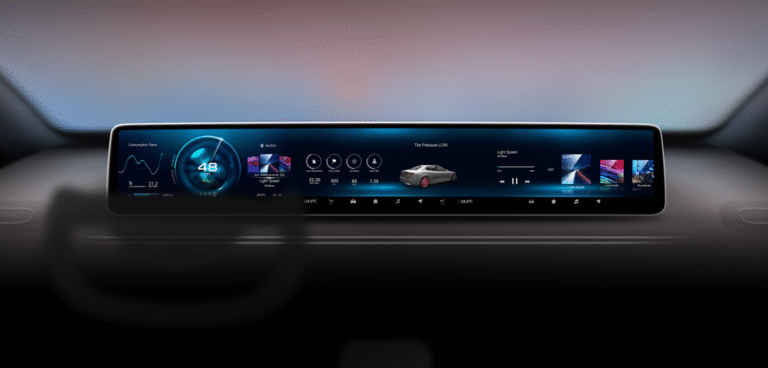
In today’s automotive industry, display technology has evolved far beyond basic instrument clusters and radio interfaces. As cars transform into smart, connected mobility hubs, the demand for advanced display solutions has grown exponentially. At the heart of this transformation lies the automotive TFT LCD display—a technology that combines high performance, reliability, and design flexibility tailored for the automotive environment.
This article takes an in-depth look at what an automotive TFT LCD display is, how it works, its technical specifications, real-world applications, and where the technology is headed in the future.
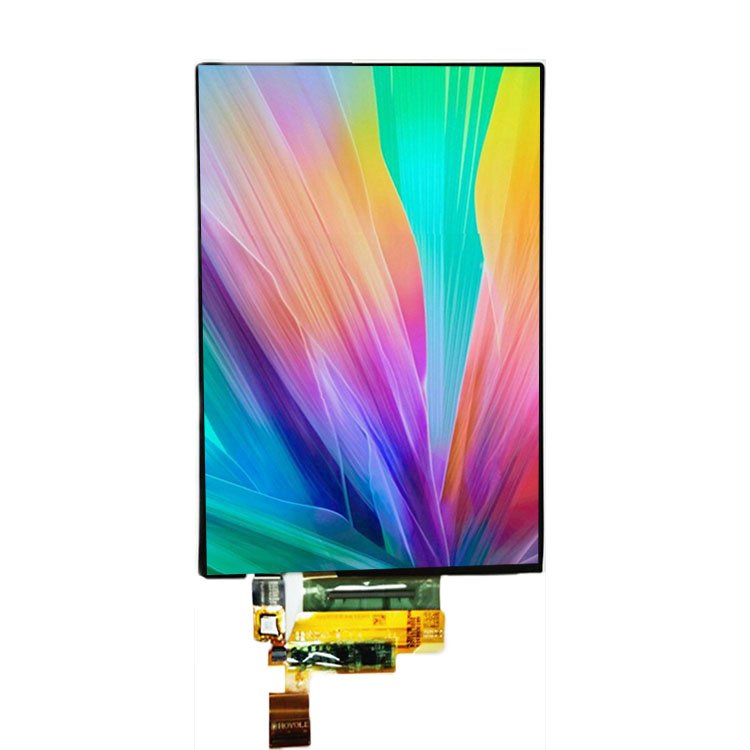
The display has become one of the most important aspects of modern consumer electronics. From smartphones and televisions to wearables and automotive dashboards, users today demand screens that are sharper, thinner, more power-efficient, and more visually stunning than ever before. Among the various display technologies, OLED (Organic Light Emitting Diode) has emerged as a major breakthrough.
But what is OLED display, how does it work, and why is it considered superior to traditional LCDs? This article explores the fundamentals of OLED technology, its advantages, limitations, and real-world applications.
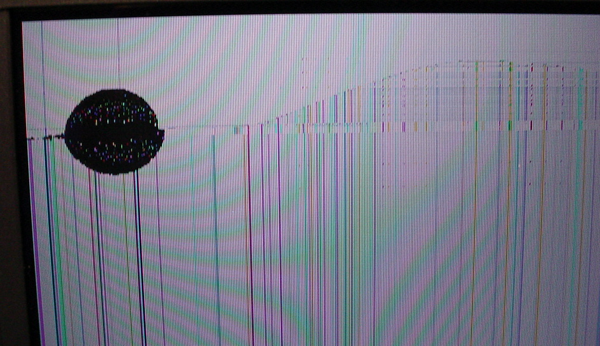
Liquid Crystal Displays (LCDs) are widely used in smartphones, laptops, televisions, automotive dashboards, industrial equipment, and countless other devices. Their versatility, efficiency, and affordability have made them a dominant display technology. However, like any technology, LCD problems can occur, impacting performance, reliability, and user experience.
This article explores the most common LCD problems, their technical causes, troubleshooting steps, and preventive measures. Whether you’re an engineer, technician, or consumer, understanding these issues can help prolong device life and ensure consistent performance.
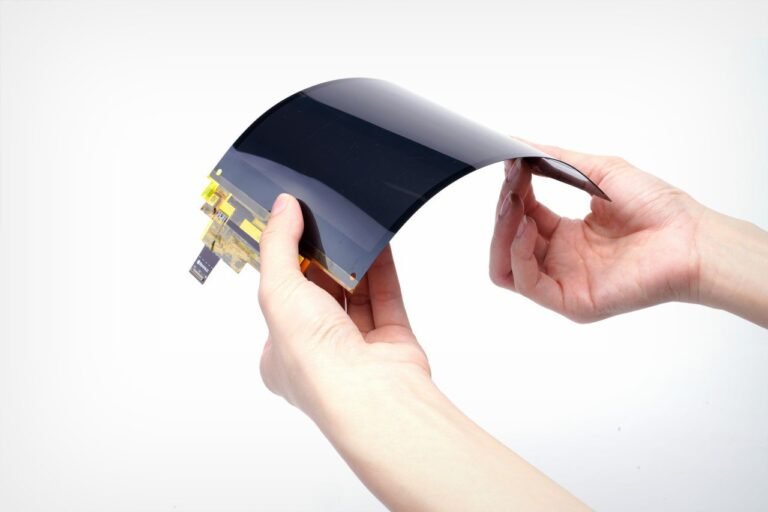
Flexible display panels are one of the most revolutionary innovations in modern electronics, enabling devices that can bend, fold, and roll without losing their functionality. From foldable smartphones to wearable gadgets and next-generation automotive dashboards, this technology is reshaping the way we interact with digital information.
But what exactly is a flexible display panel? How does it differ from conventional rigid displays, and what are its real-world applications? This article takes a closer look at the technology, materials, advantages, limitations, and market outlook for flexible display panels.
In today’s fast-paced digital world, the demand for intuitive, interactive, and reliable display solutions has never been higher. From industrial automation to education, healthcare, gaming, and retail, touch displays are reshaping the way we interact with information. Among the many types available, HDMI touch displays have gained significant popularity thanks to their plug-and-play capability, versatility, and compatibility with a wide range of devices.
But what exactly makes HDMI touch displays so advantageous? This article explores the core benefits, technical strengths, and application scenarios where HDMI-enabled touch screens truly shine.
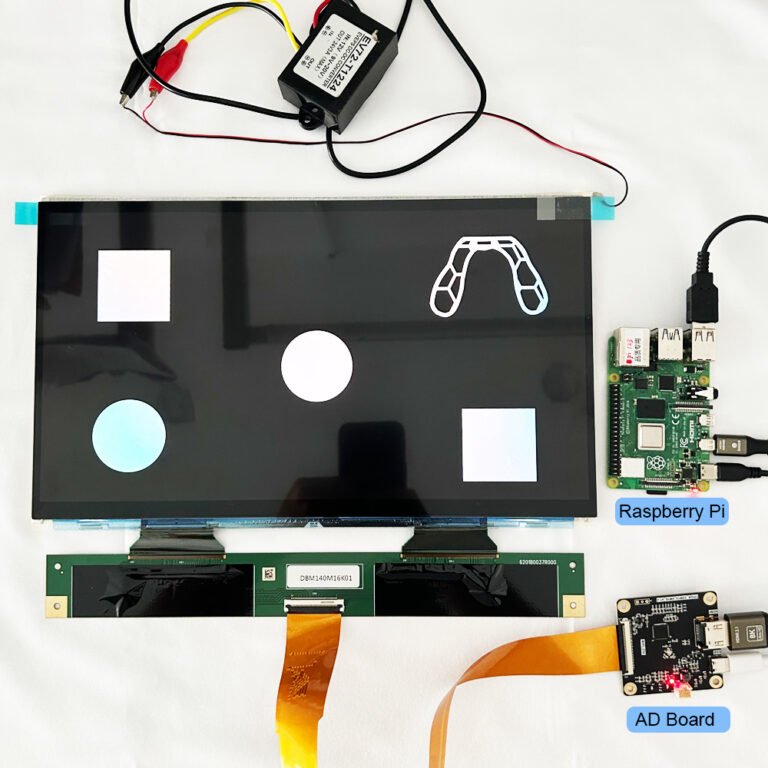
Powering a TFT LCD correctly isn’t just about plugging it into a battery. Between logic circuits, backlights, and sometimes touch sensors, there are multiple voltage rails and sequencing requirements to meet. Get this wrong, and you could see flicker, false colors, or even damage your display. This guide explains the essentials with clarity—and without guesswork.









