Facing a bottleneck in your Embedded Display Project?
Don’t let complex integration or supply chain issues slow your time-to-market. Book a free consultation with the RJY expert team for tailored design and manufacturing support.


If you’re working with a TFT LCD display and wondering whether updating to an IPS panel is worthwhile, you’re not alone. Many engineers and product designers encounter this crossroads when seeking improved visuals, better viewing angles, or enhanced usability. This article walks through key considerations and practical scenarios to help you decide whether moving from a standard TFT (e.g. TN or VA) to an IPS panel is truly worth the upgrade.

When designing modern capacitive touchscreen devices, there are three leading integration approaches: In‑Cell, On‑Cell, and OGS (One Glass Solution). Each method embeds the touch sensor within the display stack differently, balancing factors like thickness, optical clarity, cost, and manufacturing complexity.
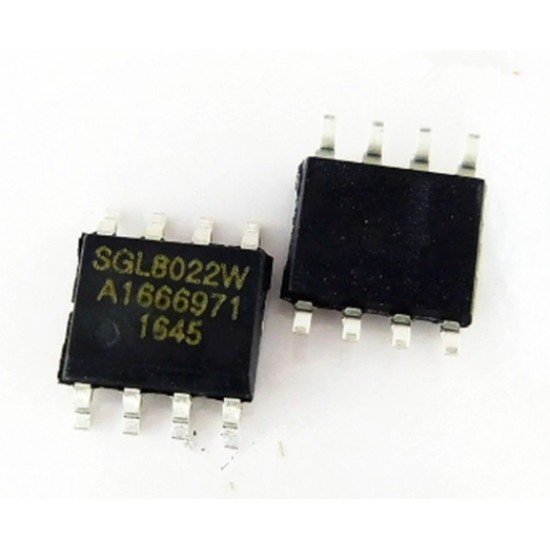
Touchscreen technology has become an essential part of modern electronics, from smartphones and tablets to automotive displays and industrial control panels. At the heart of this technology lies a small but powerful component — the Touch IC chip. While the display panel makes visuals possible, the touch IC ensures that your taps, swipes, and pinches are accurately recognized and translated into actions.
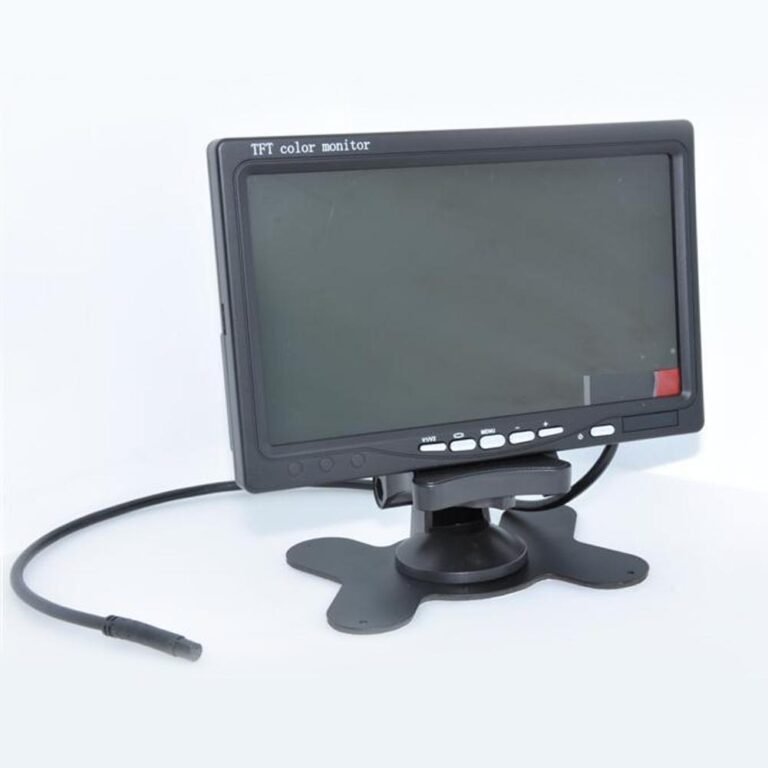
When choosing a screen—whether for your laptop, tablet, or industrial panel—eye comfort is a key factor. You've probably seen the terms TFT and IPS, but which one actually causes less eye strain? This article explores the differences, backed by research and user feedback, to help you make an informed choice.
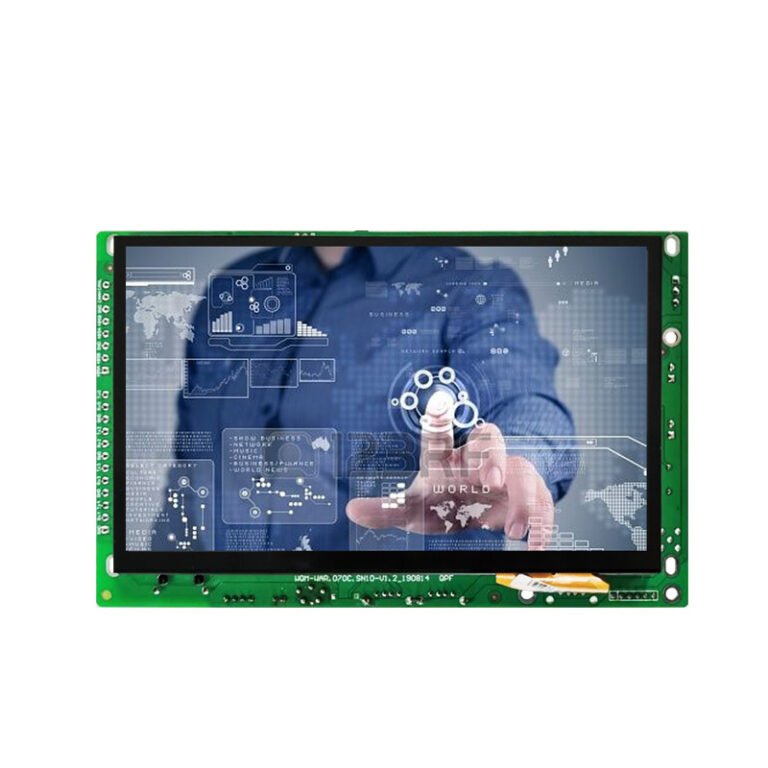
In the evolving world of smart devices and embedded systems, Android displays have become one of the most versatile and widely adopted solutions. From smartphones and tablets to automotive dashboards, industrial panels, and interactive kiosks, Android-powered displays combine powerful hardware, flexible software, and a familiar user experience.
This article provides a comprehensive overview of Android displays, covering their technology, specifications, benefits, use cases, and future trends.

In today’s fast-paced and visually driven world, advertisement display screens have become an essential tool for brands, retailers, and organizations to deliver impactful messages. Unlike traditional print signage, these digital screens are dynamic, interactive, and highly adaptable, making them the cornerstone of modern marketing.
But what exactly is an advertisement display screen? How does the technology work, and why are businesses across industries investing in it? This article explores the fundamentals, technical details, benefits, and future trends of advertisement display screens.

Have you ever squinted at a touchscreen display in bright sunlight and wished it would be clearer? Or noticed fog forming inside a display that makes it nearly unreadable? TFT LCD screen lamination technology tackles these everyday frustrations—and, when done right, elevates a display from “mediocre” to “exceptional.”
Below, we break down the types, benefits, risks, and hands‑on considerations of lamination in a way that feels both human and technically grounded. No walls of buzzwords—just clear guidance.
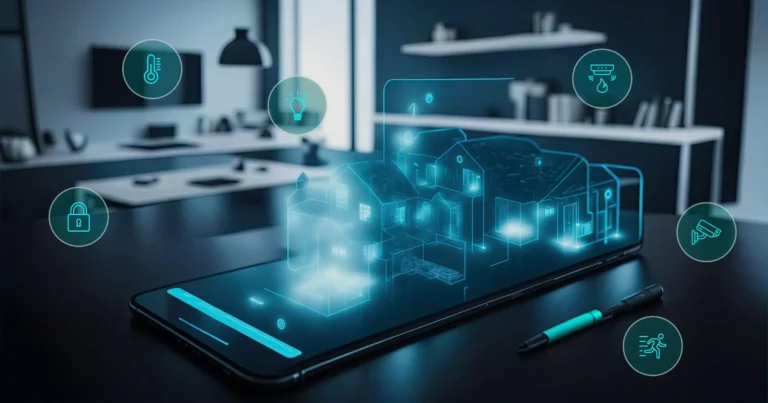
Choosing the right display interface is more than just picking a connector—it shapes your board layout, performance, system behavior, and integration cost. Let’s walk through each interface in a natural, engineer-friendly way, highlighting where each shines and what to watch out for.
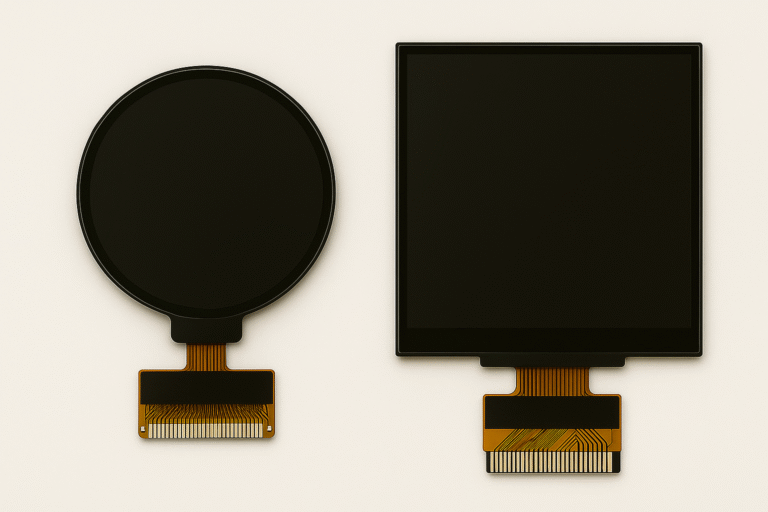
As display technology continues to evolve, manufacturers are turning their focus from flat, rectangular screens to innovative, round LCD displays—also known as circular displays. While aesthetically appealing and ergonomically promising, round LCDs come with a noticeable cost premium compared to traditional rectangular displays.









