Facing a bottleneck in your Embedded Display Project?
Don’t let complex integration or supply chain issues slow your time-to-market. Book a free consultation with the RJY expert team for tailored design and manufacturing support.


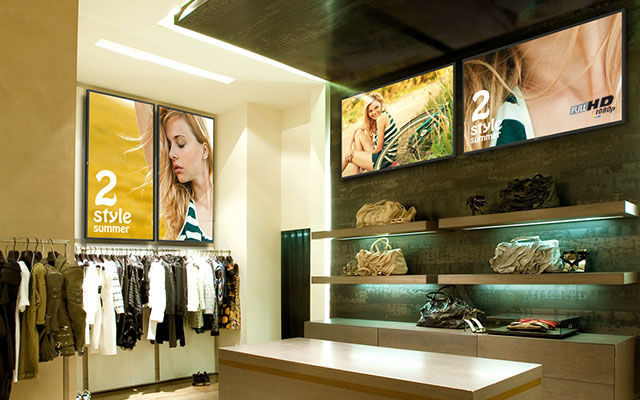
In the ever-changing landscape of urban architecture, commercial property and transport infrastructure across North America and Europe, static signage has effectively become obsolete. Modern public spaces require dynamism, interactivity and unlimited adaptability. At the heart of this digital transformation lies…
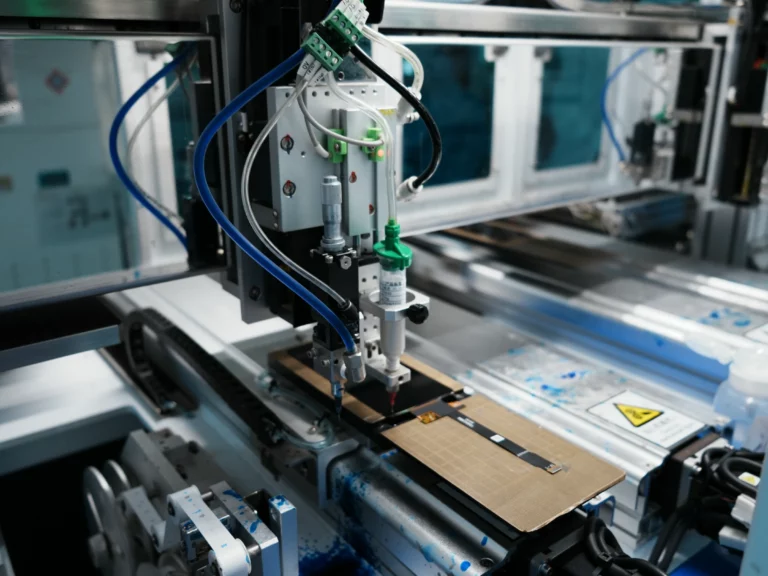
In the high-stakes arena of global hardware manufacturing, display technology is often the most heavily scrutinized component on the Bill of Materials (BOM). Over the past decade, consumer media has been captivated by the rise of OLED and foldable screens.…
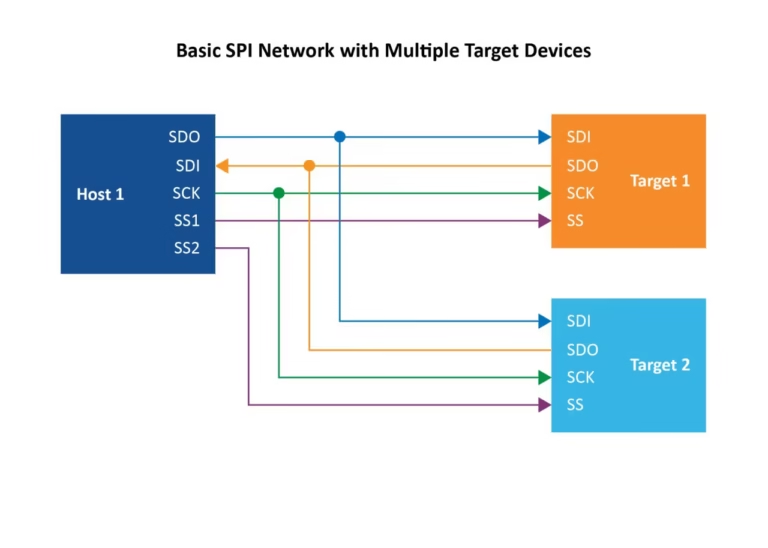
In the world of embedded systems engineering, the interface between your logic and your user is everything. As graphical interfaces move from simple character LCDs to high-resolution TFTs, the choice of communication protocol becomes a pivot point for project success.…
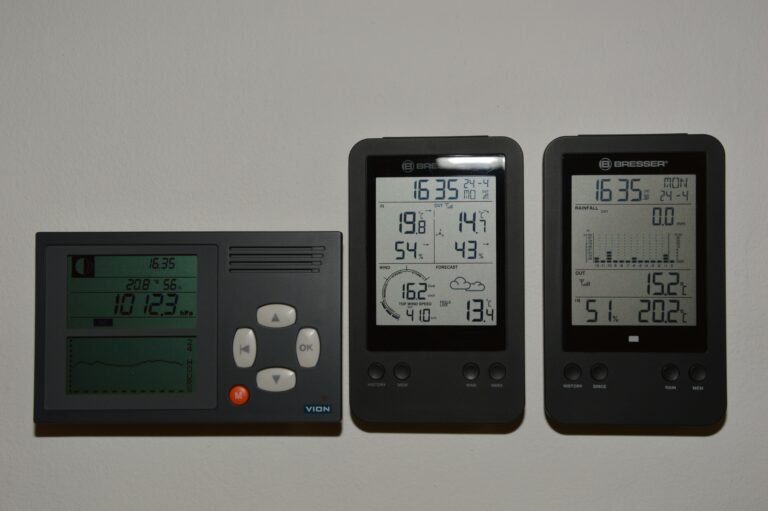
When a user walks up to an industrial control panel, a smart thermostat, or a medical ventilator, their expectation has already been set by the smartphone in their pocket. They expect fluid animations, instantaneous feedback, and an intuitive layout. However,…
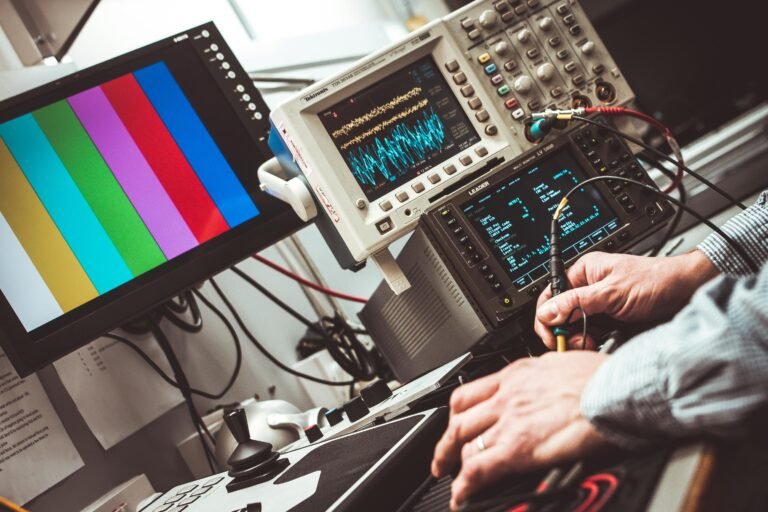
Let’s be honest: hardware is hard. It is called "hardware" precisely because you cannot fix a physically ill-fitting component with an over-the-air (OTA) software patch on a Friday afternoon. When you are designing a new electronic device—whether it is a rugged industrial control panel, a sleek medical ventilator, or the next wildly over-engineered smart coffee maker—the display is the undisputed "face" of your product. It is the first thing your users see, touch, and inevitably complain about if it doesn't work perfectly.
At the heart of modern display integration lies a critical, fork-in-the-road decision for your engineering and procurement teams: Do you buy standard, off-the-shelf TFT Modules, or do you invest the time and capital into designing custom TFT Modules?
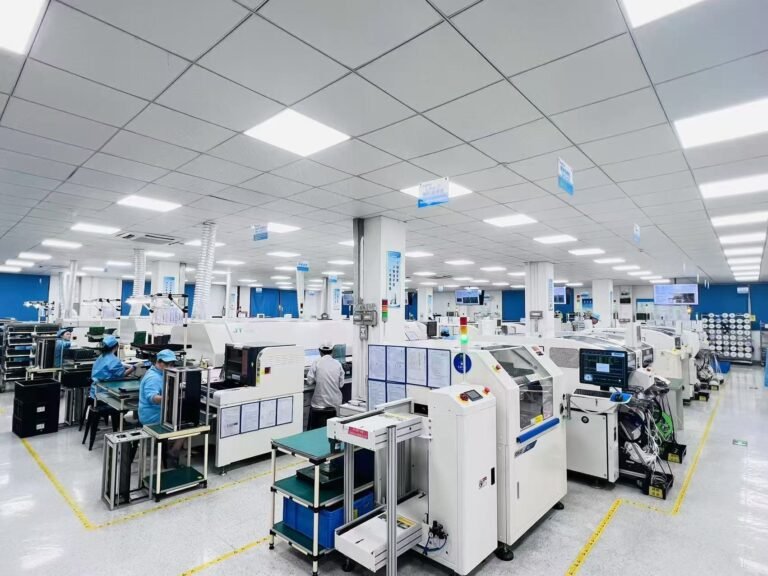
For procurement managers and supply chain executives navigating the high-stakes electronics markets, sourcing components is rarely just a transaction—it is a strategic alliance. You stand at the precise intersection where the engineering team’s impossible technical demands collide with the finance department’s impossible budget constraints. And when it comes to the "face" of your final product, nothing is more critical than the display.
Choosing the right TFT LCD display manufacturer is a decision that will either secure your product’s market dominance or result in endless nights agonizing over Return Material Authorization (RMA) reports and sudden End-of-Life (EOL) notices.
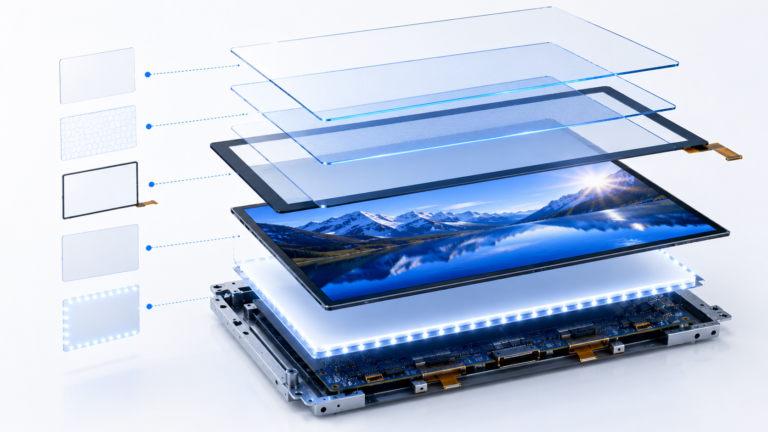
TFT technology has become one of the most widely used display solutions in modern electronics. From industrial control systems and medical devices to smart home products and commercial equipment, TFT LCD displays power millions of devices around the world. Because…
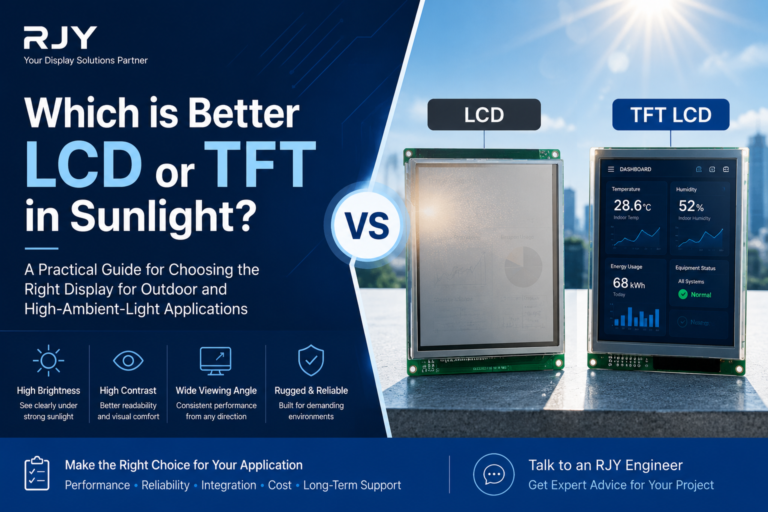
Understanding the Basics of LCD and TFT Technology When considering displays for environments with high ambient light, it is important to understand the fundamental differences between standard LCDs and TFT LCDs. A standard LCD, or liquid crystal display, relies on…

For years, burn-in has been one of the biggest concerns surrounding OLED technology. The question appears repeatedly in product reviews, engineering discussions, and purchasing evaluations. As OLED displays have become increasingly common in smartphones, televisions, automotive dashboards, laptops, and premium…









