Facing a bottleneck in your Embedded Display Project?
Don’t let complex integration or supply chain issues slow your time-to-market. Book a free consultation with the RJY expert team for tailored design and manufacturing support.

Trying to save money on digital signage hardware does not have to mean choosing the lowest-priced LCD, processor or enclosure. In many projects, the largest avoidable costs come from buying specifications the application cannot use, combining incompatible components or discovering installation problems after the hardware design has already been approved.
A cost-controlled digital signage system starts with a clear understanding of the content, viewing environment and operating workflow. Once those requirements are defined, developers can select a display, controller board, touch solution and mechanical structure that are sufficient for the job without being unnecessarily complex.
This guide focuses on compact and embedded digital signage, including shelf-edge displays, countertop information terminals, room-status screens, vending-machine displays, appliance-integrated advertising screens and other small commercial display systems. Large-format commercial televisions and outdoor LED billboards require a different purchasing strategy.
Unit price is visible immediately. Integration cost is not.
A low-priced display may appear to reduce the bill of materials, but the saving can disappear if the development team later needs an additional conversion board, a different cable, a revised enclosure or new firmware. Similar problems occur when a controller board is selected before the LCD interface and pin definition are confirmed.
The real hardware budget may include:
Saving on one component while increasing three other cost categories is not effective cost reduction. The objective should be to simplify the complete system and reduce the possibility of redesign.
For a broader discussion of why the lowest purchase price can create additional lifecycle expense, see RJY’s guide to the hidden costs and risks of cheap LCD displays.
The content determines the hardware. A shelf display showing prices and simple promotional graphics does not have the same requirements as a touchscreen directory playing high-resolution video and retrieving live data.
Before requesting quotations, define:
This information prevents suppliers from quoting an unnecessarily powerful system simply because the actual use case is unclear. It also makes competing proposals easier to compare because every supplier is working from the same application brief.
Businesses sometimes select a conventional rectangular display and then build a large enclosure around it, even when the content only occupies a narrow portion of the screen. That can increase the LCD cost, enclosure size, shipping volume and installation space.
A bar-type display may be a more efficient choice for shelf-edge promotions, equipment headers, transit information, directional messages or compact advertising strips. A square display may fit a room controller or countertop product. A conventional landscape display remains appropriate when the interface contains longer text, several menu items or video.
The saving comes from matching the active display area to the information architecture. Screen shape should not be chosen purely for novelty, but an appropriate non-standard aspect ratio can eliminate unused area and help reduce the size of the complete device.
Developers of shelf and narrow-panel systems can review RJY’s bar LCD display options and the 6.9-inch bar TFT LCD module as examples of compact display formats.
Higher resolution is attractive in a specification table, but it is not automatically more valuable in the finished product. The useful resolution depends on screen size, viewing distance, content design and visual detail.
A resolution increase may affect more than the LCD price. It can require additional graphics-processing capacity, memory bandwidth, storage, software optimization and power. It may also reduce the number of controller-board options available for the project.
If a display mainly presents large numbers, icons, logos or short messages, the interface may not benefit from an extremely high pixel density. The better approach is to test representative content at the intended viewing distance and select a resolution that keeps the interface clear without overloading the system.
RJY’s guide to LCD resolution, pixels and aspect ratio explains why these factors should be evaluated together instead of treating resolution as an isolated measure of quality.
Brightness is another area where over-specification can raise hardware cost. An indoor sign installed under controlled retail lighting does not necessarily need the same backlight design as a screen exposed to strong daylight.
Higher-brightness configurations may affect the backlight, power supply, heat management and enclosure. Selecting a brightness target without evaluating the real environment can therefore increase both component cost and engineering work.
At the same time, under-specifying brightness is a false economy. A display that cannot be read in its installed location may need to be replaced or repositioned.
Provide photographs or lighting information from the installation site when possible. Consider reflections from the cover glass, display angle, viewing distance and whether sunlight reaches the screen directly. Brightness should be treated as an environmental requirement, not a marketing number.
Touch can transform a digital sign into a directory, ordering terminal, product selector or service interface. However, a touchscreen is unnecessary when customers only need to read a message or watch content.
Adding touch can introduce costs for the sensor, cover glass, touch controller, bonding, cabling, software and validation. The enclosure may also need to support repeated public interaction and cleaning.
Before adding touch, identify the exact action the user must complete. If the application only needs occasional technician access, a hidden service button or remote-management workflow may be more economical. If customers will browse products or make selections, touch may justify its cost by replacing physical buttons and enabling a configurable interface.
For interactive projects, the LCD, touch sensor, cover glass, controller and operating system should be reviewed as one configuration. The final behavior should be verified with the actual assembly rather than assumed from a generic touchscreen specification.
A powerful Android controller board can support video, networking, application software and sophisticated interfaces. It is not automatically the most economical choice for every sign.
A simple display that repeats a fixed information sequence may need fewer processing resources than a connected touchscreen terminal. Conversely, an underpowered controller can create playback problems, slow interaction or additional software-development work.
Define the required workload before choosing the board:
Purchase reasonable performance headroom when the product roadmap requires it, but avoid paying for interfaces and processing capacity that the application has no plan to use.
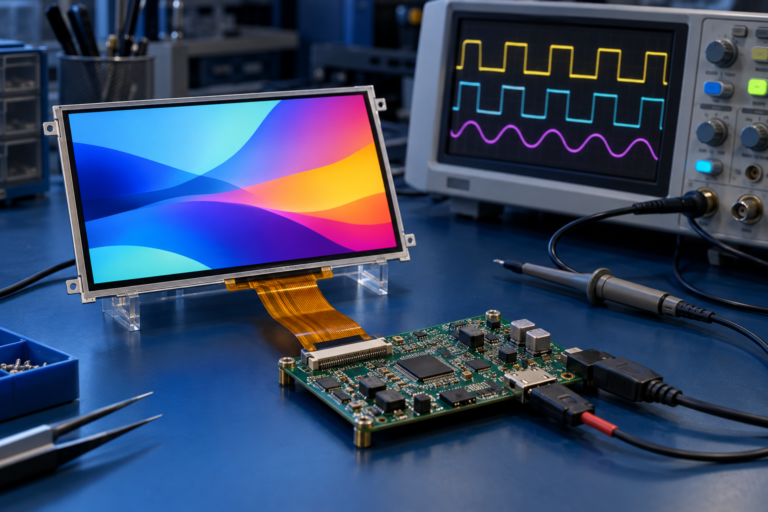
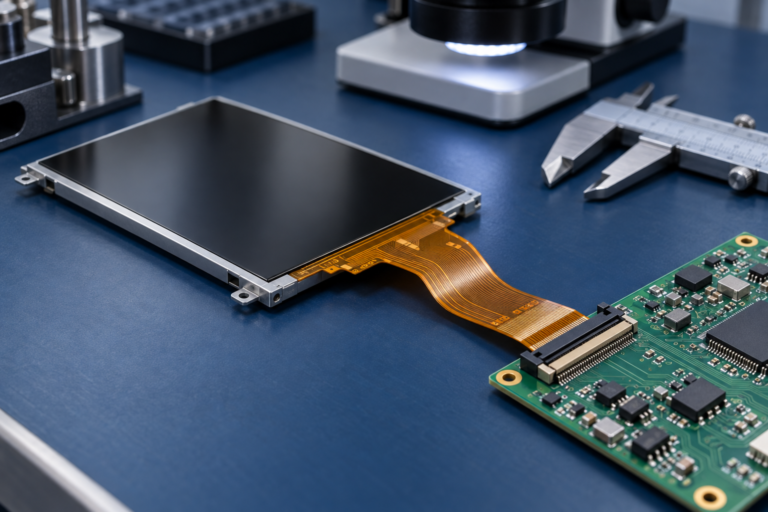
Controller-board compatibility cannot be determined by connector appearance alone. The panel model, resolution, display interface, pin definition, timing, backlight, touch path, firmware and operating environment must be checked. The TFT LCD and Android controller-board matching guide lists the information needed for this review.
Every additional interface layer adds something to purchase, mount, power and test. It may also create another connector that can loosen during transport or field service.
For an early prototype, using an adapter may be the fastest way to demonstrate a concept. For a production system, the team should determine whether the host and LCD can be connected through a cleaner, project-specific architecture.
The lowest-risk configuration depends on the selected panel and host. MIPI, LVDS, eDP, HDMI and other display interfaces are not interchangeable, even when adapters exist. A controller-board path should be confirmed only after the actual LCD information is available.
RJY can review HDMI-to-MIPI and other controller configurations on a project basis. The HDMI-to-MIPI compatibility guide explains why panel documentation, backlight requirements and firmware must be evaluated before a board is approved.
A completely new panel size may sound like the best way to achieve a unique digital signage product. In many compact projects, it also introduces avoidable development cost, volume requirements and technical risk.
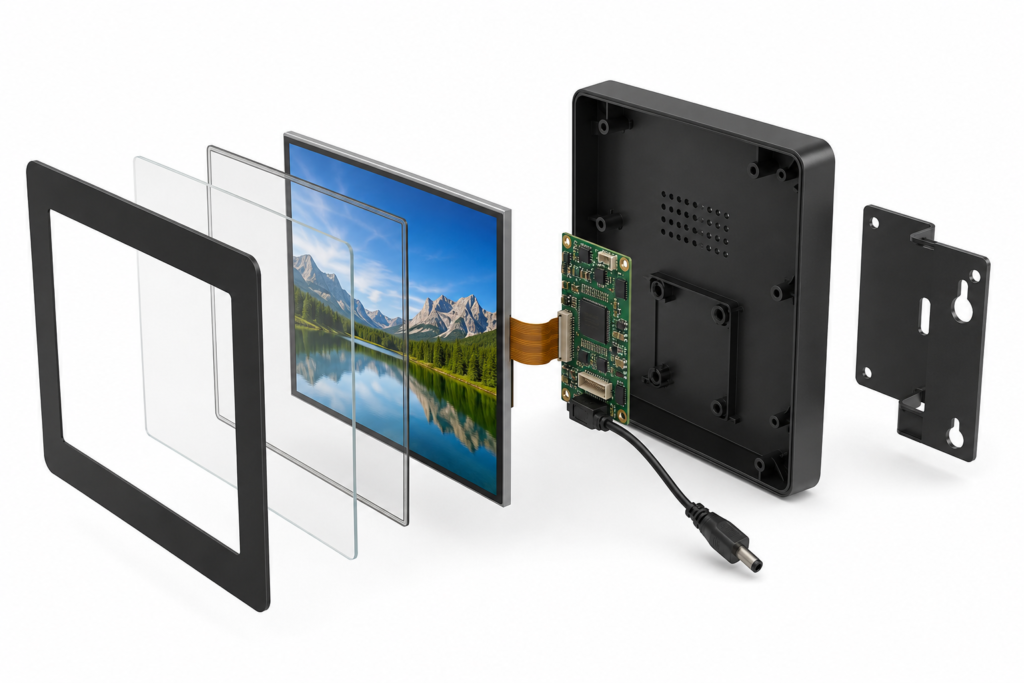
A more practical route is often to select an existing LCD module and customize the surrounding assembly. Depending on the module and project, this may include:
This strategy preserves a distinctive front-panel appearance while avoiding the assumption that every product needs a new LCD cell or panel geometry. It can also make early samples more representative of the intended production design.
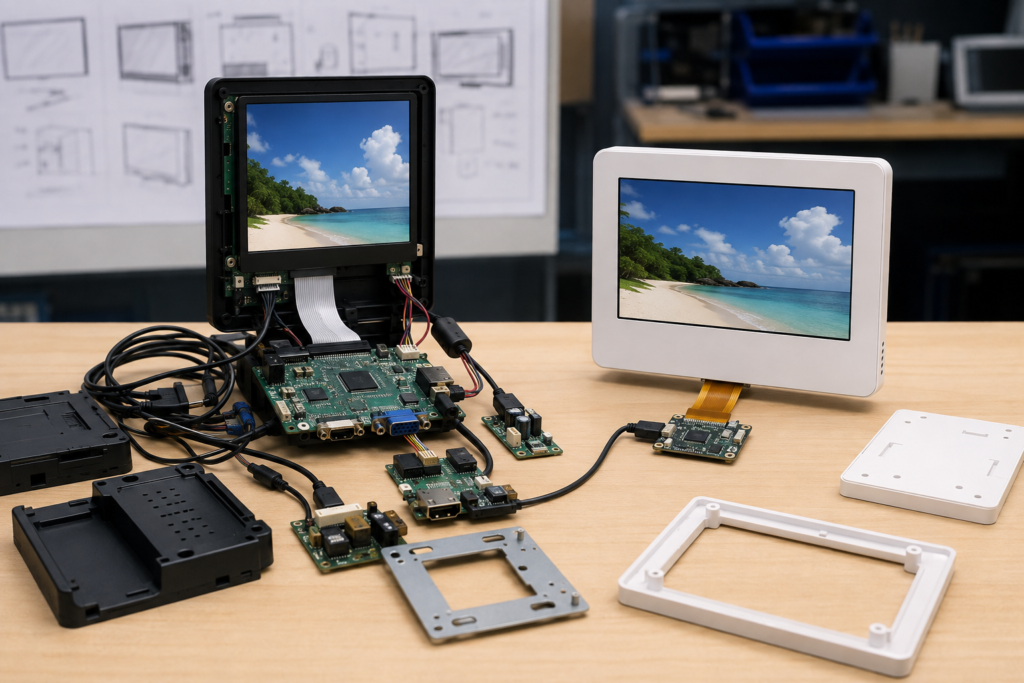
A business operating several signage formats may be able to use one display-and-controller architecture for multiple product variants. Branding, content and interface behavior can then be changed in software or through the cover-glass design.
Standardization can reduce the number of spare parts, technical documents, cables and firmware versions the organization must manage. Installers also become familiar with one internal architecture.
This does not mean forcing one screen into every enclosure. Standardization works best where the viewing requirement, content workload and environmental conditions are similar. A store may use one hardware platform for several countertop displays while maintaining a separate platform for narrow shelf-edge units.
The saving should be measured across purchasing, development, deployment and maintenance—not only through a larger order for a single component.
A compact sign can still be expensive to install if the mounting points are difficult to reach, the cable exits in the wrong direction or the enclosure must be removed to access a common service connection.
Review the installation environment before freezing the mechanical design. Confirm:
A few minutes saved during each installation can matter across a multi-location rollout. More importantly, good service access can prevent technicians from damaging unrelated components while replacing one part.
| Decision | Common False Economy | Cost-Controlled Approach |
|---|---|---|
| Display size | Buying a larger screen than the content requires | Match the active area and aspect ratio to the message |
| Resolution | Choosing the highest available value | Test real content at the intended viewing distance |
| Brightness | Using an outdoor target for every installation | Evaluate ambient light, reflections and viewing angle |
| Touch | Adding touch without a defined user action | Add it when interaction creates measurable product value |
| Controller | Buying maximum performance or selecting by connector alone | Match processing, interfaces and firmware to the workload |
| Custom design | Assuming a completely new LCD panel is required | Customize around a suitable existing module |
| Interfaces | Stacking multiple adapters into the production design | Review the panel-to-host architecture early |
| Maintenance | Ignoring access until installation | Design mounting, cabling and replacement procedures in advance |
Cost optimization does not always mean removing features. Some investments can reduce lifecycle expense when they solve a verified requirement.
A higher-brightness backlight may be justified where ambient light would otherwise make the message unreadable. A durable front cover may reduce damage in a public environment. Additional controller performance may be worthwhile when future software functions are already part of the product roadmap. Firmware coordination may prevent a costly mismatch between the LCD timing and host platform.
The distinction is evidence. Spend more when the application, test result or deployment plan supports the decision. Avoid adding specifications only because they look stronger in a comparison table.
A useful comparison should include more than the LCD and controller-board price. Build a simple total-cost model covering components, development, installation and maintenance.
For each candidate architecture, compare:
This exercise often shows that the most economical system is the one with fewer parts, clearer compatibility and easier installation—not necessarily the system containing the cheapest individual screen.
RJY Display can help equipment developers review compact TFT LCD modules, touch assemblies and controller-board options for embedded digital signage projects. Controller-board adaptation is available for selected displays from approximately 1.28 to 15.6 inches, depending on resolution, interface, firmware and the complete project requirements.
Support may include existing TFT LCD module selection, cover glass, touchscreen, backlight, FPC, interface, controller board, firmware and display-related mechanical coordination. LCD modules and controller boards can also be discussed separately when the customer already has part of the system architecture.
Compatibility and customization scope must be confirmed from the actual panel and project information. RJY does not treat one controller board as universally compatible with every LCD, and customization should not be assumed to include unrestricted development of a completely new LCD size.
To receive a technically meaningful proposal, provide:
A complete brief makes it easier to remove unnecessary hardware before it enters the design. It also helps identify compatibility problems while they are still inexpensive to correct.

The most reliable way to save money on digital signage hardware is to make every component serve a defined purpose. Choose a screen shape that fits the content, a resolution the viewer can benefit from, a brightness level suited to the environment and a controller capable of the actual workload.
Then simplify the connection path, customize around an existing module and plan installation before production. These decisions can lower the bill of materials while also reducing development time, field problems and redesign risk.
If you are developing a compact retail sign, shelf display, countertop terminal or embedded commercial display, explore RJY custom display solutions or contact RJY with your LCD, controller-board, touch and mechanical requirements for an engineering review.
Start by defining the content, viewing environment and required interaction. Then select only the display size, resolution, brightness, touch capability and controller performance needed for that application. Reducing unnecessary components and avoiding redesign can be more valuable than selecting the cheapest individual screen.
No. The appropriate controller depends on video resolution, interface complexity, networking, touch, software and future functions. A simple information display may need fewer resources, while an interactive connected terminal may justify a more capable Android platform.
No. The benefit depends on screen size, content detail and viewing distance. Higher resolution may also increase processing, bandwidth and power requirements. Representative content should be tested before the resolution is finalized.
Possibly. Products with similar content, performance and environmental requirements may share an LCD-and-controller architecture while using different software, cover glass or enclosures. Each configuration should still be validated for its intended installation.
RJY can review a matched LCD and controller-board solution after receiving the panel, resolution, interface, pin definition, backlight, touch, firmware and operating-environment requirements. LCD modules and controller boards can also be discussed separately.
Share your display size, resolution, interface, brightness, touch requirement, controller board requirement, and application environment.
Continue reading related display technology guides and application references.
Talk to RJY’s engineering team for display matching, controller board review, and customization discussion.









